
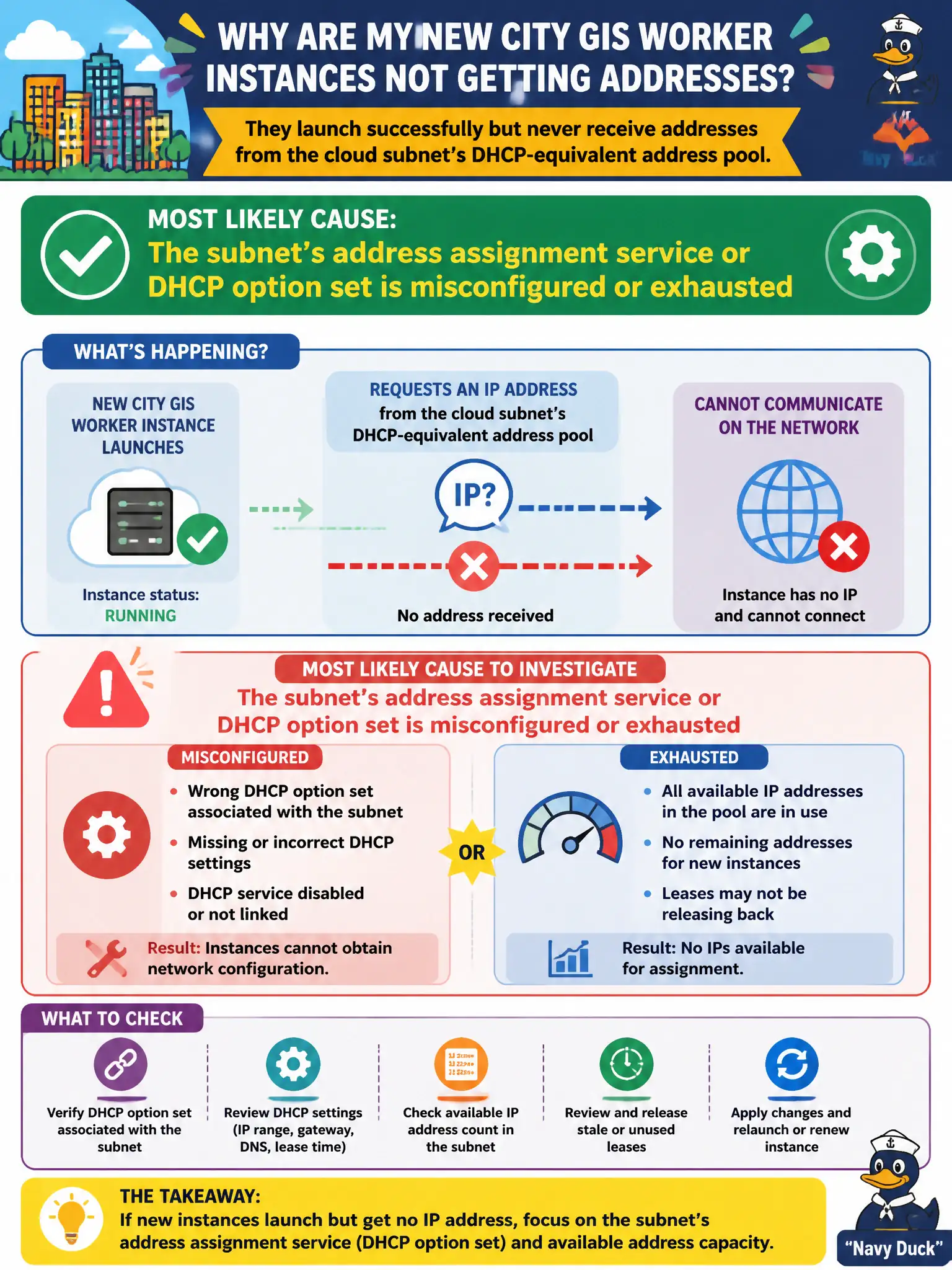
New city GIS worker instances launch successfully but never receive addresses from the cloud subnet's DHCP-equivalent address pool. What is the most likely cause to investigate?
Select an answer to reveal the explanation.
Short Explanation
Brand-new VMs that never get an IP are like cars that never get a parking stall number. Look at the subnet's address hand-out service first—wrong options, empty pool, or a broken DHCP-style config—before blaming the app.
Full Explanation
New city GIS worker instances that launch successfully but never receive addresses from the cloud subnet's DHCP-equivalent address pool most likely point to the subnet's address assignment service or DHCP option set being misconfigured or exhausted. Instances can be created yet remain unusable without addresses on the civic network. The object storage bucket for map tiles being in a colder storage tier does not prevent NIC address assignment. A private container registry requiring a pull secret affects image pulls, not initial DHCP-like addressing. A load balancer health probe using HTTPS instead of HTTP is unrelated to worker address acquisition. Exam caveat: also verify CIDR free space—exhaustion presents similarly to DHCP/options misconfiguration in municipal subnets. Operational check: inspect the subnet's available IPs and DHCP/options configuration, launch a test instance, confirm it receives an address, fix options or enlarge CIDR if needed, and update the GIS network runbook. In municipal cloud operations, record the chosen control and the rejected alternatives in the change or incident ticket so future on-call staff understand which failure modes were avoided for city services. Re-validate after the next maintenance window that the same decision still holds under current provider limits, identity bindings, and application versions used by the civic platform team.