
Several municipal workloads share a constrained compute pool; performance collapses when noisy neighbors consume disproportionate capacity. Which deployment issue does this describe?
Select an answer to reveal the explanation.
Short Explanation
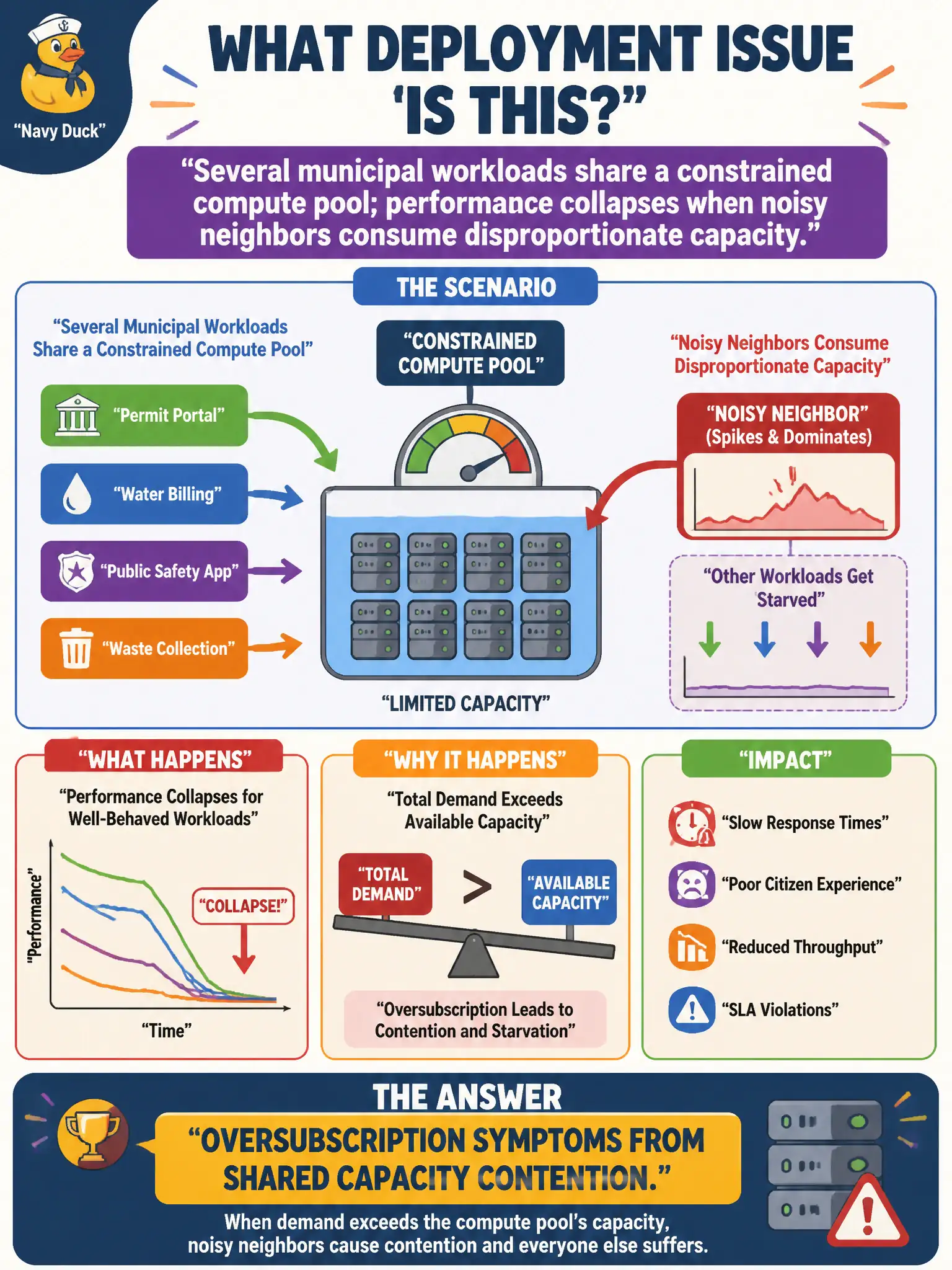
Too many roommates fighting over one small fridge—that is noisy-neighbor oversubscription. Shared pools can starve workloads when others hog CPU or I/O. Look at contention and capacity limits before rewriting the whole app.
Full Explanation
Several municipal workloads sharing a constrained compute pool where performance collapses when noisy neighbors consume disproportionate capacity describes oversubscription symptoms from shared capacity contention. Noisy-neighbor effects appear in oversubscribed civic clusters and shared tenancy pools when isolation is weak. Perfect isolation with dedicated hosts already guaranteeing zero interference contradicts the collapse symptom. A DNS TTL setting that only affects name caching does not explain compute contention. Successful horizontal scaling that removed all contention forever is inconsistent with the ongoing performance collapse. Exam caveat: mitigations include reservations, dedicated hosts, resource quotas, and autoscaling—choose based on whether the exam scenario emphasizes noisy neighbors vs simple undersizing. Operational check: identify noisy tenants via CPU steal or throttling metrics, apply quotas or separate pools for critical city services, retest latency under load, and document capacity isolation standards for the shared municipal compute platform. In municipal cloud operations, record the chosen control and the rejected alternatives in the change or incident ticket so future on-call staff understand which failure modes were avoided for city services. Re-validate after the next maintenance window that the same decision still holds under current provider limits, identity bindings, and application versions used by the civic platform team.