
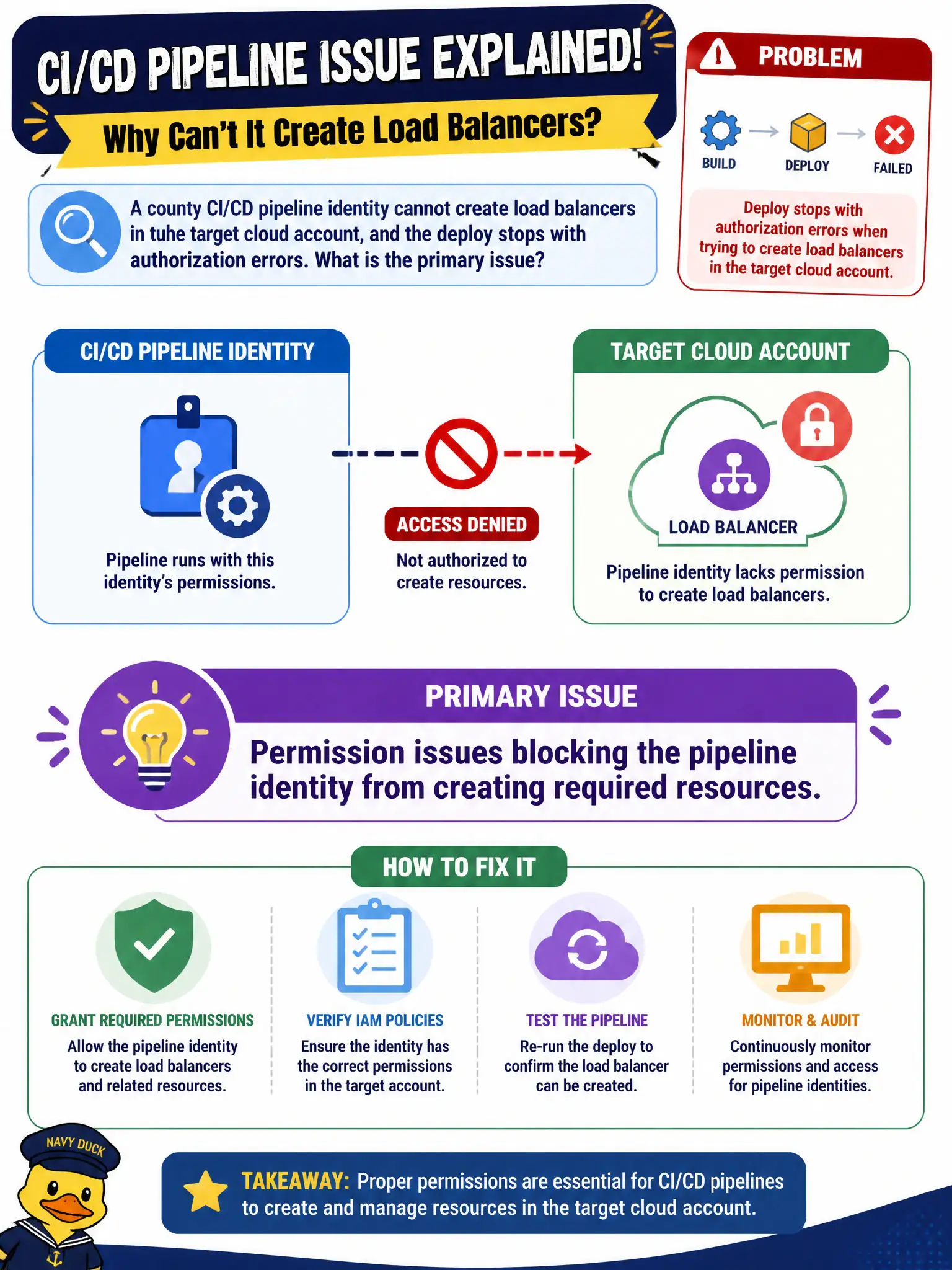
A county CI/CD pipeline identity cannot create load balancers in the target cloud account, and the deploy stops with authorization errors. What is the primary issue?
Select an answer to reveal the explanation.
Short Explanation
Authorization errors on "create load balancer" usually mean the pipeline’s identity is missing rights—not a CSS file on the homepage. Check the role policies in the target account and grant least privilege for what the deploy must create. Permissions are a frequent deployment blocker.
Full Explanation
A county CI/CD pipeline identity that cannot create load balancers in the target cloud account, stopping deploy with authorization errors, is primarily a permission issue blocking the pipeline identity from creating required resources. IAM least privilege that omits needed actions fails closed—as it should—until roles are corrected. A missing CSS stylesheet on the citizen portal landing page would not produce cloud authorization errors for load balancer APIs. An overfilled recycle bin on a technician laptop is irrelevant. Claiming correct and sufficient IAM permissions already granted contradicts the authorization failures described. Exam caveat: fix with least privilege expansions or resource policies—not by granting blanket admin "to make the pipeline green" without review in municipal accounts. Operational check: capture the denied action and resource from logs, update the pipeline role with the minimal required permissions, re-run deploy, verify success, and record the IAM change in the county access review ticket. In municipal cloud operations, record the chosen control and the rejected alternatives in the change or incident ticket so future on-call staff understand which failure modes were avoided for city services. Re-validate after the next maintenance window that the same decision still holds under current provider limits, identity bindings, and application versions used by the civic platform team.