
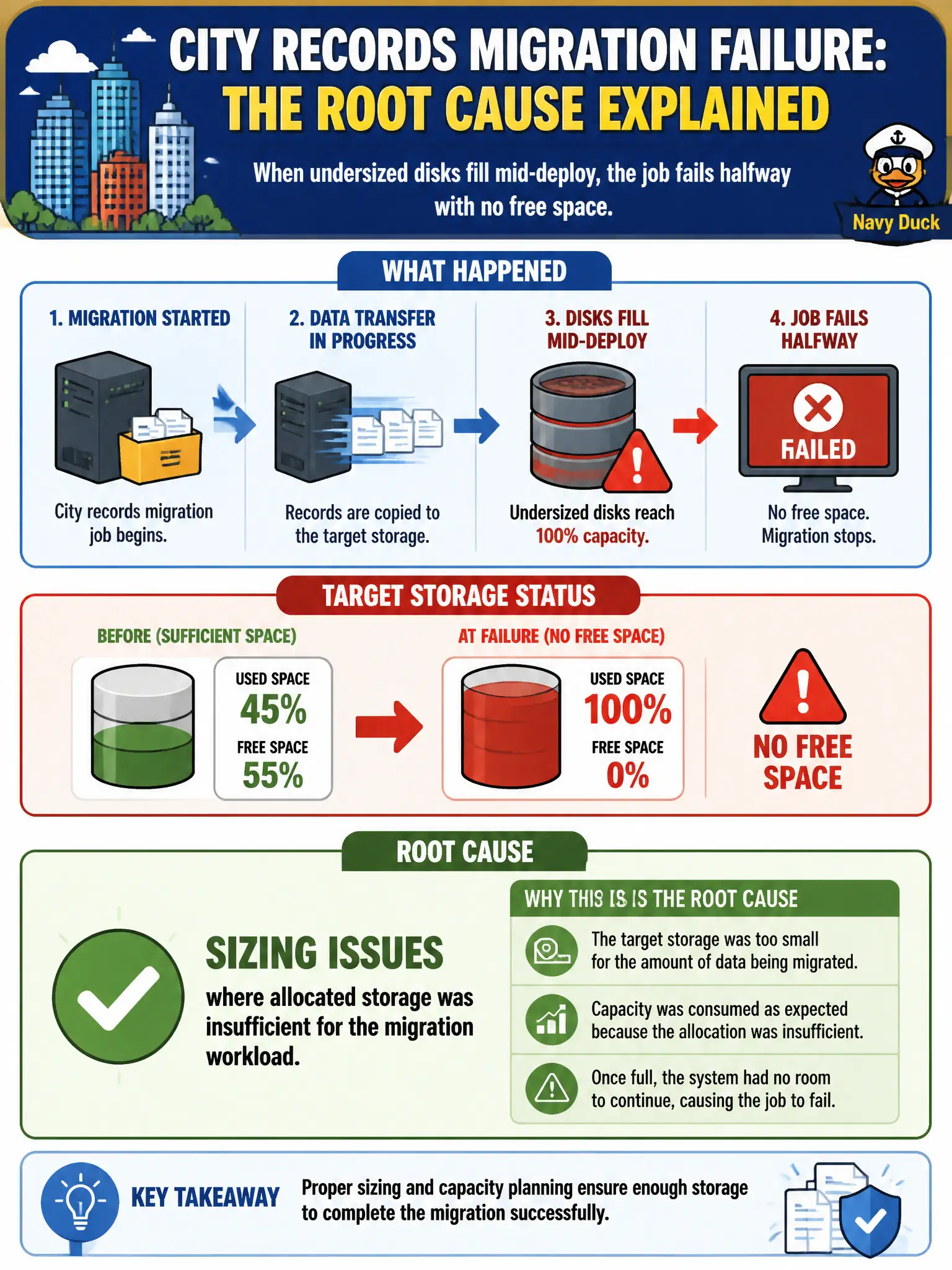
During a city records migration, undersized disks fill mid-deploy and the job fails halfway with no free space. What is the most accurate root-cause category?
Select an answer to reveal the explanation.
Short Explanation
Disks that fill mid-migrate are a sizing miss—plain and simple. Budget enough volume for the dataset plus growth and temp space, then retry. Do not blame a CDN you never pointed at the job.
Full Explanation
During a city records migration, undersized disks filling mid-deploy and failing the job halfway with no free space is accurately categorized as sizing issues where allocated storage was insufficient for the migration workload. Storage sizing mistakes halt civic data movements even when compute and IAM are correct. A successful validation proving volumes were oversized for the dataset contradicts the out-of-space failure. An unused CDN configuration that never received traffic does not fill migration disks. Correct object-lock retention that automatically expands volumes on demand misstates how most block volumes behave—retention locks do not magically grow disks. Exam caveat: include growth headroom, temp space, and index rebuild overhead in migration sizing—not only the raw dataset bytes. Operational check: estimate source size plus overhead, expand volumes or use a larger tier before retry, monitor free space during migration, add preflight capacity checks to the runbook, and capture final sizes for the municipal records migration report. In municipal cloud operations, record the chosen control and the rejected alternatives in the change or incident ticket so future on-call staff understand which failure modes were avoided for city services. Re-validate after the next maintenance window that the same decision still holds under current provider limits, identity bindings, and application versions used by the civic platform team.