
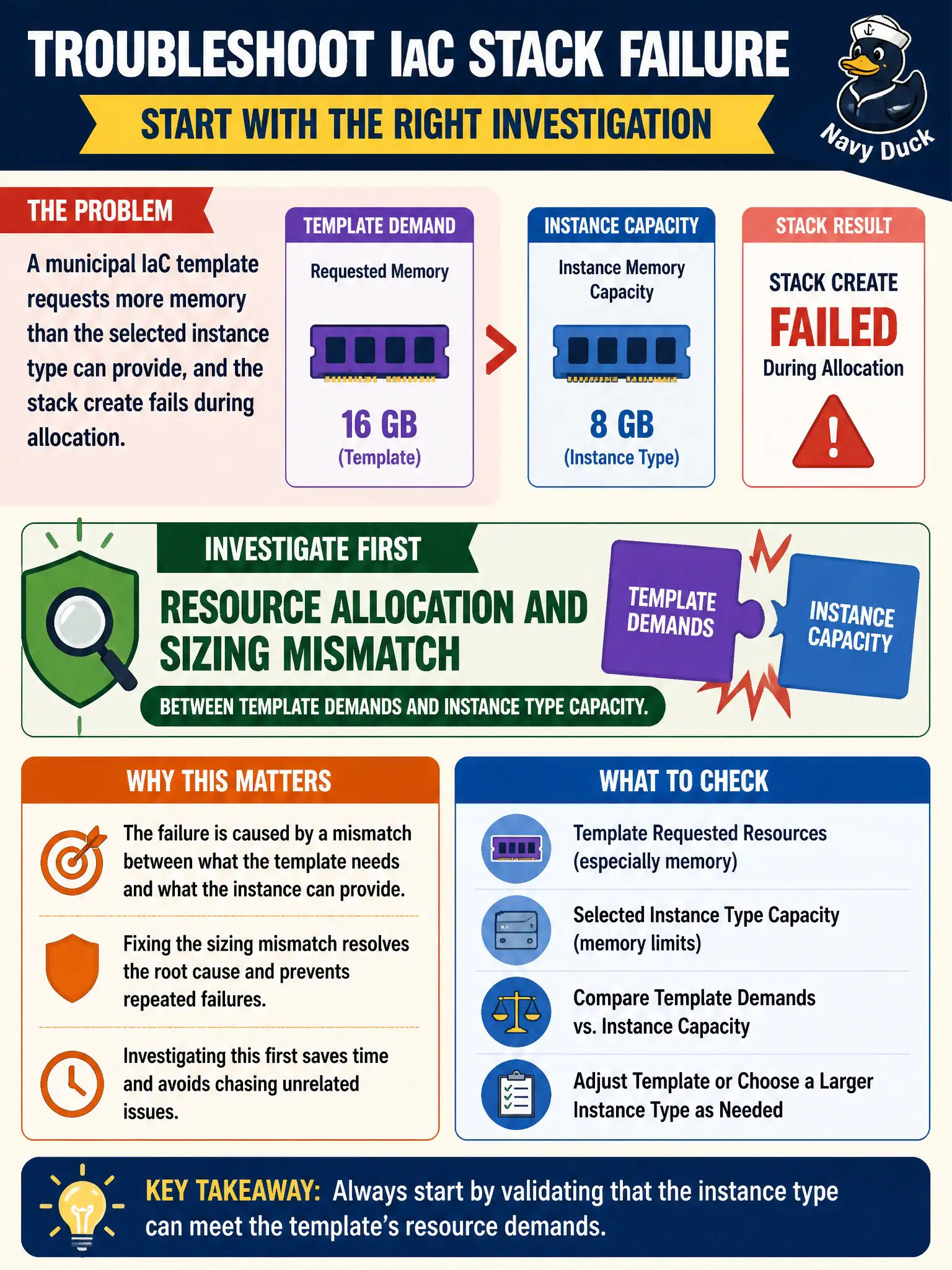
A municipal IaC template requests more memory than the selected instance type can provide, and the stack create fails during allocation. What should ops investigate first?
Select an answer to reveal the explanation.
Short Explanation
The template asked for more RAM than the box can give—math problem, not a coffee-machine problem. Align the instance type with the template’s memory ask, or shrink the ask. Sizing mismatches are a top deployment-breaker in cloud ops.
Full Explanation
When a municipal IaC template requests more memory than the selected instance type can provide and stack create fails during allocation, ops should investigate resource allocation and sizing mismatch between template demands and instance type capacity first. Capacity math errors are common civic deploy blockers when modules are copied without checking SKU limits. Citizen mobile app icon color choices in the design system do not cause cloud allocation failures. Office coffee machine firmware currency is unrelated. Whether a distant SaaS marketing newsletter completed SPF setup does not affect instance memory allocation in the city account. Exam caveat: distinguish quota/limit errors from pure SKU sizing mismatches—both block deploys but remediate differently (quota requests vs template edits). Operational check: read the allocation error, compare template memory to the instance type documentation, resize the type or reduce requests, re-apply in a non-prod stack, and add a policy check that validates sizing before civic production applies. In municipal cloud operations, record the chosen control and the rejected alternatives in the change or incident ticket so future on-call staff understand which failure modes were avoided for city services. Re-validate after the next maintenance window that the same decision still holds under current provider limits, identity bindings, and application versions used by the civic platform team.