
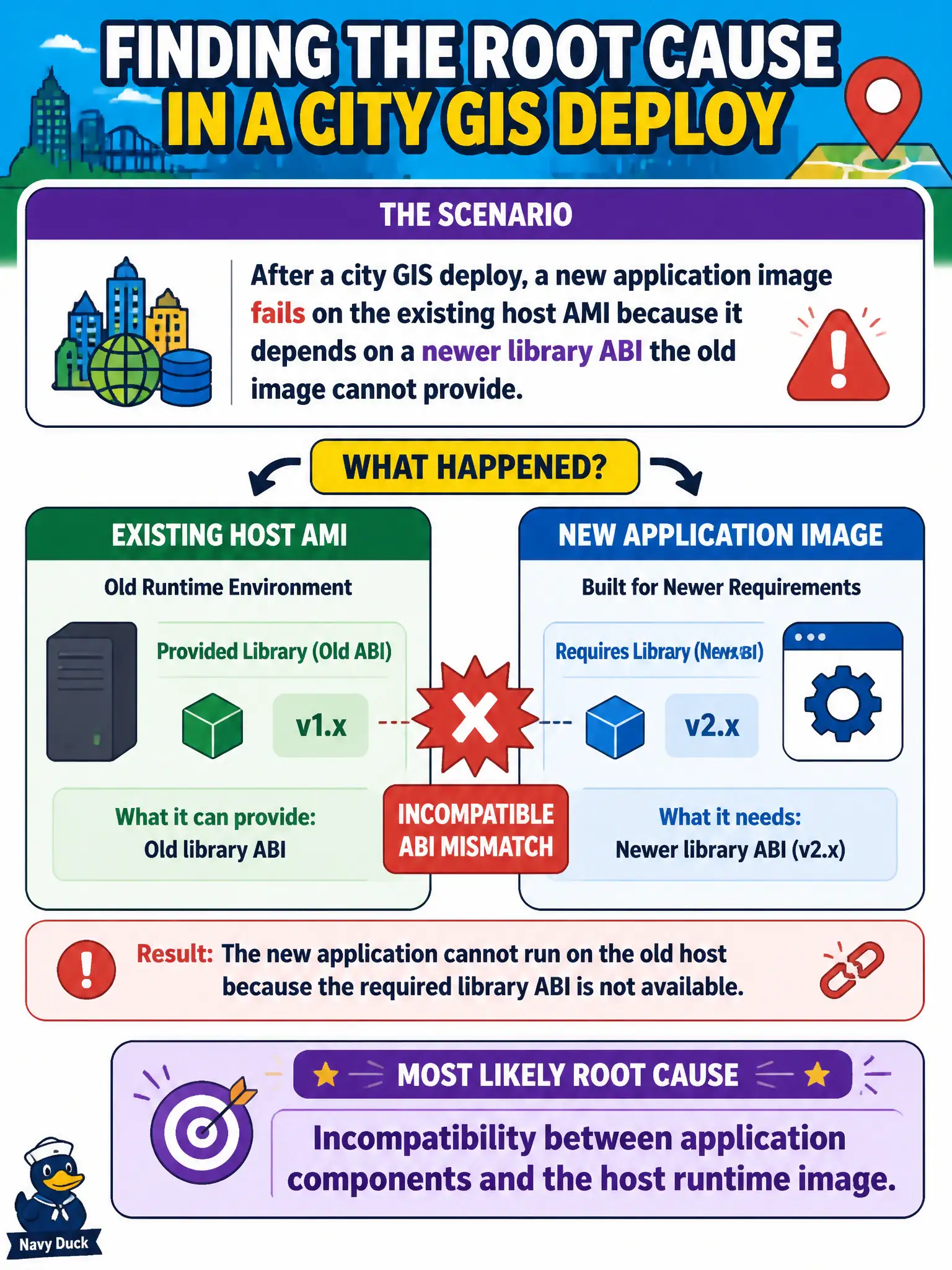
After a city GIS deploy, a new application image fails on the existing host AMI because it depends on a newer library ABI the old image cannot provide. What is the most likely root cause category?
Select an answer to reveal the explanation.
Short Explanation
New app, old host libraries—those two just do not speak the same ABI dialect. That is a classic component incompatibility failure, not a DNS mystery on some other network. Fix the runtime match (new AMI/base image or rebuilt app) before blaming the whole cloud.
Full Explanation
After a city GIS deploy, a new application image failing on the existing host AMI because it depends on a newer library ABI the old image cannot provide is most likely incompatibility between application components and the host runtime image. Runtime mismatch is a classic municipal deployment failure when apps move faster than golden images. DNS cache poisoning on an unrelated recursive resolver far from the fleet does not explain ABI failures on the host. Exhausted public IPv4 quotas in a region that was never targeted would block networking differently, not library load errors. A successful canary that proves full compatibility across all hosts contradicts the failure symptom. Exam caveat: containers reduce host ABI coupling but do not eliminate base-image compatibility issues inside the container stack itself. Operational check: compare required library versions to the AMI/container base, rebuild on an updated golden image, canary the GIS workers, pin compatible base digests, and update the municipal image pipeline so app and runtime move together. In municipal cloud operations, record the chosen control and the rejected alternatives in the change or incident ticket so future on-call staff understand which failure modes were avoided for city services. Re-validate after the next maintenance window that the same decision still holds under current provider limits, identity bindings, and application versions used by the civic platform team.