
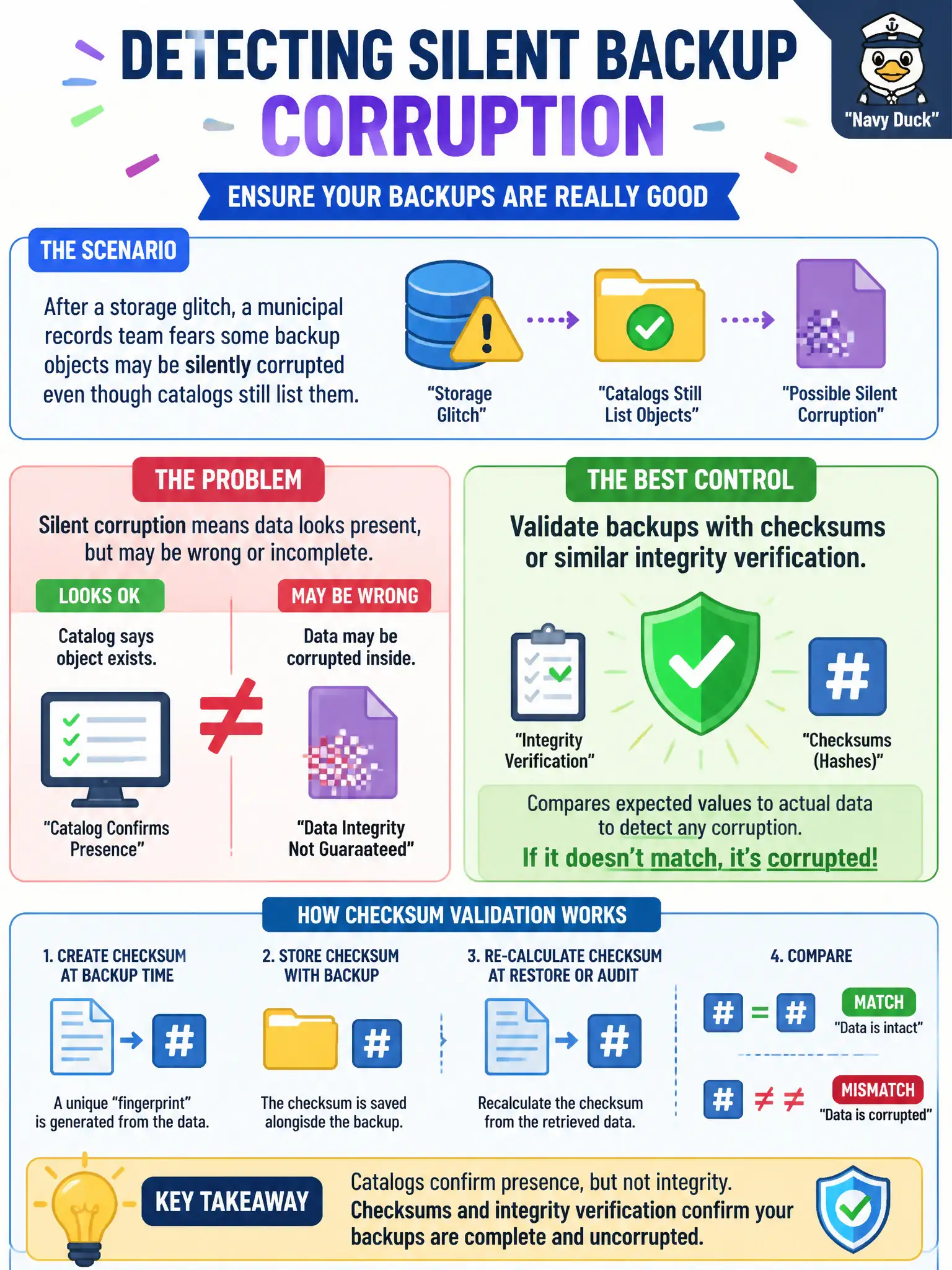
After a storage glitch, a municipal records team fears some backup objects may be silently corrupted even though catalogs still list them. What control best detects that integrity problem?
Select an answer to reveal the explanation.
Short Explanation
Checksums are the tamper-evident seal on the box. If the bits changed in transit or at rest, the seal fails even when the catalog label still looks fine. Job-success mail alone cannot catch that silent corruption.
Full Explanation
Integrity validation such as checksums or cryptographic hashes detects silent corruption that job-success messages and catalog listings may miss. After a storage glitch, a municipal records team should validate backup objects so corrupted sets are found before someone needs them for public-records recovery. Detection enables quarantine, re-backup, and trustworthy restores.
Shortening retention so corrupted sets age out faster destroys evidence and recovery points without proving remaining sets are healthy. Relying only on the original job success email as proof of content health confuses transfer completion with bit-level integrity over time. Storing a single unreplicated copy to avoid checksum mismatches increases risk and does not detect corruption.
Exam caveat: integrity checks complement—not replace—off-site copies and restore drills. Some platforms provide continuous integrity scanning; others require scheduled verify jobs. Know what "verified" means in the vendor’s UI.
Operational check: enable backup verification or run checksum compare against catalogs, sample-restore objects that fail validation, alert on verify failures, and document which municipal records collections have integrity monitoring enabled. After storage incidents, force a full verify cycle before declaring backups trustworthy again.