
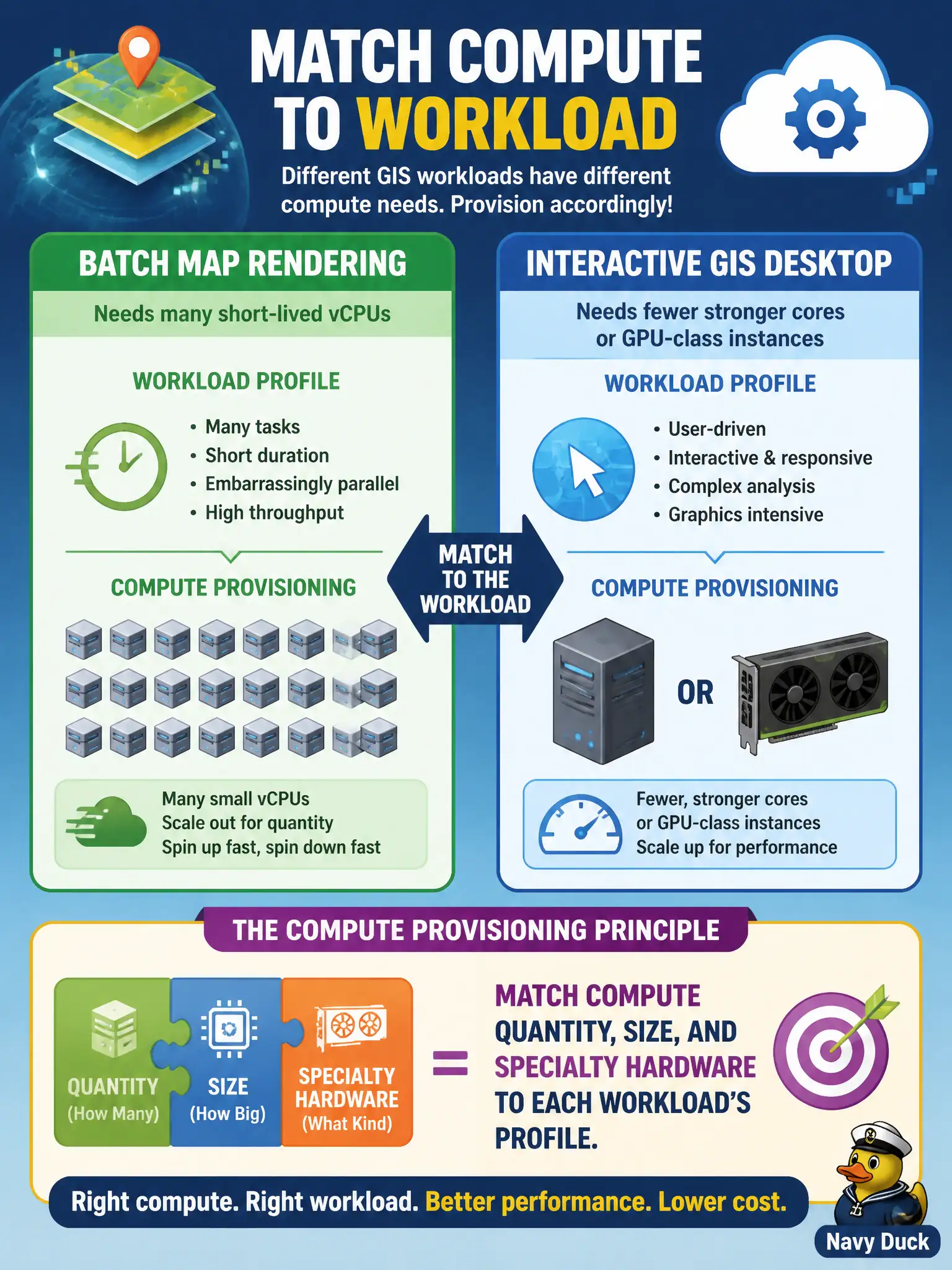
Batch map rendering needs many short-lived vCPUs, while an interactive GIS desktop needs fewer stronger cores or GPU-class instances. What compute provisioning principle applies?
Select an answer to reveal the explanation.
Short Explanation
Batch rendering is a crowd of short-term helpers; the GIS desktop is one strong specialist at a console. Pick count, size, and GPU class to fit each job—not one blunt hammer.
Full Explanation
Matching compute quantity, size, and specialty hardware to each workload's profile is the provisioning principle: batch map rendering wants many short-lived vCPUs, while interactive GIS may need fewer stronger cores or GPU-class instances. Always buying the largest GPU SKU for every batch and desktop job fails cost and fit-for-purpose sizing. Using only burstable tiny instances for interactive GIS drawing fails responsiveness for drawing workloads. Prohibiting GPU classes for any municipal visualization task fails when interactive GIS legitimately needs accelerators. Exam caveat: Cloud+ compute items test workload-fit (scale-out CPU vs larger/GPU instances), not one-size-fits-all purchasing. Operational check: profile batch vs interactive jobs, pick families accordingly, tag costs to departments, and re-benchmark after GIS software upgrades change GPU need. In municipal platform operations, record the chosen control and the rejected alternatives in the change record so future on-call engineers understand the failure modes avoided for citizen services. Re-check the decision after the next provider feature change or compliance update to ensure the same answer still holds for the city's estate.