
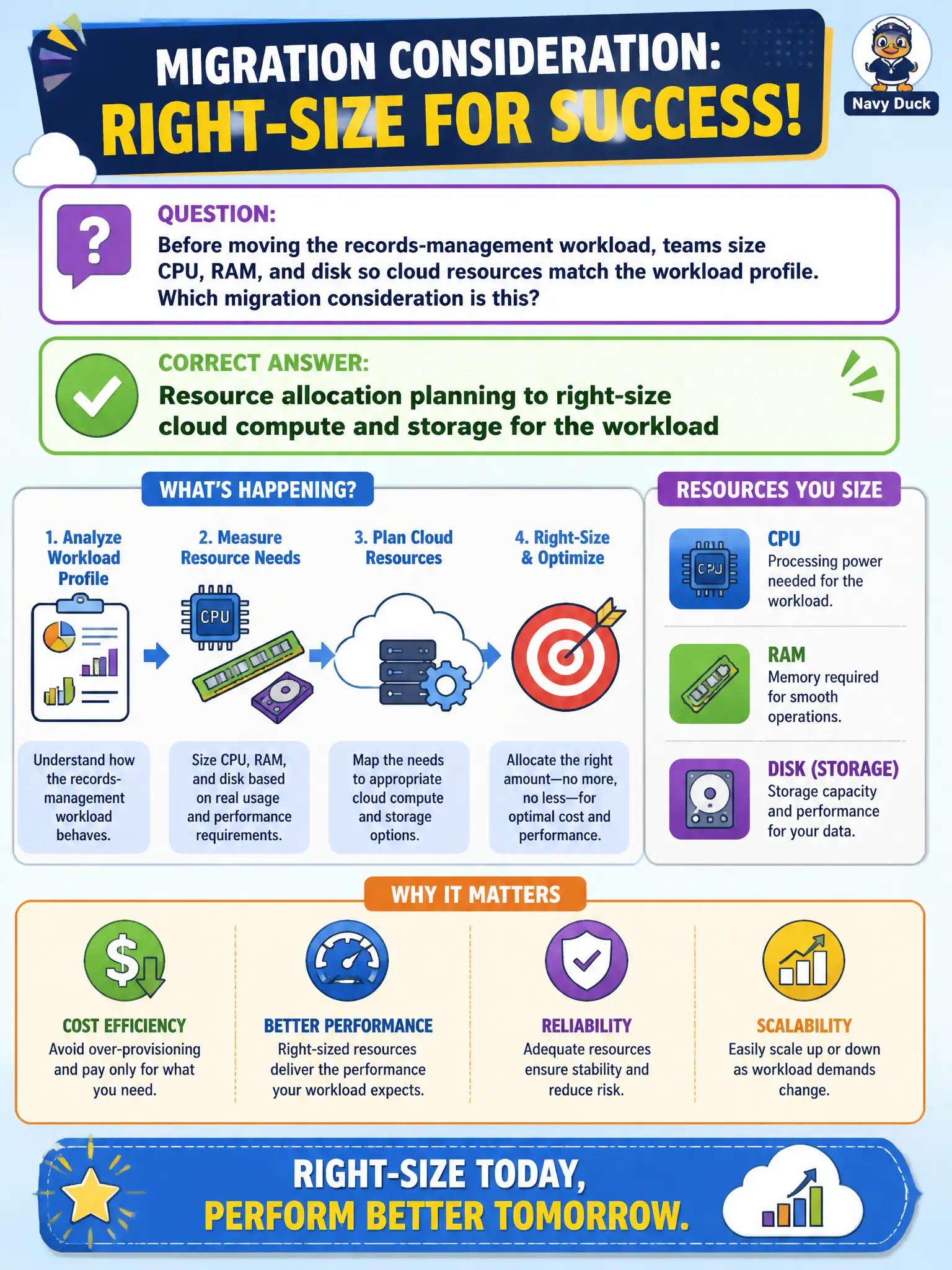
Before moving the records-management workload, teams size CPU, RAM, and disk so cloud resources match the workload profile. Which migration consideration is this?
Select an answer to reveal the explanation.
Short Explanation
Measure twice, provision once — size CPU, RAM, and disk from real workload needs before the move. That is resource allocation planning, not "buy the biggest box and hope." Cloud flexibility helps later; day-one sizing still matters.
Full Explanation
Resource allocation planning right-sizes CPU, RAM, and disk so cloud resources match the workload profile before cutover. Sizing those dimensions for a records-management workload is that migration consideration: performance and cost both depend on not guessing blindly. Ignoring utilization data and always picking the largest instance type fails because it abandons right-sizing and inflates municipal spend. Skipping capacity estimates because autoscaling removes all planning needs fails; autoscaling helps elasticity but does not replace baseline sizing, storage throughput planning, or license impacts. Choosing regions solely by marketing brochures with no resource sizing step fails the stated consideration. Exam caveat: migration planning includes capacity and allocation as explicit workstreams alongside transfer method and compliance. Operational check: collect on-premises utilization peaks, translate to cloud SKUs with headroom for civic month-end batch, validate with a performance test in the landing account, and set budgets and alerts before production cutover. In municipal platform operations, record the chosen control and the rejected alternatives in the change record so future on-call engineers understand the failure modes avoided for citizen services. Re-check the decision after the next provider feature change or compliance update to ensure the same answer still holds for the city's estate.