
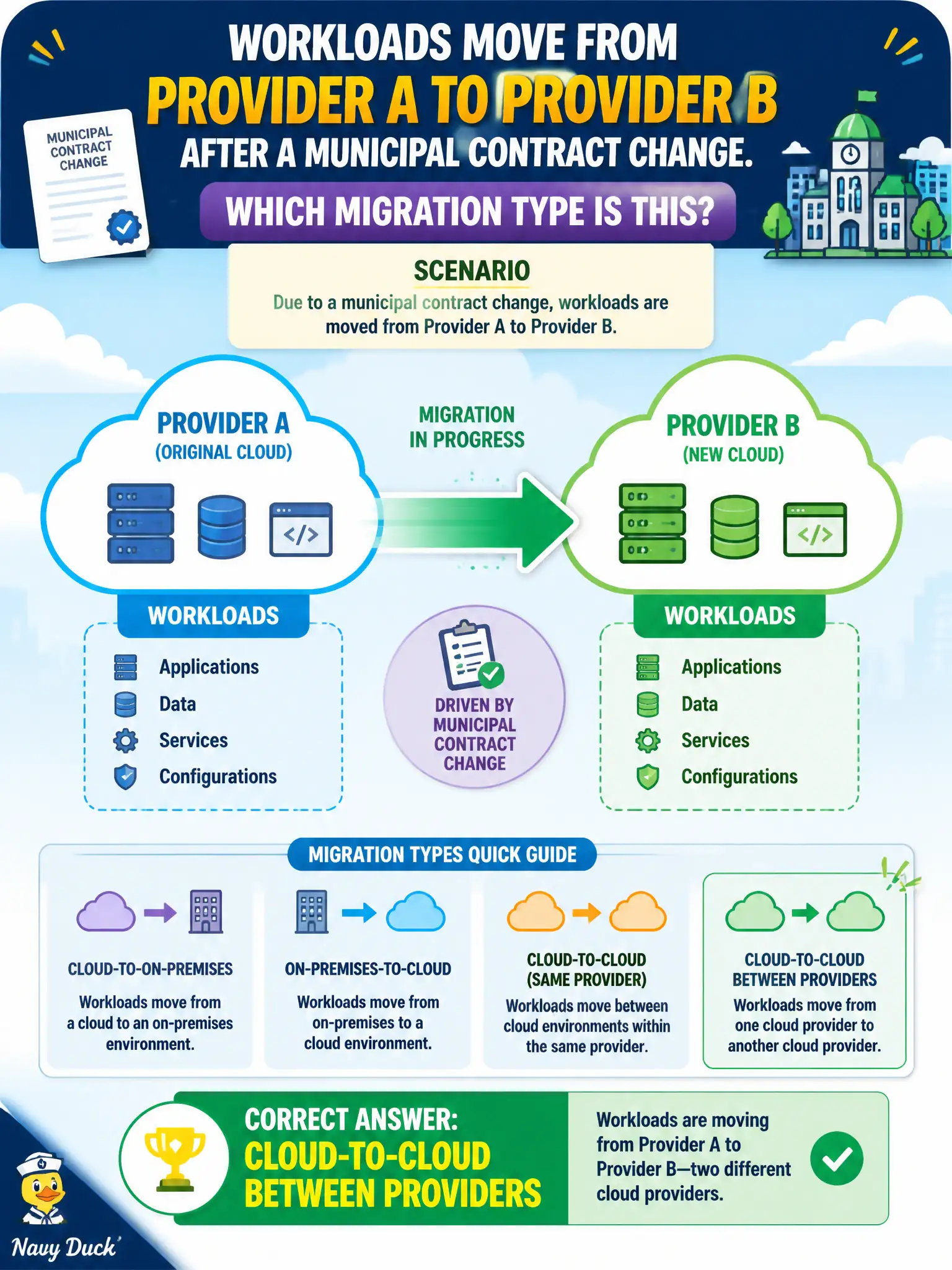
Workloads move from Provider A to Provider B after a municipal contract change. Which migration type is this?
Select an answer to reveal the explanation.
Short Explanation
Same altitude, different airline — workloads leave Provider A and land on Provider B. That is cloud-to-cloud. You are not climbing out of the basement for the first time or flying everything back to city hall hardware.
Full Explanation
Cloud-to-cloud migration relocates workloads from one cloud provider or platform to another, commonly driven by municipal contract changes, pricing, or capability gaps. Moving from Provider A to Provider B after a contract change is that pattern. On-premises-to-cloud migration from a basement rack fails because both source and destination are cloud providers. Cloud-to–on-premises repatriation fails because the target remains a public provider, not city-owned hardware. Retire of the workloads with no target provider selected fails because the workloads are relocated, not decommissioned. Exam caveat: do not confuse cloud-to-cloud direction with replatform or re-architect strategy choices; direction answers ask where the workload goes. Operational check: map identity, networking, data egress costs, and service equivalents before cutover; run parallel validation in Provider B; confirm civic DNS, certificates, and logging land correctly; and keep Provider A read-only long enough for rollback during hypercare. In municipal platform operations, record the chosen control and the rejected alternatives in the change record so future on-call engineers understand the failure modes avoided for citizen services. Re-check the decision after the next provider feature change or compliance update to ensure the same answer still holds for the city's estate.