
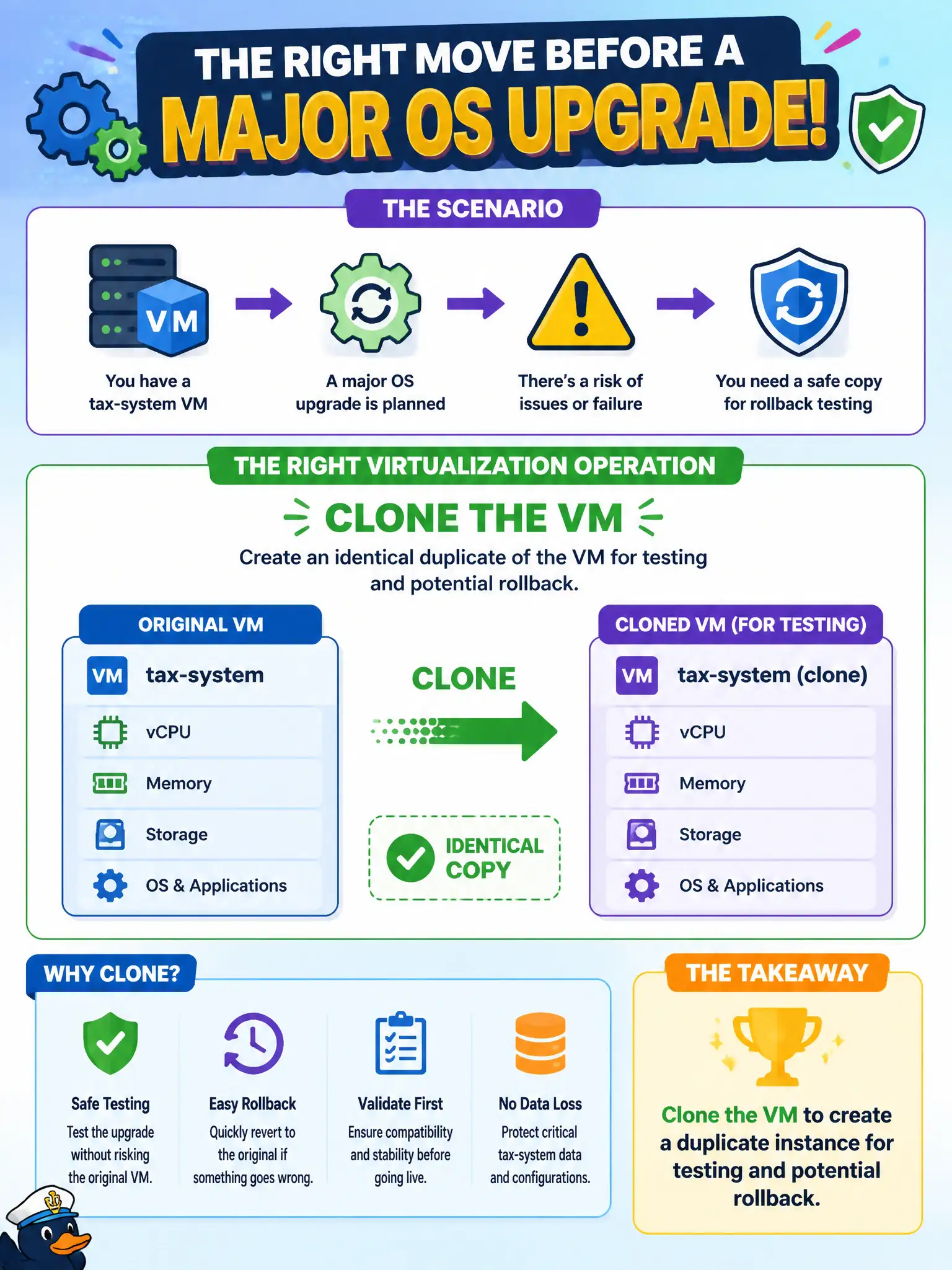
Before a major OS upgrade, admins want an identical copy of a tax-system VM for rollback testing. Which virtualization operation should they use?
Select an answer to reveal the explanation.
Short Explanation
Cloning is photocopying the VM before you paint the walls—if the upgrade looks awful, the copy is still there. Do not delete the original hoping memory remembers it. Duplicate first, experiment second.
Full Explanation
Cloning a virtual machine creates a duplicate instance with copied disks and configuration, giving administrators an identical copy for testing, training, or rollback rehearsal before a major change. Before a tax-system OS upgrade, cloning provides a safe parallel environment and a potential rollback reference without immediately altering the only production copy citizens depend on. Deleting the original VM and rebuilding it from memory after the upgrade is destructive and does not create a verified pre-change duplicate. Enabling hardware pass-through of a USB license dongle to every host does not produce a testable copy of the tax VM. Shrinking the VM to a single vCPU does not protect disk contents from upgrade changes and may even hinder the upgrade process. Exam caveat: clones can create identity collisions—duplicate names, IPs, or OS security identifiers—so sysprep or reconfigure clones before placing them on the same network as production. Operational check: clone the tax VM during a controlled window, isolate the clone on a test network, validate the upgrade and application smoke tests there, retain a rollback path via clone or snapshot, and only then upgrade production with monitored cutover criteria and finance sign-off.