
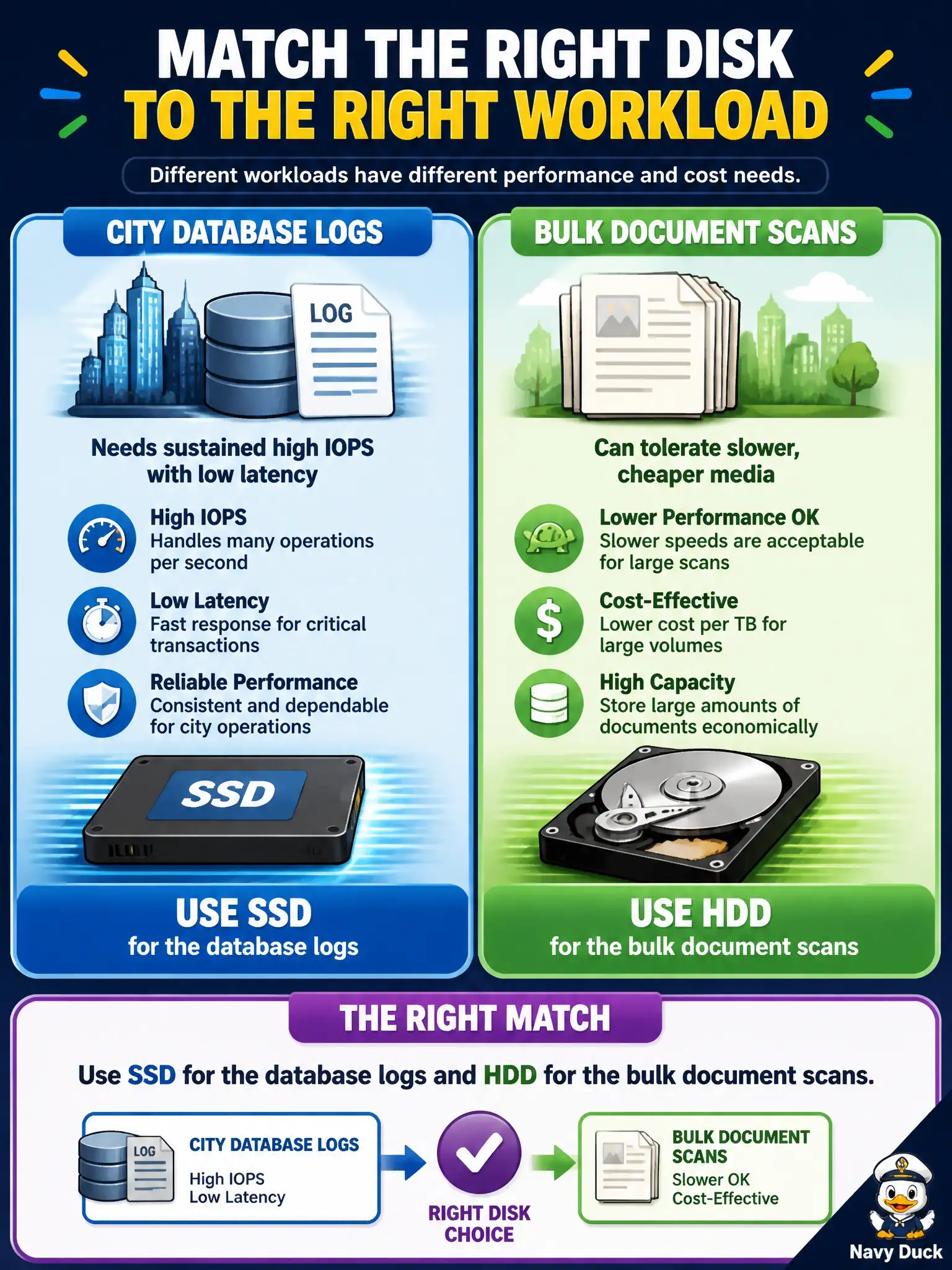
City database logs need sustained high IOPS with low latency, while bulk document scans can tolerate slower cheaper media. Which disk choice correctly matches both workloads?
Select an answer to reveal the explanation.
Short Explanation
Logs are the nervous twitch of a database—they hate waiting—so give them SSD speed. Giant stacks of scanned PDFs can sit on spinning disks and save the city money. Performance where it hurts, thrift where it does not.
Full Explanation
Solid-state drives deliver high IOPS and low latency suited to transactional database logs, while hard disk drives offer cheaper capacity for bulk sequential scans that tolerate slower media. City database logs therefore belong on SSD, and bulk document scans that prioritize cost over latency can use HDD. Placing both workloads on cold archive object storage minimizes capacity cost but fails sustained low-latency log writes required by databases. Reversing the pairing—HDD for logs and SSD for bulk scans—wastes premium performance on the tolerant workload and starves the latency-sensitive one. Putting both on the same magnetic tape library optimizes neither interactive database logging nor practical scan ingest and retrieval. Exam caveat: match performance tier to latency and IOPS needs first, then optimize cost for bulk data—do not collapse every municipal disk choice into the cheapest archive class. Operational check: measure database log latency under peak permitting load on the SSD tier, place scan batches on HDD or cooler object tiers with documented retrieval times, enable monitoring for IOPS throttling, and revisit placement if scan workflows become interactive citizen services.