
A municipal cemetery-plot map chatbot shows testers only a message box. A new hire wants to rewrite the hidden “formal testing assistant” block from that box. What should the candidate recognize?
Select an answer to reveal the explanation.
Short Explanation
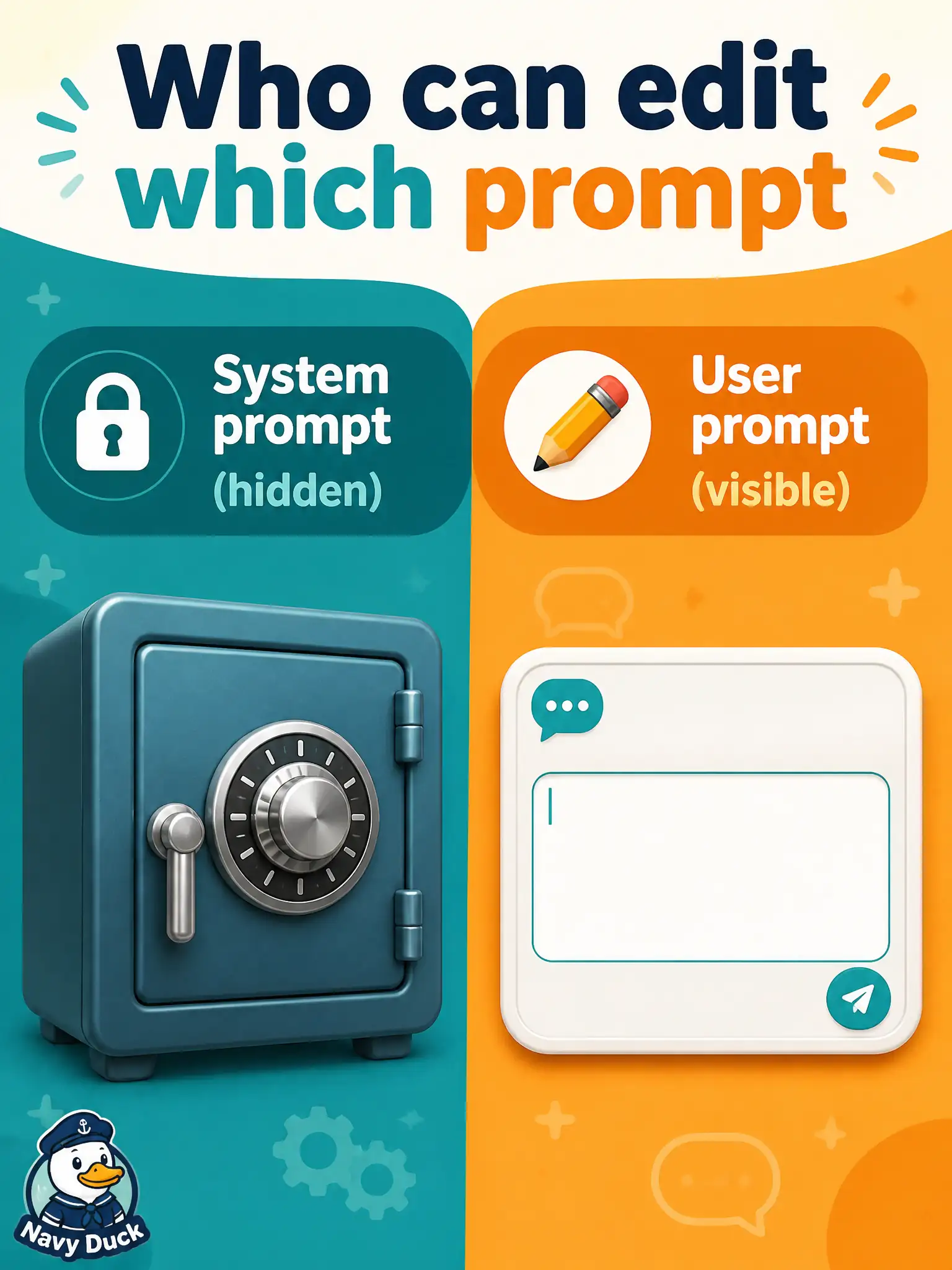
The message box is the front counter; the system prompt is the locked policy binder in the back office. Most chatbot users never see or edit that binder. Rewriting the “formal testing assistant” block from the visible chat field is usually not how the interface works.
Full Explanation
In most municipal chatbot interfaces, testers see only a message box that accepts the user prompt; the system prompt that establishes a “formal testing assistant” persona is neither visible nor editable by the chatbot’s end user. Civic cemetery-plot map stewards must recognize that front-counter chat is not the same control plane as back-office system configuration. Believing users can always overwrite the system prompt by typing “SYSTEM:” in the message box fails because that string is ordinarily still user-prompt content, not a privileged API to replace hidden policy. Claiming the system prompt is visible and editable by every chatbot user fails against typical product design, where system instructions are set by administrators or developers. Treating the message box as only a channel for red-team jailbreak payloads against the model under test fails by scope: the box is the normal user-prompt path for legitimate test asks, not solely an adversarial harness. Exam caveat: do not confuse UI affordances with prompt roles—what users type is usually the user prompt even if they wish it were system text. Operational check: for the city cemetery-plot bot, document who can change the system prompt, train new hires that the visible field is the user prompt, and route persona or safety changes through the proper civic admin configuration path.