
A clinic kiosk defect report says “the Confirm button is missing,” and the attached build screenshot still clearly shows Confirm. Which prompt approach best helps flag that mismatch?
Select an answer to reveal the explanation.
Short Explanation
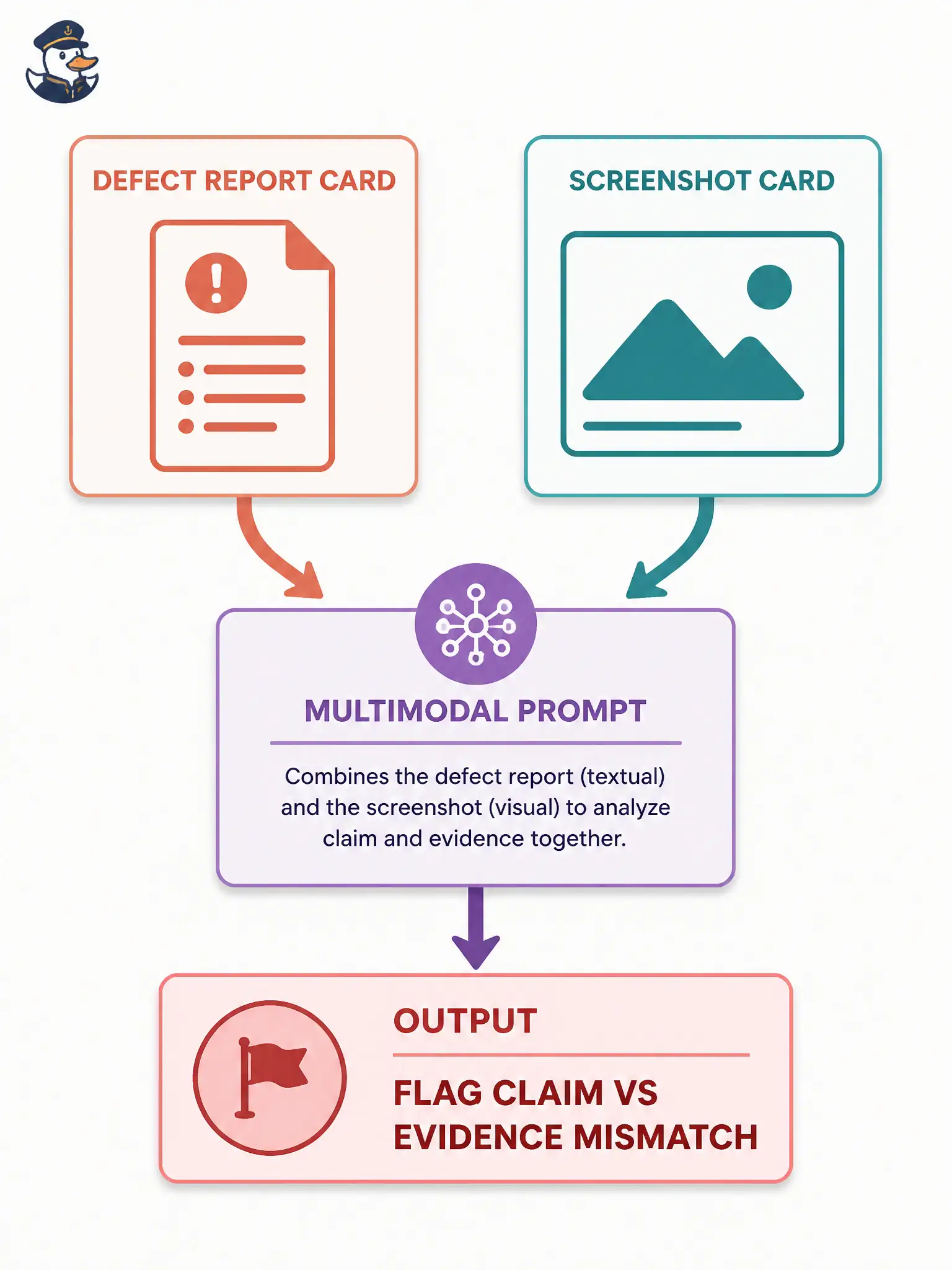
When the words say “missing” and the picture still shows Confirm, you need both sides of the story in the same prompt. A text-only complaint cannot see the screenshot, and naming the file is not the same as attaching it. Pair defect text with the image so the mismatch can surface.
Full Explanation
Feeding both the defect report text and the screenshot image lets a multimodal model compare claim and evidence—essential when a clinic kiosk report says “the Confirm button is missing” while the attached build screenshot still clearly shows Confirm. Civic defect triage wastes hours when words and pixels disagree; pairing modalities surfaces the inconsistency so humans can close noise or reopen genuine UI faults. Multimodal pairing is evidence work, not an excuse to skip opening the image yourself.
Pasting only the defect title into a text-only chat and asking for a severity score cannot verify what the screenshot contains, so severity becomes theater. Typing the screenshot filename into the prompt without attaching pixels provides characters only—no image embeddings—so the model still cannot see Confirm. Asking the model to jailbreak the kiosk firmware before reviewing the defect wording abandons evidence comparison for an attack path unrelated to triage.
Exam caveat: multimodal inconsistency detection needs actual image bytes plus the written claim. Filenames are not images; title-only severity scoring is not visual verification; firmware attacks are not CT-GenAI defect review.
Operational check: attach report text and screenshot together; ask specifically whether the claimed missing control is visible; reconcile with the clinic build; update the municipal defect template to require true image attachment for any “control missing” UI claim before severity is finalized.