
A manufacturing enterprise SOC analyst runs a CQL groupBy query on a suspicious external domain and sees a count of 3,200 events, leading the team to fear a plant-wide outbreak. Which CQL aggregation adjustment reveals how many unique workstations actually queried that domain?
Select an answer to reveal the explanation.
Short Explanation
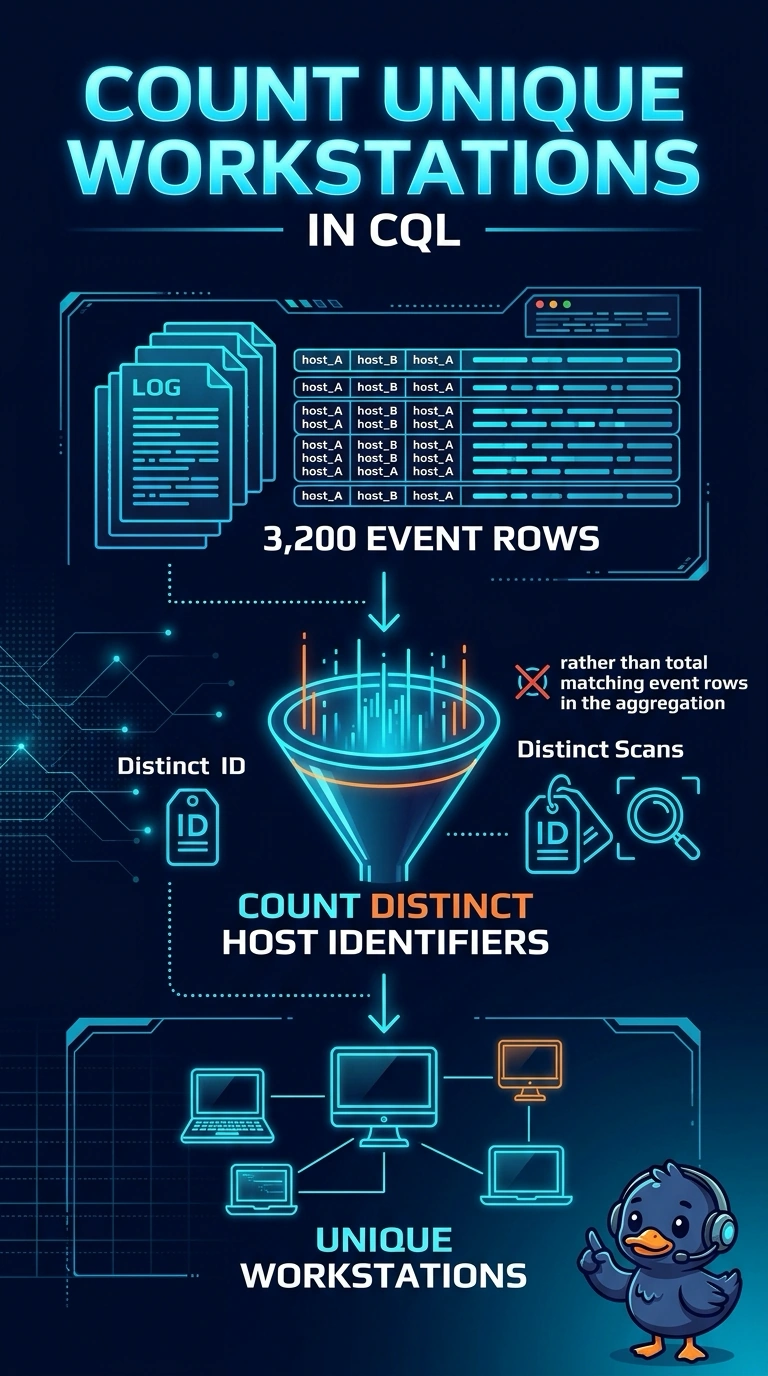
Three thousand DNS queries can come from three thousand infected machines—or one noisy workstation retrying every second. Counting distinct hosts instead of event rows helps you see whether you’re facing a fleet-wide outbreak or a single-endpoint problem.
Full Explanation
To determine how many workstations queried the suspicious domain, count distinct host identifiers rather than total matching event rows in the aggregation. A total event count includes every repeated DNS lookup, so one beaconing workstation or misconfigured updater can make a small endpoint issue look like thousands of victims; distinct host identifiers reveal the number of unique machines. Sorting the 3,200 DNS events alphabetically by domain name instead of descending by timestamp only changes the row order and does not calculate unique hosts. Replacing the domain filter with a broader wildcard search across all ingested firewall logs adds unrelated traffic and makes it harder to assess the domain under investigation. Switching the query time window from relative to absolute makes the time boundaries reproducible, but it does not remove duplicate DNS retries from the same workstation. One caveat: in an environment with dynamic DHCP addressing, use persistent host identifiers rather than IP addresses alone, since lease changes can make one workstation appear to be multiple hosts. As a practical check, list the distinct hosts alongside each host’s event count to confirm whether one machine generated most of the 3,200 queries.
Prefer to study offline? Printable PDF study book + test engine ($7.50, unofficial). These questions stay free here.