
A financial services SOC analyst clicks into a CQL search from a seven-day authentication dashboard to investigate an anomaly from four days ago, but the search returns zero events. What should the analyst check first?
Select an answer to reveal the explanation.
Short Explanation
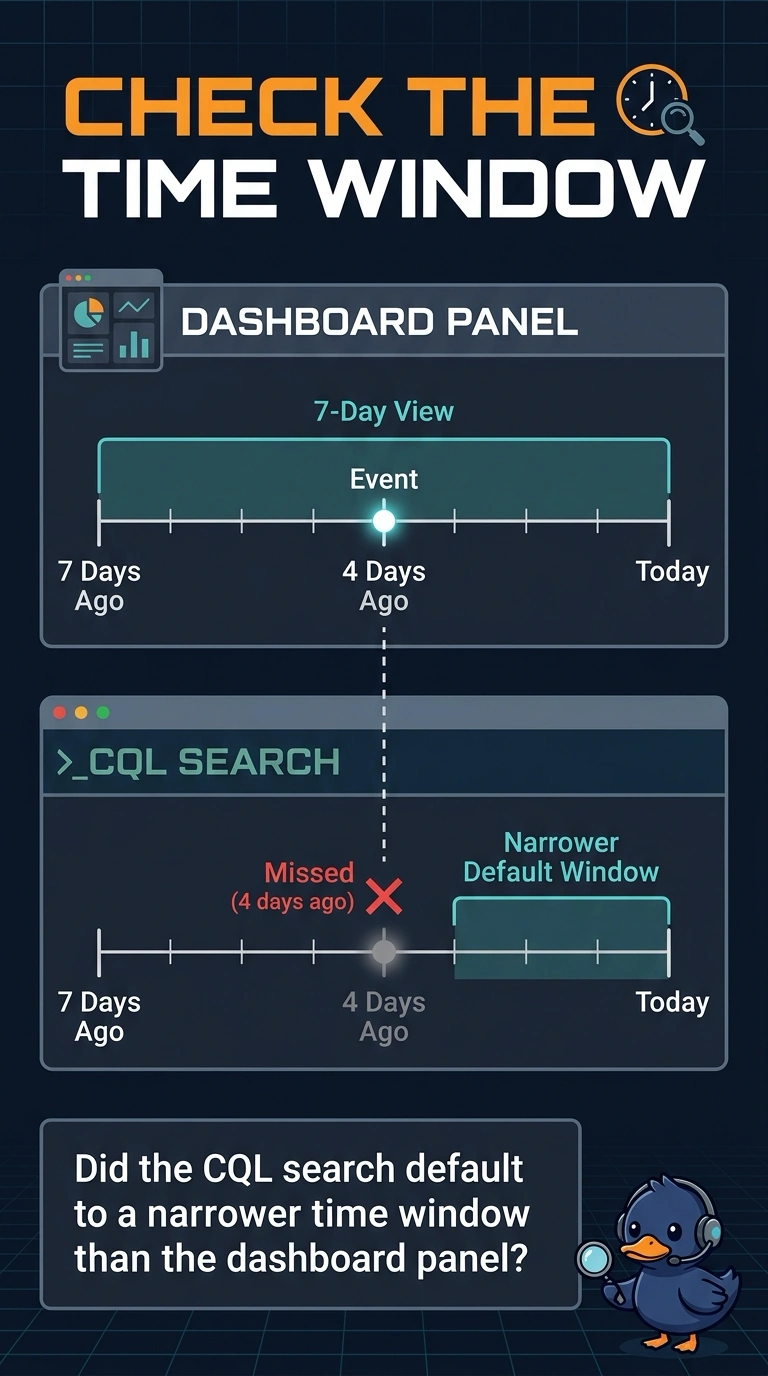
You’re right to check the search settings before assuming the events are gone. The time window may have reset to a shorter range than the dashboard’s seven days, leaving the anomaly outside your results.
Full Explanation
In Falcon Next-Gen SIEM, event queries run within a selected time interval that may be set outside the CQL text. The first check is whether the CQL search defaulted to a narrower time window than the dashboard panel: a seven-day dashboard can show an anomaly from four days ago while a newly opened search covers only a shorter, more recent period. A dashboard does not delete the underlying raw authentication logs after rendering; its visualizations read and aggregate stored telemetry. Automatic conversion of authentication timestamps into local browser text does not explain why events from a multi-day interval are missing from the search. Falcon Fusion SOAR does not quarantine a dashboard panel during an analyst’s shift; that confuses response workflows with a read-only dashboard. Exam caveat: compare the actual selected time bounds in the search and dashboard, rather than relying only on how their time ranges are labeled. Practical check: set an explicit absolute time range covering the target day four days earlier, then rerun the authentication query to confirm whether the events appear.
Prefer to study offline? Printable PDF study book + test engine ($7.50, unofficial). These questions stay free here.