
A healthcare SOC analyst builds a shared Falcon Next-Gen SIEM dashboard panel to monitor ongoing failed VPN logins across clinic locations on every shift, but saves the panel with a fixed absolute date range. A week later, shift analysts notice the panel's metrics never update. What should the analyst do?
Select an answer to reveal the explanation.
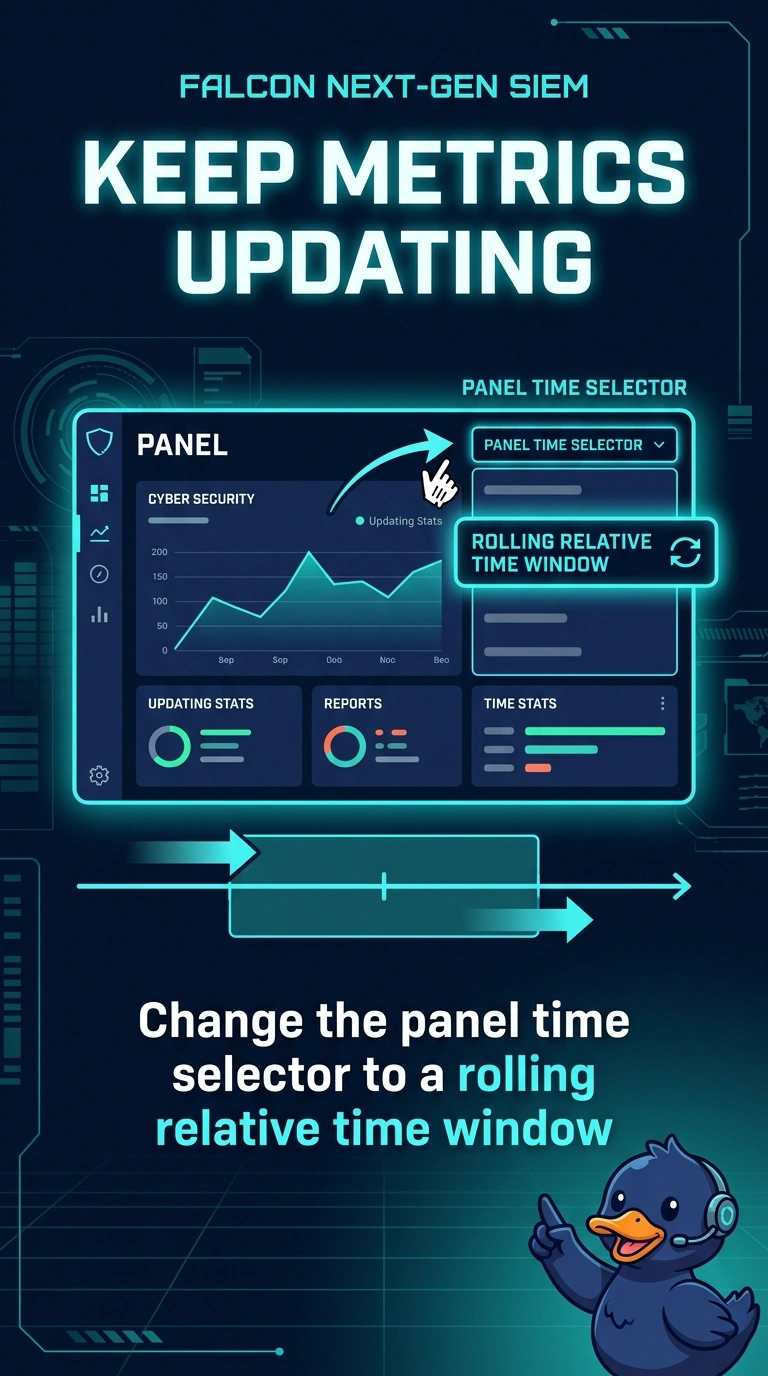
Short Explanation
Think of a live SOC dashboard like a car speedometer—you want it showing current speed, not yesterday's mileage! The trap is leaving a fixed absolute date range in place, which freezes your panel on old events while new logins roll in. Switching to a rolling relative window keeps your shift metrics current.
Full Explanation
Because event queries evaluate only the selected time interval, you should Change the panel time selector to a rolling relative time window so each refresh automatically slides forward to include recent VPN authentication activity. Choosing to Switch the dashboard panel from a summary chart to an unaggregated raw event table only changes how results are displayed; the underlying fixed dates still freeze the dataset. Trying to Duplicate the dashboard daily and manually update the start and end timestamps creates unnecessary maintenance and breaks continuity for shift handoffs. Meanwhile, deciding to Expand the CQL query filters to include all ingested log repositories widens the search scope without advancing the time range, adding noise while still returning stale data. Keep one caveat in mind: rolling relative windows are ideal for continuous operational monitoring, whereas historical incident investigations require locking an absolute window so counts do not drift. As an operational check, refresh the updated dashboard panel and verify that the newest timestamped events match current shift traffic.
Prefer to study offline? Printable PDF study book + test engine ($7.50, unofficial). These questions stay free here.