
A distributed financial services SOC analyst receives a report from a London branch employee who clicked a suspicious link at 09:30 local time during British Summer Time, but querying 09:25 to 09:35 in Falcon Next-Gen SIEM returns zero endpoint events. What should the analyst check first?
Select an answer to reveal the explanation.
Short Explanation
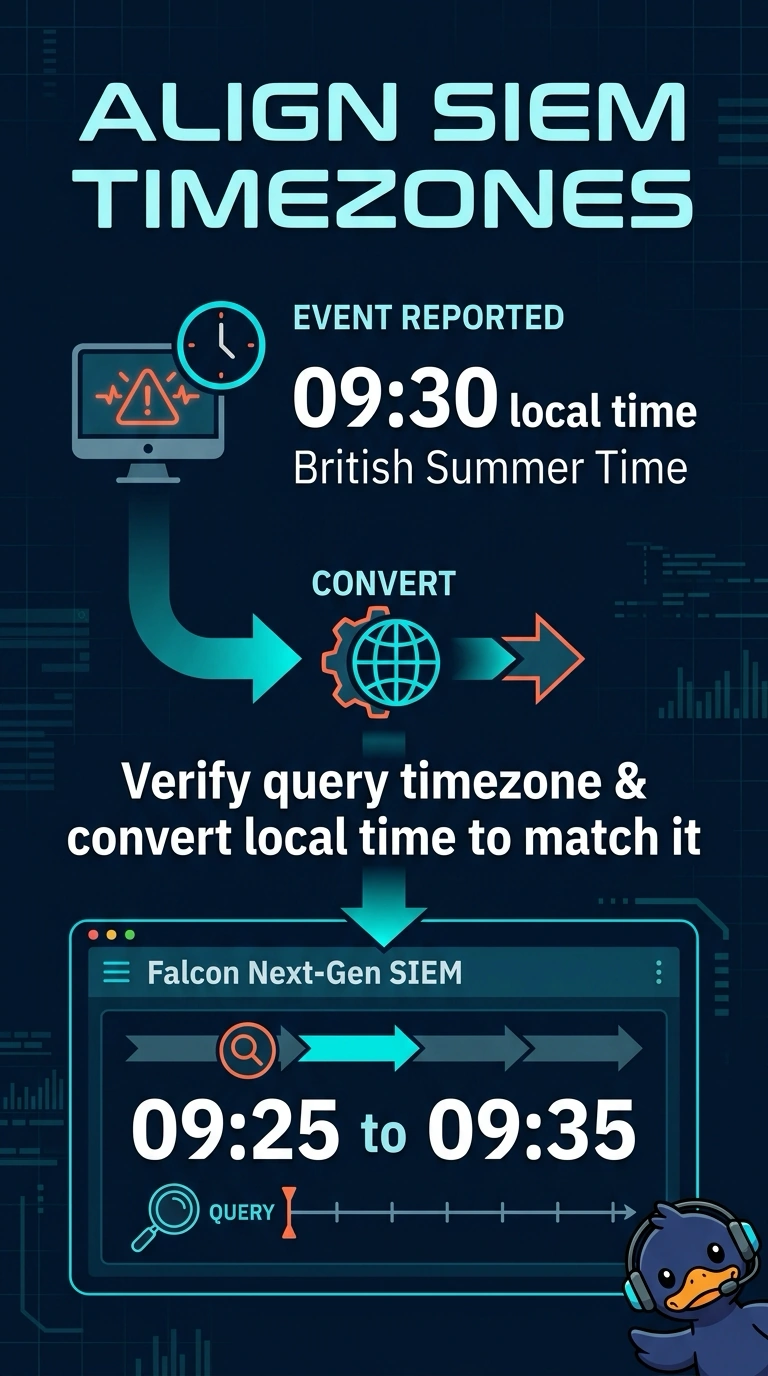
If your watch is set to London time and the SIEM clock runs on UTC, a 09:30 click looks like it happened an hour earlier. The trap is blaming sensor health or running massive unindexed searches before checking whether your query window matches the user's timezone.
Full Explanation
Event searches in Falcon Next-Gen SIEM evaluate timestamps against the active query timezone, which is often UTC rather than a remote branch's local clock. Selecting Verify the SIEM query timezone setting and convert the reported local time to match it immediately resolves offset mismatches such as British Summer Time versus UTC. By contrast, Assume the endpoint sensor failed to record any browser or process activity for that morning jumps to a false negative before checking the most common search-window error. Choosing Delete the time-window filter and search all ingested repositories across the entire year wastes compute and floods results with unrelated historical noise. Similarly, Rewrite the CQL query to match only the employee username without any endpoint hostname filter will still return zero relevant hits if the time window itself is shifted by an hour. As a caveat, even after aligning timezones, user-reported times are often approximate, so pad the search window slightly around the converted timestamp. As an operational check, confirm the timezone indicator in the SIEM query interface and run a broader thirty-minute window around the converted UTC time to capture the click and surrounding process activity.
Prefer to study offline? Printable PDF study book + test engine ($7.50, unofficial). These questions stay free here.