
A financial services SOC analyst writes a CQL query to search endpoint command-line logs for a Windows path containing backslashes, such as a temporary folder path, but the query returns a syntax error or zero matches. What should the analyst check first?
Select an answer to reveal the explanation.
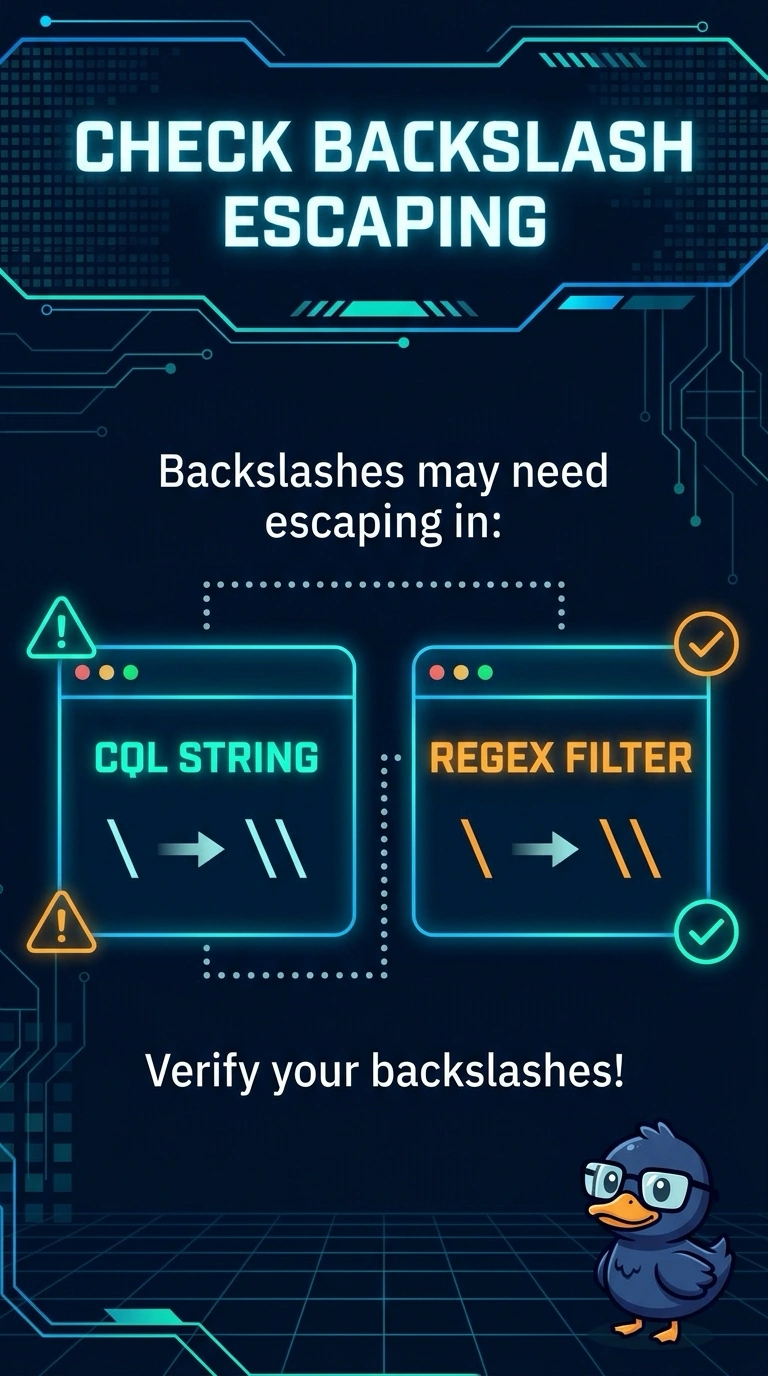
Short Explanation
You’re right to check how backslashes are handled: they can act as escape characters in CQL strings and regex filters, changing how a Windows path is interpreted. Check the escaping rules first, and you can avoid chasing time-zone or dashboard-window settings when the path filter itself is the problem.
Full Explanation
In CQL string literals and regular expressions, a backslash acts as an escape character, so you should first check whether backslashes need escaping in the CQL string or regex filter. Correct escaping can resolve syntax errors and prevent a query from silently failing to match literal Windows paths. Checking whether the endpoint sensor uses UTC instead of local time addresses timestamp alignment, not string-matching syntax. Investigating whether the dashboard panel is locked to a rolling window concerns the time range on saved charts rather than a broken ad-hoc path filter. Checking whether the alert severity filter excludes medium events is also irrelevant to a search of endpoint command-line logs, which may not carry an alert severity field. As a caveat, regex filters often require additional escaping compared with plain literal string matches, so inspect sample events to confirm how paths are stored. As a practical check, test the escaped filter against a known Windows path event in a narrow time window before expanding the search.
Prefer to study offline? Printable PDF study book + test engine ($7.50, unofficial). These questions stay free here.