
A retail SOC analyst reviews a Falcon Next-Gen SIEM dashboard showing a 100 percent authentication failure rate at a remote store over the past hour, while larger stores show under 5 percent. What should the analyst check before escalating a brute-force attack at that remote store?
Select an answer to reveal the explanation.
Short Explanation
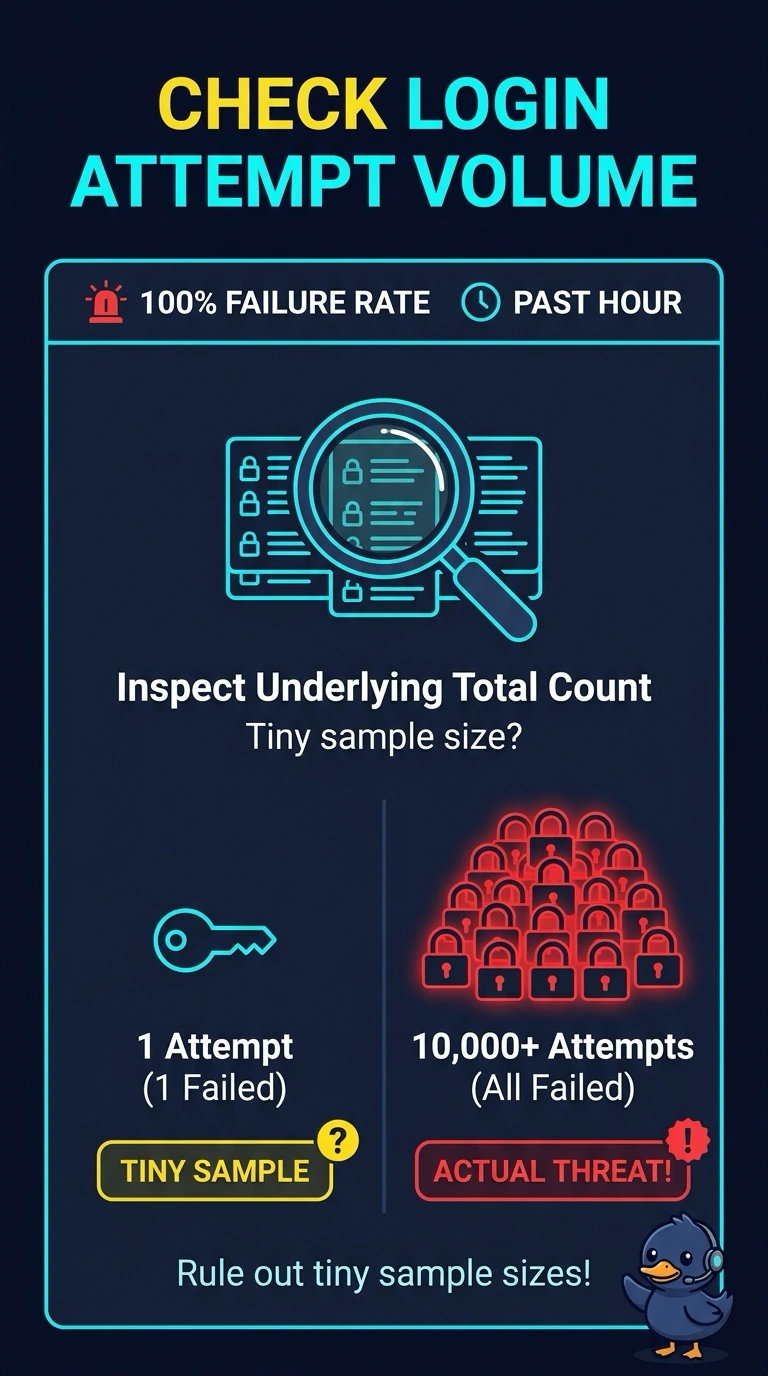
A 100 percent failure rate can look dramatic when the total login attempt count is tiny, so check the underlying count before treating it as a brute-force wave. That sample size check helps you avoid escalating a single failed attempt as an attack.
Full Explanation
Percentage metrics in a CQL dashboard can look dramatic when the denominator is very small, such as one employee mistyping a password once during a quiet hour. Inspecting the underlying total login attempt count helps you rule out a tiny sample size: one failed login out of one attempt produces a 100 percent failure rate without, by itself, indicating an attack. Disabling the authentication dashboard panel because percentage metrics are always unreliable removes useful visibility instead of pairing the ratio with volume context. Assuming the remote store’s firewall is blocking all traffic based on the percentage alone confuses an authentication outcome with network reachability. Changing the dashboard time window to five years to force the percentage closer to zero artificially dilutes recent anomalies and can hide genuine short-term spikes. One caveat is that even a small failure count may matter if it targets a privileged service account or coincides with an unfamiliar external IP. As a practical check, pivot from the dashboard panel to a CQL query showing both total attempts and unique source IPs for that store over the same hour.
Prefer to study offline? Printable PDF study book + test engine ($7.50, unofficial). These questions stay free here.