
A logistics firm SOC analyst monitors outbound data transfer sizes in a CQL dashboard using an average calculation and notices the metric triples overnight. Before escalating a fleet-wide data exfiltration incident, what should the analyst inspect in CQL?
Select an answer to reveal the explanation.
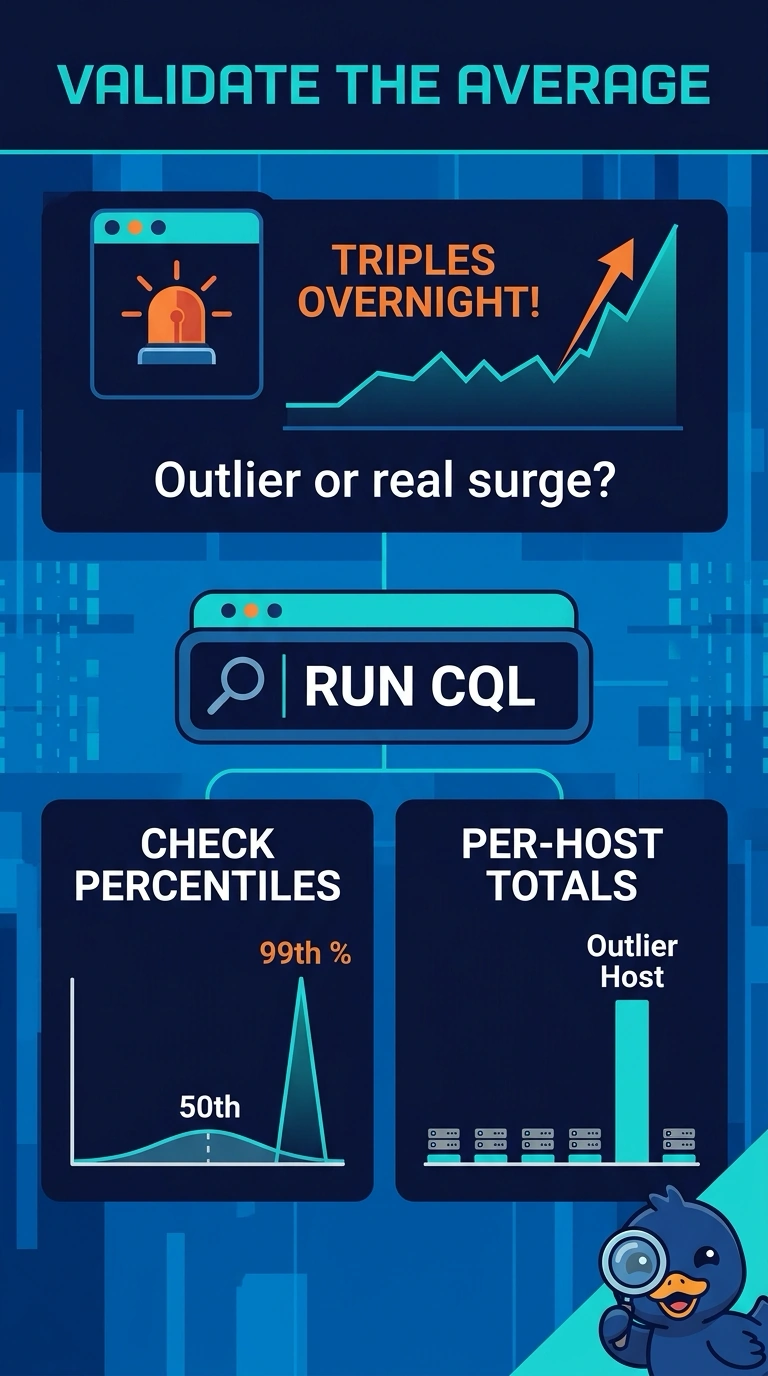
Short Explanation
Averages are like room temperatures when someone opens an oven door—one extreme spike can make the whole room look boiling hot. Before you sound the fleet-wide alarm, check whether one backup job or single host is pulling the average up. The trap is treating an aggregated average as proof that every endpoint changed behavior.
Full Explanation
Checking Whether a single outlier host or transfer skewed the average by checking percentiles or per-host totals is essential because arithmetic averages are highly sensitive to extreme values. A single large database backup or misconfigured transfer on one server can triple a fleet-wide average without any broader compromise. Checking Whether the dashboard time zone automatically shifted from UTC to local business hours does not explain a threefold jump in transfer size per event, since timezone changes shift when events appear rather than inflating byte counts. Checking Whether the normalized destination port field was renamed during a recent parser update would affect port-based filtering or grouping, not an average transfer-size metric. Checking Whether the raw log retention window expired on older firewall appliances and removed baseline transfer records would reduce historical comparison data rather than causing an overnight spike in current transfer sizes. Caveat: even a single-host outlier still warrants investigation if the transfer went to an untrusted external destination. As an operational check, run a CQL groupBy on source host sorted by total bytes and compare median or percentile values against the average.
Prefer to study offline? Printable PDF study book + test engine ($7.50, unofficial). These questions stay free here.