
A retail SOC analyst investigates a suspicious login spike from three days ago using a CQL query set to a rolling relative time window. Over the next two hours, repeated runs show shifting event counts even though no new historical logs arrived. What should the analyst do?
Select an answer to reveal the explanation.
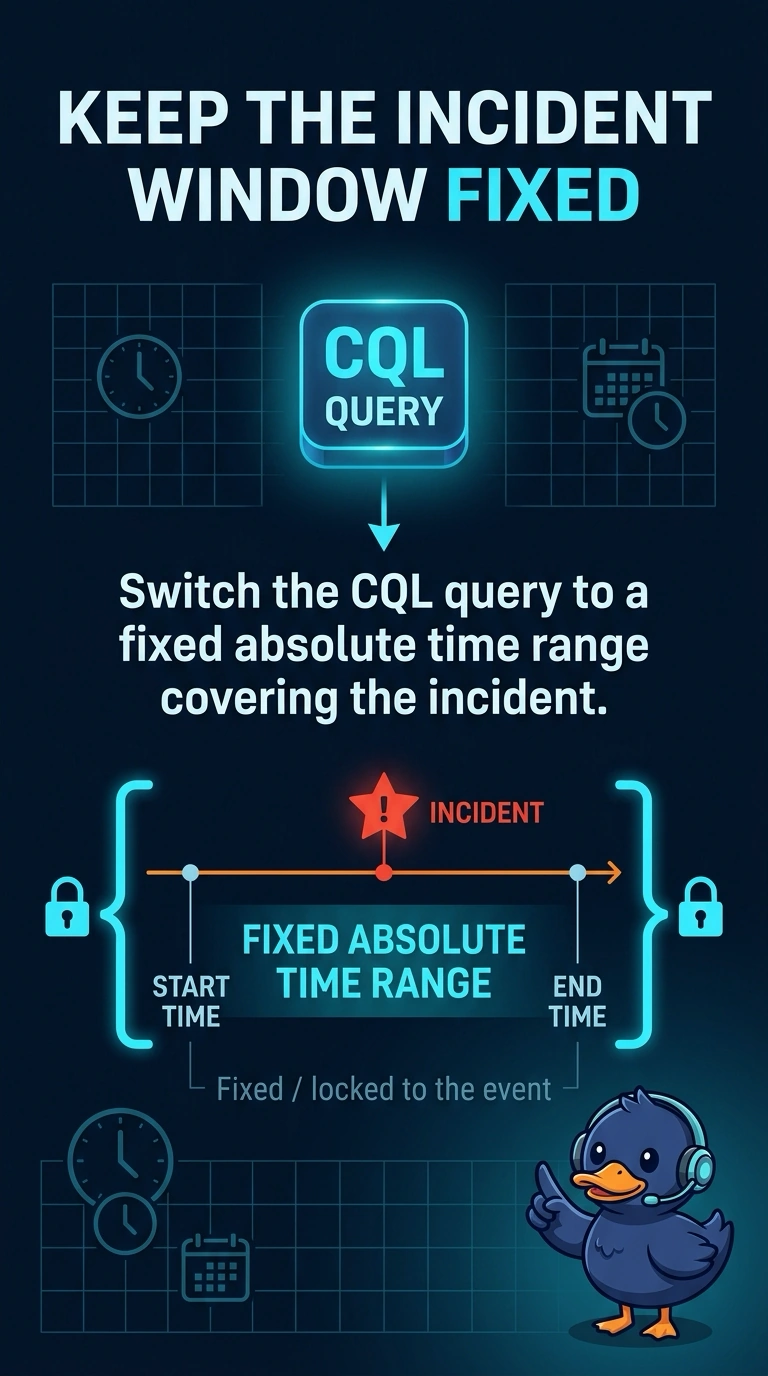
Short Explanation
Picture trying to measure a moving train from another moving train—your numbers will drift every minute. A rolling relative window shifts forward with the clock, so older events quietly slide out of view; locking an absolute range avoids the trap of chasing phantom changes.
Full Explanation
When you investigate past activity, a rolling relative window continuously advances its start and end boundaries as wall-clock time progresses. Choosing to Switch the CQL query to a fixed absolute time range covering the incident anchors both boundaries to exact timestamps, ensuring every pivot and re-run evaluates the exact same event set. Relying on Increase the maximum result row limit on the CQL query to prevent truncation misses the root cause because the shifting counts stem from a moving time boundary rather than a display cap. Selecting Disable CPS field normalization in the query to inspect raw vendor timestamps does not stabilize the query interval and removes the cross-source schema benefits needed for consistent filtering. Opting to Export the current results to a CSV file and stop running follow-up queries freezes one snapshot but prevents deeper CQL pivoting and verification across related datasets. As a caveat, confirm whether the incident spans multiple time zones so your absolute start and end times align with the normalized event timestamps. For an operational check, record the exact absolute start and end timestamps in your case notes and re-run the query to confirm the total event count remains identical.
Prefer to study offline? Printable PDF study book + test engine ($7.50, unofficial). These questions stay free here.