
A school district SOC analyst investigates a malicious PowerShell script executed from a staff member's Downloads folder. To determine how the script originally arrived on the workstation, which investigative pivot should the analyst perform next?
Select an answer to reveal the explanation.
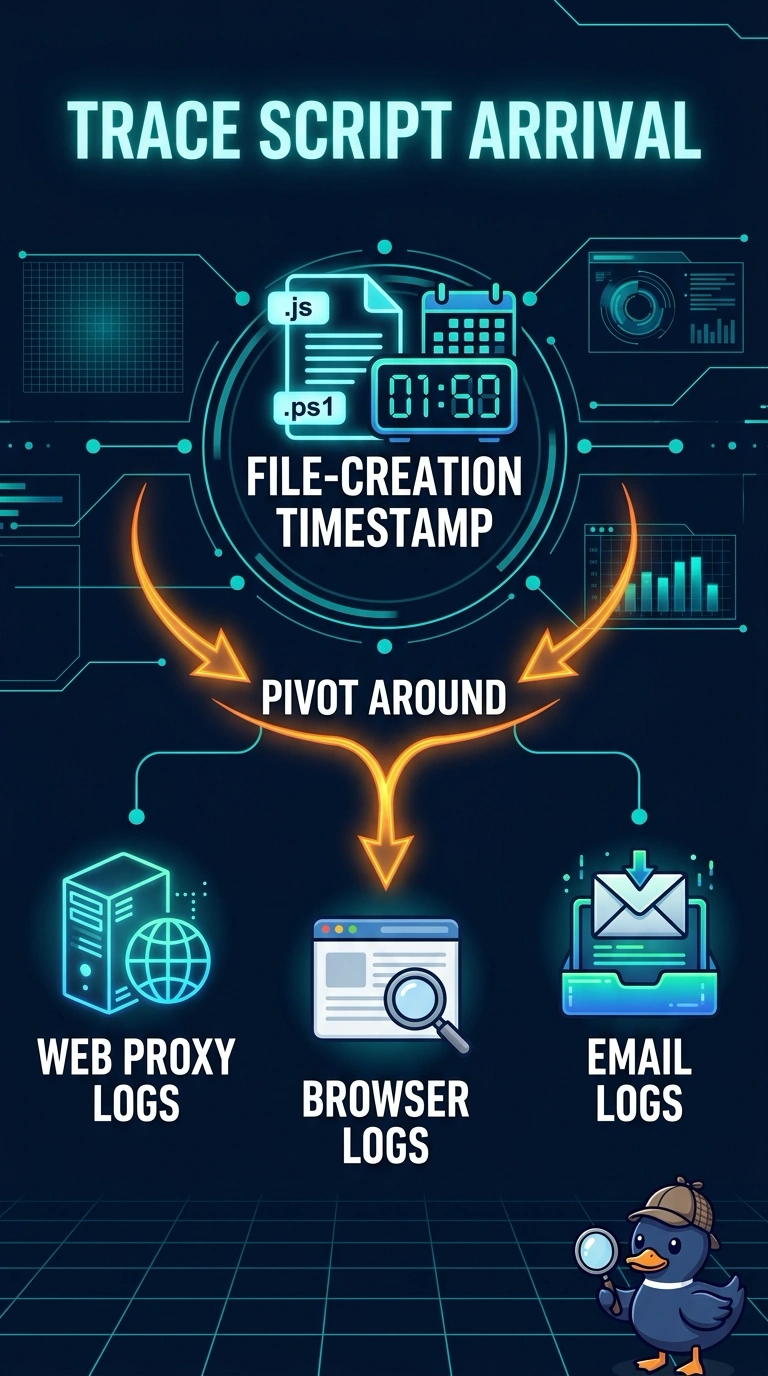
Short Explanation
Finding a bad script in a Downloads folder tells you what ran, not who handed it to the user. You need to rewind the clock to the moment that file hit the disk and check proxy, browser, and email records. The trap is stopping at execution or deleting the file before tracing its delivery path.
Full Explanation
Establishing the initial delivery vector is essential for full incident scoping and preventing repeat infections across other users. Choosing to Pivot around the script's file-creation timestamp in web proxy, browser, and email logs connects the disk artifact to the exact download URL, referrer, or email attachment that introduced it. Choosing to Run a CQL groupBy count on all PowerShell executions across the district over the last year produces noisy summary statistics without revealing how the specific file arrived on the staff workstation. Choosing to Change the alert severity to critical and wait for the correlation rule to fire again alters metadata without investigating upstream delivery telemetry. Choosing to Delete the script from the Downloads folder immediately without checking upstream logs destroys local context and leaves phishing emails or malicious download links active for other staff. As a caveat, account for timezone alignment and any delay between file download and script execution. As an operational check, record the delivery domain, sender, and file hash in the case file so you can scope other recipients.
Prefer to study offline? Printable PDF study book + test engine ($7.50, unofficial). These questions stay free here.