
A software company SOC analyst confirms that an attacker gained interactive access to a developer's laptop containing local SSH keys and CI/CD deployment secrets. After isolating the laptop and resetting the developer's SSO password, what additional containment step is necessary?
Select an answer to reveal the explanation.
Short Explanation
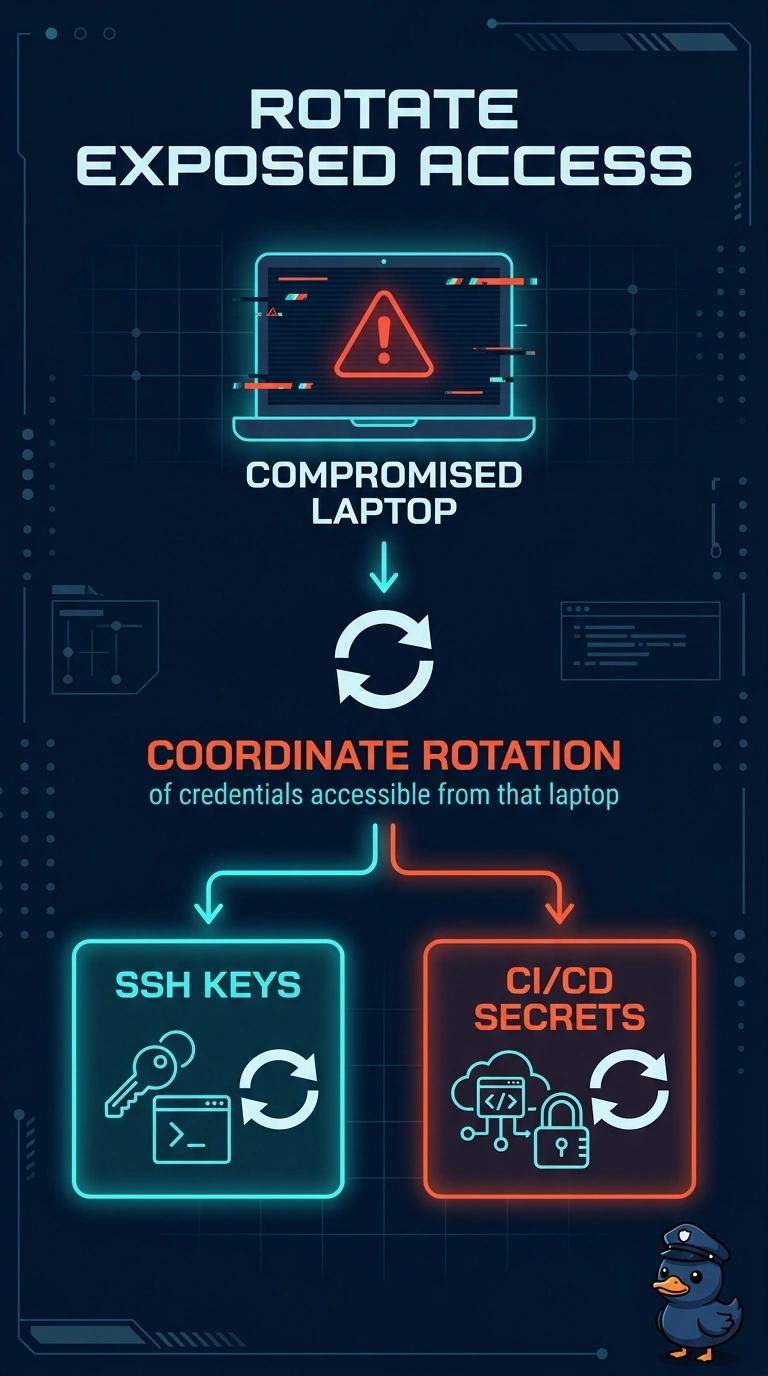
Locking the developer's laptop and resetting their SSO password does not help if the attacker already copied the spare keys to your build servers. You have to rotate every SSH key and CI/CD secret that was sitting on that machine.
Full Explanation
Effective containment covers every credential exposed on the host, so you must Coordinate rotation of the exposed SSH keys and CI/CD secrets accessible from that laptop. Even with the laptop isolated and SSO reset, any static SSH private keys, API tokens, or pipeline secrets stored locally can be used from external attacker infrastructure to access source repositories or production deployments. Choosing to Archive the laptop's historical DNS queries in a dashboard without notifying the engineering team fails because passive archiving does not invalidate stolen secrets or alert platform owners. Opting to Disable all correlation rules monitoring the build environment until the laptop is reimaged fails because turning off detections blinds the SOC right when an attacker is most likely to reuse stolen CI/CD credentials. Deciding to Delete the developer's past source-code commits to erase the attacker's local access history fails because altering repository history destroys legitimate work without revoking any exposed keys. As a caveat, check whether the attacker already used those keys to push unauthorized commits or modify pipeline definitions before rotation completed. As an operational check, query CI/CD and source-control audit logs for any usage of the affected keys or tokens from unfamiliar IP addresses.
Prefer to study offline? Printable PDF study book + test engine ($7.50, unofficial). These questions stay free here.