
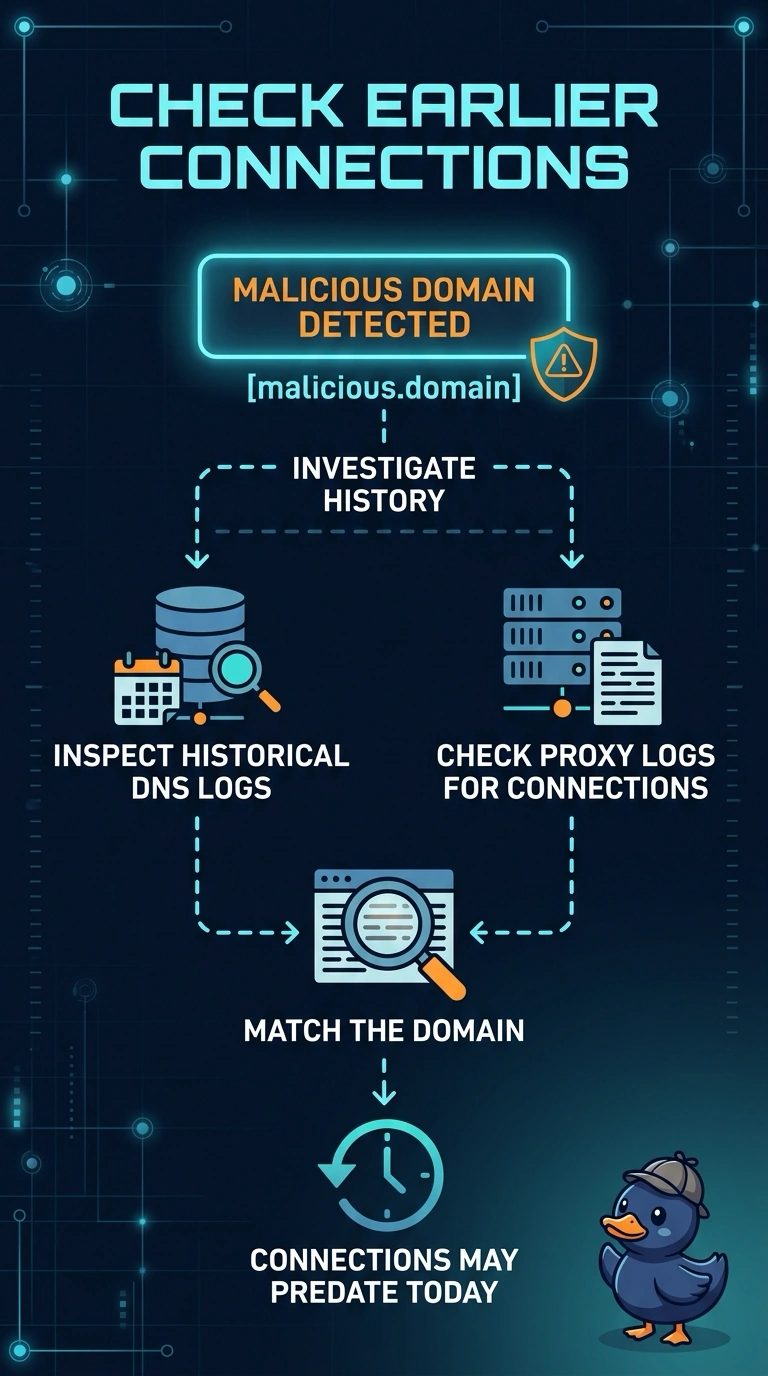
A logistics company SOC analyst confirms that a warehouse workstation communicated with a malicious command-and-control domain today, triggering a newly enabled correlation rule. Before concluding that the compromise began today, what should the analyst check in Falcon Next-Gen SIEM?
Select an answer to reveal the explanation.
Short Explanation
A brand-new security camera only records from the moment you plug it in—it doesn't mean nobody walked down the hallway yesterday! The trap is assuming a newly enabled rule's first alert marks day zero of an intrusion. You should always check historical logs to uncover the true dwell time.
Full Explanation
Once active, a correlation rule runs its configured lookback window, which can include already-ingested events predating activation. Its first alert is not proof of the intrusion start; search the full retained history, so the analyst must check Whether historical DNS and proxy logs show earlier connections to the domain to establish the true start of adversary activity and dwell time. Checking Whether the workstation's sensor version is the latest release helps verify endpoint health, but it does not reveal when the host first contacted the external domain. Inspecting Whether the domain's WHOIS record lists a commercial registrar provides registration context without showing internal network history. Checking Whether the correlation rule's severity is set to high only reflects alert prioritization metadata, not when the underlying traffic began. As a caveat, missing historical hits may also reflect log retention limits or unmonitored network paths rather than zero prior activity. For an operational check, run a CQL search for the domain across the full available retention window in DNS and proxy logs and note the earliest matching timestamp in the case.
Prefer to study offline? Printable PDF study book + test engine ($7.50, unofficial). These questions stay free here.