
A manufacturing SOC analyst finds a suspicious file hash from an external threat feed matching two events in Falcon Next-Gen SIEM endpoint logs on warehouse barcode scanners. Before triggering an existing Falcon Fusion SOAR workflow to block the hash globally, what should the analyst verify?
Select an answer to reveal the explanation.
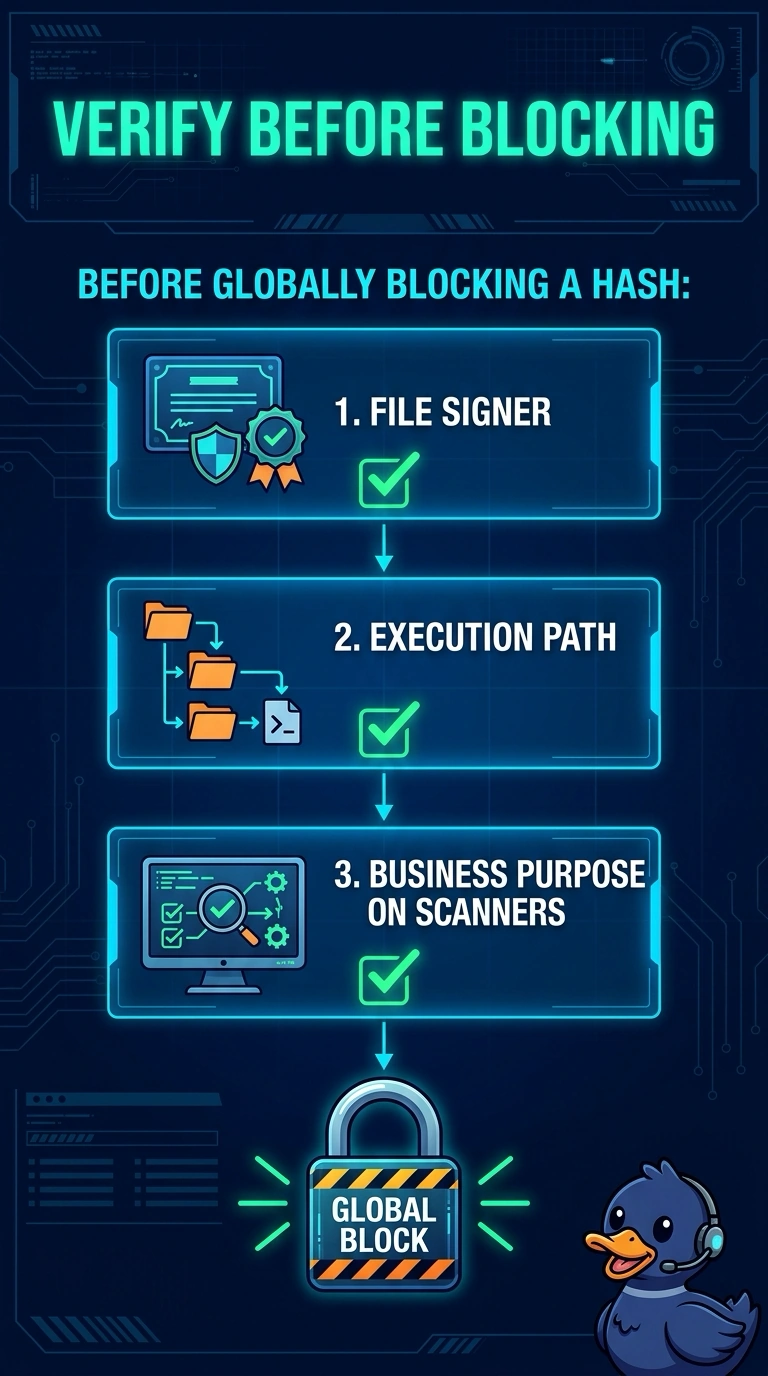
Short Explanation
Before you slam the brakes on a file across the entire fleet, make sure you are not blocking the engine that runs the warehouse. The trap is treating any threat-feed hash match as malicious without checking if it is a legitimate vendor utility or dual-use tool.
Full Explanation
Threat-intelligence feeds occasionally include dual-use administrative utilities, outdated vendor binaries, or misclassified hashes. Verifying The file signer, execution path, and business purpose on those scanners ensures you understand what the binary actually does before enforcing a global block that could halt warehouse operations. Checking Whether the external threat feed uses a recognized vendor naming convention focuses on feed formatting rather than whether the file is safe or malicious in your environment. Checking Whether the SIEM dashboard panel refreshes automatically every five minutes addresses UI display timing and provides no insight into the binary itself. Checking Whether the warehouse barcode scanners use static or dynamic IP addresses helps with network attribution, not file legitimacy. Caveat: even a validly signed binary can be abused if launched from an unusual temporary directory or by an unexpected parent process, so examine execution context alongside the signature. Operational check: run a CQL query for that hash across endpoint process logs to inspect the file path, digital signature status, and parent process before launching the SOAR containment workflow.
Prefer to study offline? Printable PDF study book + test engine ($7.50, unofficial). These questions stay free here.