
A school district SOC analyst investigates an alert for a newly created scheduled task on a finance workstation and needs to determine whether it is attacker persistence or routine IT maintenance. Which evidence should the analyst examine?
Select an answer to reveal the explanation.
Short Explanation
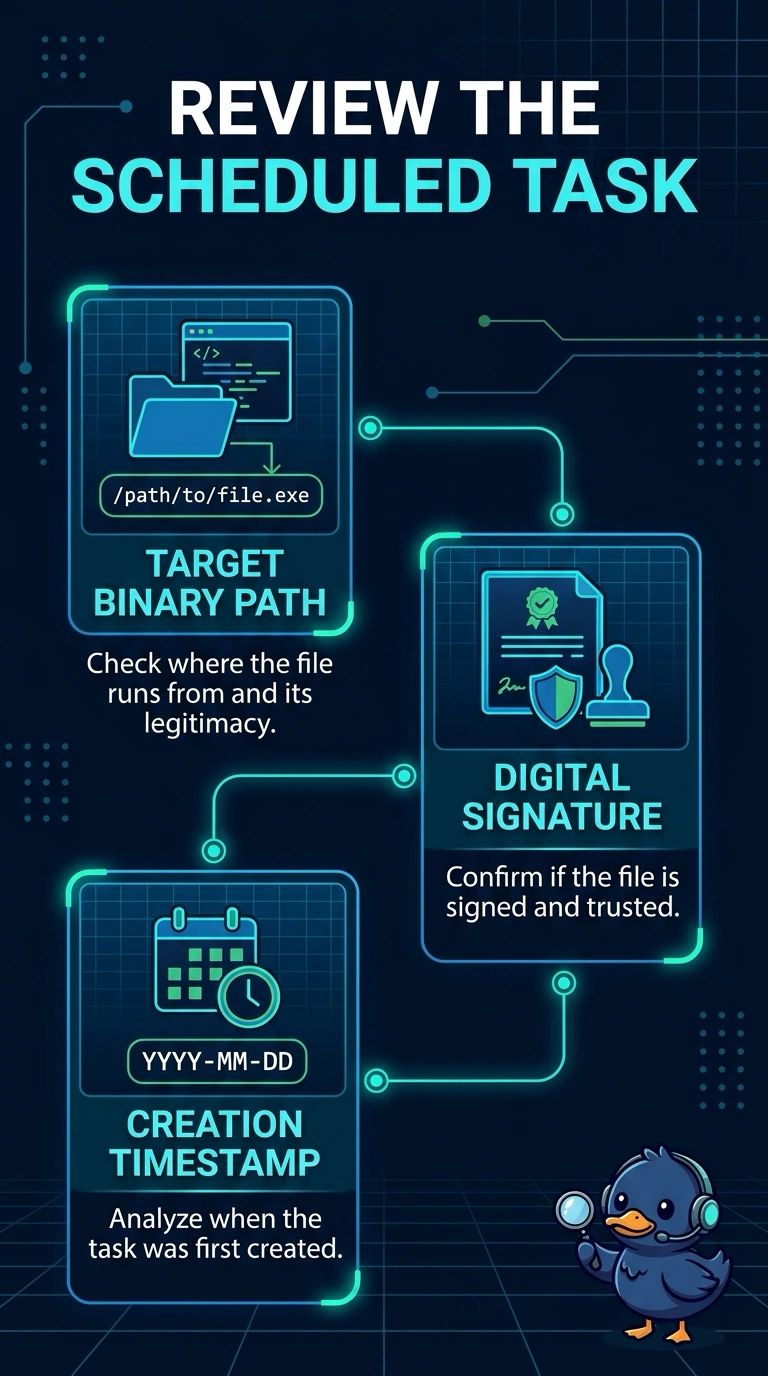
You’re right to look beyond a familiar task name, since attackers can hide persistence in scheduled tasks that sound legitimate. Check the target binary path, digital signature, and creation time to see whether IT likely deployed it. Persistence can be subtle.
Full Explanation
To distinguish attacker persistence from routine IT maintenance, inspect the task's target binary path, digital signature, and creation timestamp. Malicious tasks may point to binaries in user-writable folders, use unsigned or masqueraded executables, or appear outside approved maintenance windows; legitimate management tasks typically reside in protected directories and carry valid vendor signatures. Relying on only the alert's severity score without checking the underlying executable leaves you guessing, since authorized admin scripts and genuine persistence can produce similar severity scores. Whether the workstation's dashboard panel uses a bar chart or line chart describes visual presentation, not host telemetry. Whether the scheduled task name contains fewer than eight characters is an arbitrary naming detail that neither establishes legitimacy nor indicates compromise. One caveat is that attackers increasingly abuse signed built-in binaries through living-off-the-land techniques, so inspect the full command-line arguments passed to the target executable as well. As a practical check, pivot on the task's binary path and creation window across peer workstations, then compare the results with IT change-management records.
Prefer to study offline? Printable PDF study book + test engine ($7.50, unofficial). These questions stay free here.