
A utility company SOC analyst investigating a suspected server intrusion finds that local Windows event logs on the host were cleared shortly after midnight. What should the analyst do next to reconstruct the attacker's activity?
Select an answer to reveal the explanation.
Short Explanation
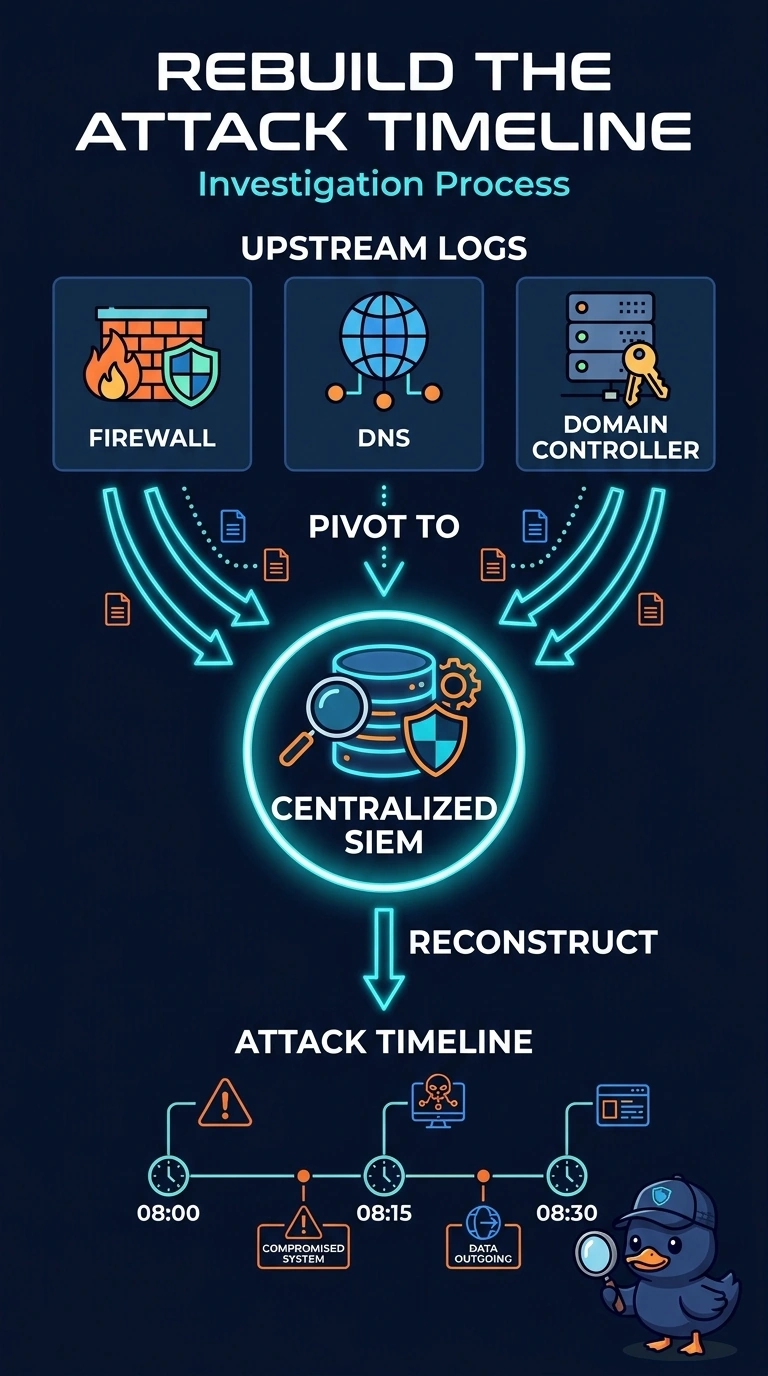
An attacker wiping local logs is like a burglar smashing the hallway camera while forgetting the street cameras outside. You still have upstream telemetry in Falcon Next-Gen SIEM, so do not fall into the trap of assuming cleared host logs erase the whole trail.
Full Explanation
Attackers often clear local event logs to hide their tracks, which makes Pivot to centralized SIEM records and upstream firewall, DNS, and domain controller logs to rebuild the timeline the right next step because off-host telemetry and previously ingested SIEM records remain intact even after local log clearing. Choosing Conclude the timeline cannot be recovered and close the investigation as inconclusive misses valuable corroborating evidence from network, DNS, and identity sources. Selecting Reimage the server immediately so log clearing cannot be repeated by the same threat actor destroys remaining volatile state and uningested forensic artifacts before scoping is complete. Choosing Disable all local event logging policies on peer servers to prevent future tampering blinds the SOC across healthy systems instead of preserving visibility. Keep in mind that log-clearing events themselves are high-signal indicators of tampering, though retention gaps can still limit older history. As an operational check, query centralized authentication, DNS, and firewall logs around the exact timestamp of the log-clear event to recover the surrounding session activity.
Prefer to study offline? Printable PDF study book + test engine ($7.50, unofficial). These questions stay free here.