
A retail corporate SOC sees an alert for remote PowerShell execution from an IT workstation to a warehouse file server. What should the analyst check to determine whether this activity is unauthorized lateral movement or legitimate administration?
Select an answer to reveal the explanation.
Short Explanation
Remote PowerShell looks like a master key—it opens doors for both IT admins and attackers. Before you pull the emergency brake or wave it through, check who turned the key and why. The trap is reacting to the tool name alone instead of verifying session and change context.
Full Explanation
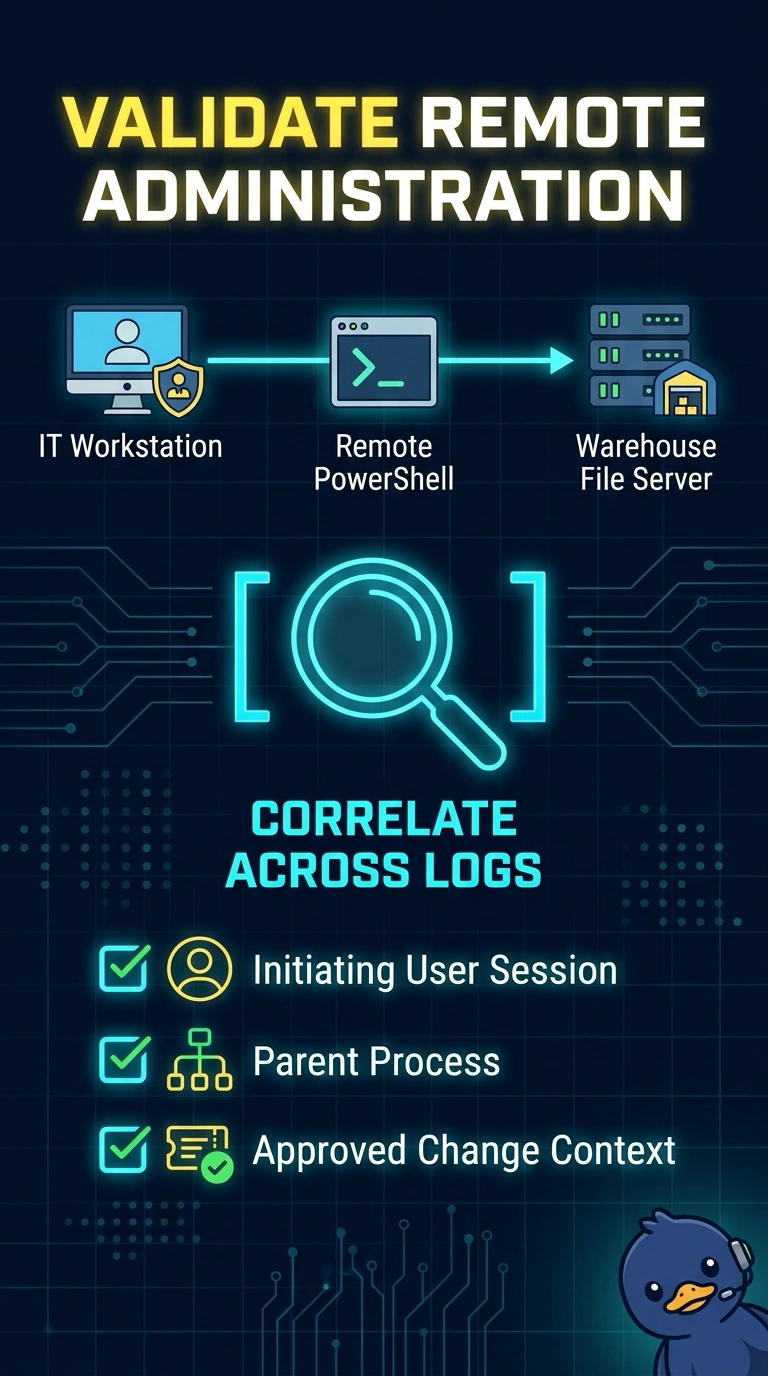
To separate authorized administration from lateral movement, you must Correlate the initiating user session, parent process, and approved change context across logs. Comparing endpoint process trees with identity authentication records and change tickets reveals whether a verified administrator launched the session from an expected host during a maintenance window. Choosing to Immediately isolate both the IT workstation and the warehouse file server from the network using SOAR risks disrupting critical warehouse operations before confirming malicious intent. Deciding to Check whether the warehouse file server has any recent threat-intelligence IP reputation matches in proxy logs misses the core question, because internal lateral movement over corporate networks rarely triggers external proxy reputation hits. Opting to Close the alert as benign because PowerShell remoting is commonly used by internal IT administrators relies on a dangerous assumption that attackers never abuse built-in administrative tools. As a caveat, even a valid admin account can be compromised, so unusual source hosts or off-hours execution still warrant scrutiny. As an operational check, inspect the parent process and logon type in endpoint and identity logs alongside your change-management schedule before deciding on containment.
Prefer to study offline? Printable PDF study book + test engine ($7.50, unofficial). These questions stay free here.