
A logistics company SOC deploys a custom correlation rule to detect anomalous cloud-storage downloads, but the rule generates zero alerts over seven days. Before assuming no suspicious activity occurred or lowering thresholds, what should the analyst check first?
Select an answer to reveal the explanation.
Short Explanation
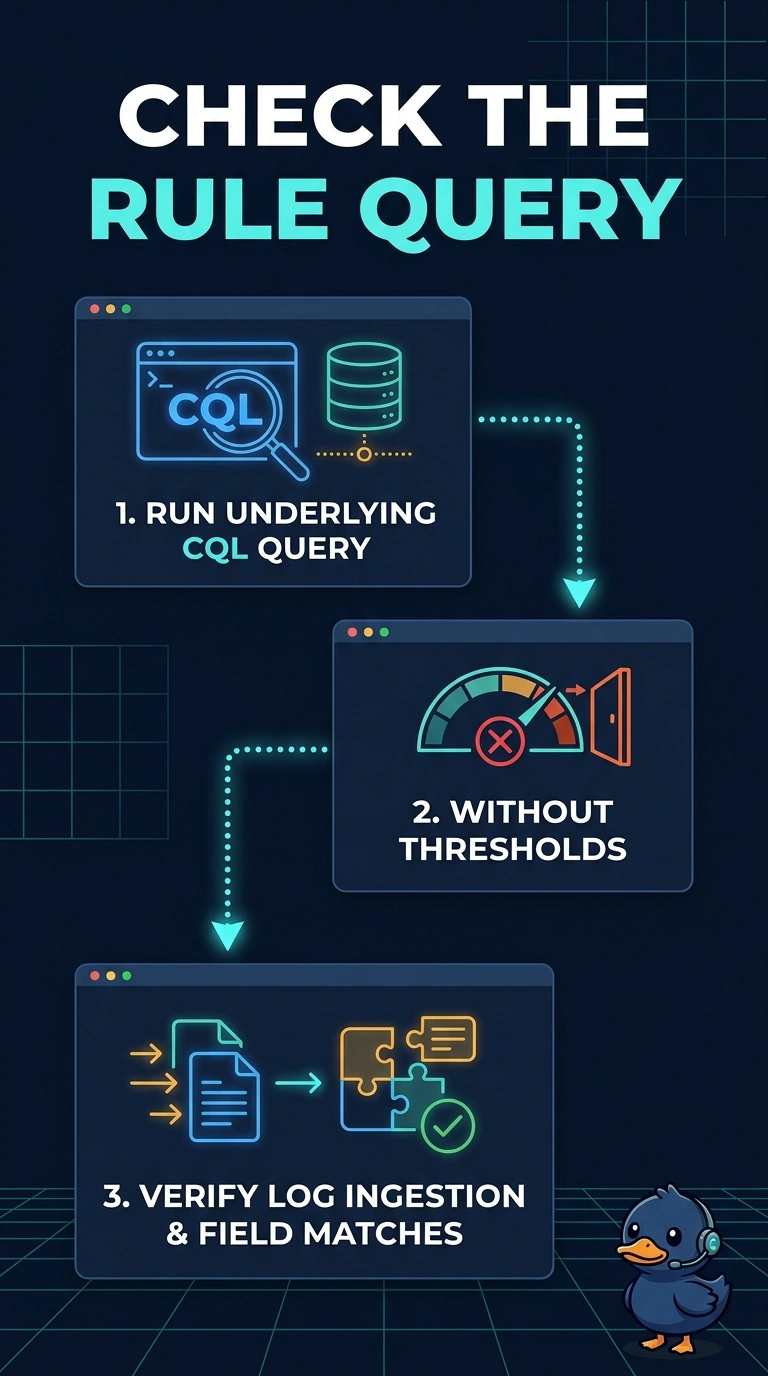
Zero alerts doesn’t always mean zero attacks—you may need to check whether your sensor is even receiving the right data. Running the underlying CQL query first helps you verify ingestion and field matches before treating silence as safety.
Full Explanation
Running the rule’s underlying CQL query without thresholds helps you determine whether silence comes from missing cloud-storage telemetry, unpopulated normalized fields, or an overly restrictive filter condition. Checking matching data prevents false confidence and avoids blindly lowering thresholds when the rule’s logic or inputs may be the problem. Deleting the rule and replacing it with a generic third-party firewall alert abandons cloud-storage visibility and substitutes an unrelated detection source. Increasing the rule’s severity to high changes only alert-prioritization metadata; it will not make a rule fire when its query does not match. Attaching an automated SOAR remediation workflow misunderstands orchestration: SOAR responds to triggered detections rather than fixing underlying query or ingestion gaps. As an exam caveat, silence from a newly deployed correlation rule should prompt a data-availability and query-logic check before you conclude the environment is clean. As a practical check, inspect sample cloud-storage events in CQL and confirm that the normalized fields referenced by the rule are populated as expected.
Prefer to study offline? Printable PDF study book + test engine ($7.50, unofficial). These questions stay free here.