
A retail SOC maintains a correlation rule that alerts when endpoint DNS logs match domains in a high-risk threat-intelligence lookup table. Raw DNS logs are ingesting normally, but the rule has produced zero alerts for two weeks despite confirmed test queries. What should the analyst check first?
Select an answer to reveal the explanation.
Short Explanation
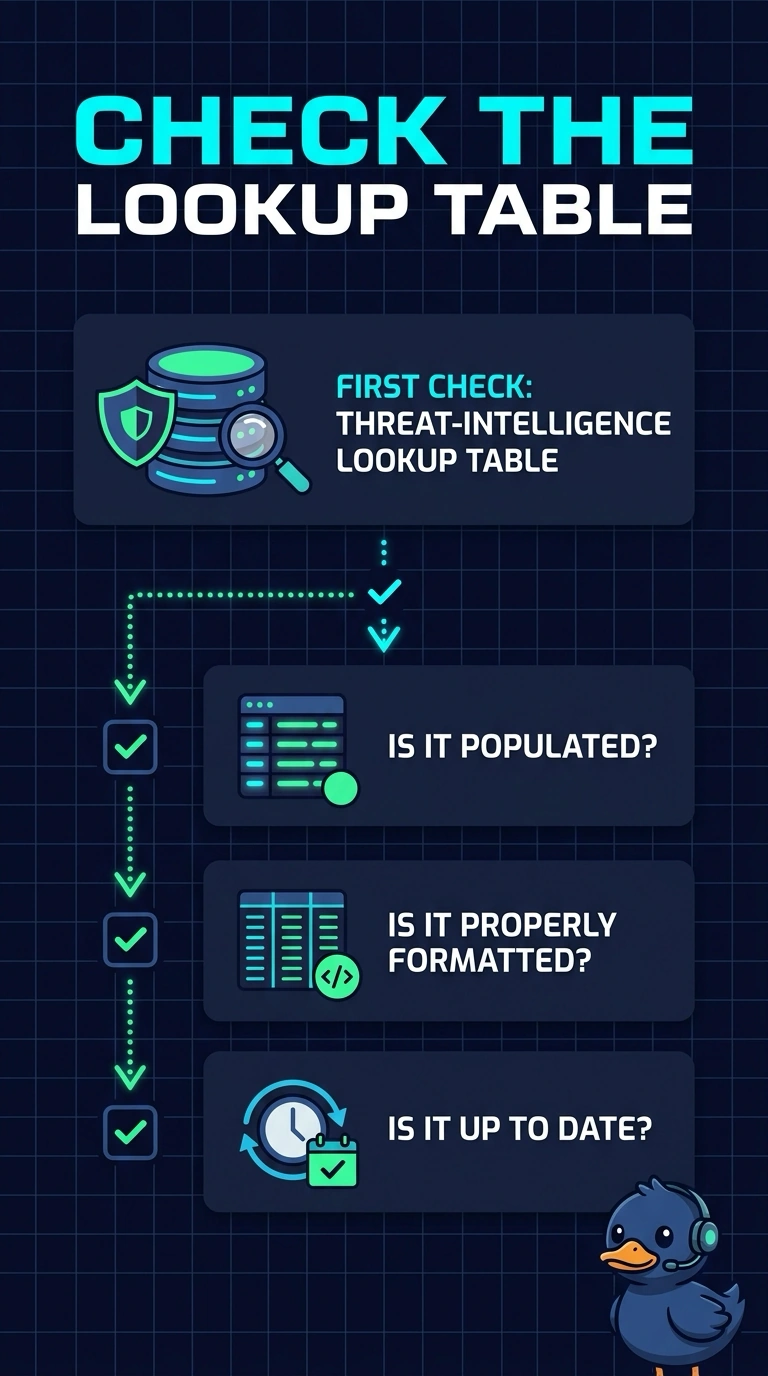
A lookup-based correlation rule is only as sharp as the list it checks against. If raw logs are flowing in fine, you need to inspect the lookup table itself before blaming the query or the log pipeline. The trap is overlooking stale or empty reference data when troubleshooting silent rules.
Full Explanation
Correlation rules that enrich or match events against external threat-intelligence lists depend on both healthy telemetry ingestion and accurate reference data. Checking Whether the threat-intelligence lookup table is populated, properly formatted, and up to date identifies common failure modes such as an expired feed, an empty table overwrite, or a key-column mismatch that prevents matches against incoming DNS events. Checking Whether the endpoint DNS logs were routed to a third-party passthrough alert queue confuses raw DNS telemetry ingestion with external vendor alert forwarding. Checking Whether the SIEM dashboard panel for DNS volume uses a bar chart instead of a table examines visualization formatting rather than correlation-rule execution. Checking Whether analysts closed previous alerts from the rule as benign true positives does not prevent the rule from firing on new confirmed test queries unless an exclusion was also added. As a caveat, confirm that the field normalization in the DNS logs matches the case and format expected by the lookup key. As an operational check, run the rule's underlying CQL lookup join manually against a known entry in the table to verify matching works.
Prefer to study offline? Printable PDF study book + test engine ($7.50, unofficial). These questions stay free here.