
A financial services SOC analyst reviews a custom correlation-rule alert on a Linux database server, but the alert's MITRE ATT&CK metadata lists a Windows-specific registry technique. What should the analyst inspect to resolve the mismatch?
Select an answer to reveal the explanation.
Short Explanation
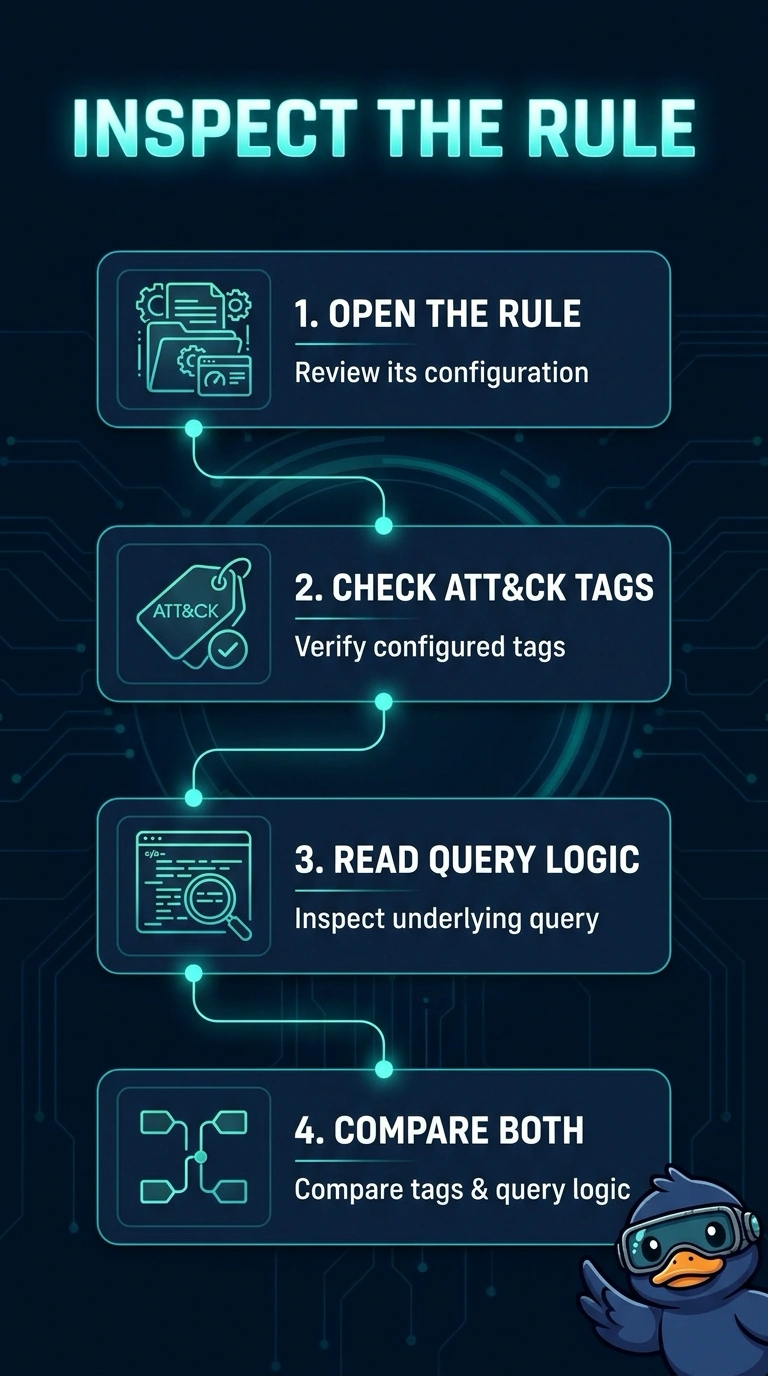
If a shipping label says refrigerator on a box full of books, someone slapped on the wrong sticker. When you see a Windows technique tag on a Linux alert, check the correlation rule's tags and query logic rather than doubting the server's OS. The trap is assuming ATT&CK labels are always auto-verified.
Full Explanation
Inspecting The correlation rule's configured ATT&CK tags and underlying query logic pinpoints whether a rule author applied an incorrect static tag, cloned a Windows template without updating metadata, or wrote an overly broad query matching unintended operating systems. Correlation-rule ATT&CK mappings are configured metadata and can drift from the actual events matched by the query. Investigating Whether the database server's Linux kernel secretly runs a Windows registry hive chases an impossible operating-system premise instead of checking SIEM rule configuration. Checking Whether MITRE ATT&CK requires all SIEM alerts to use Windows technique IDs is incorrect because ATT&CK maintains platform-specific techniques across Linux, Windows, macOS, and cloud environments. Blaming Whether the analyst's browser cache is translating Linux logs into Windows terms invents a client-side rendering behavior rather than examining how the rule itself is defined. As a caveat, an overly broad cross-platform query might still have caught genuinely suspicious Linux activity even with a mislabeled tag. As an operational check, review the contributing events in the alert first to verify host behavior, then update the correlation rule's platform filters or ATT&CK mapping so future triage remains accurate.
Prefer to study offline? Printable PDF study book + test engine ($7.50, unofficial). These questions stay free here.