
A logistics company SOC builds a new correlation rule to detect suspicious cloud storage downloads, but tier-1 analysts report the generated alerts lack the username and source IP needed to begin triage. What should the rule author verify?
Select an answer to reveal the explanation.
Short Explanation
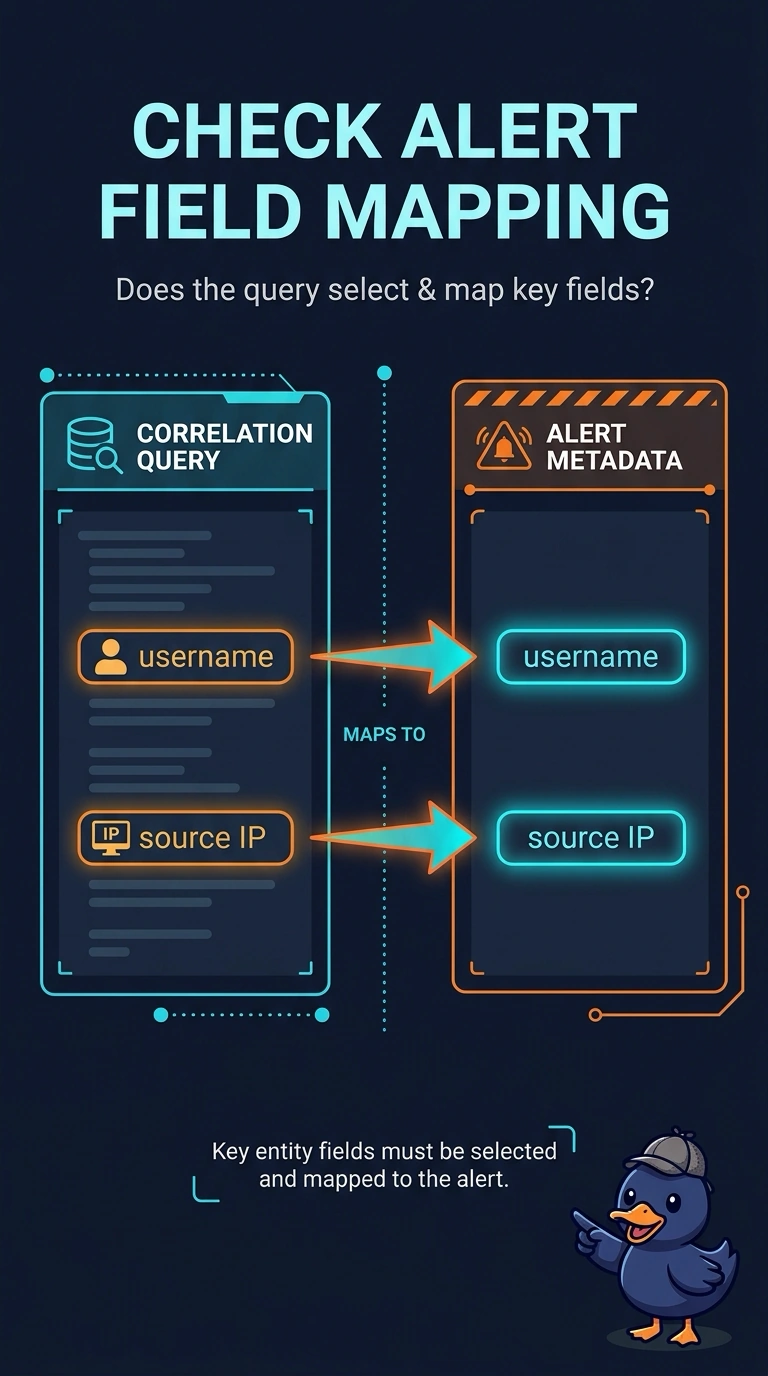
You’re looking in the right place: verify that your correlation query selects and maps the username and source IP into the alert metadata. Entity fields give you the pivot keys you need to begin triage. Deleting the query filter, changing the color theme, or closing incomplete alerts as false positives won’t fix missing metadata.
Full Explanation
Correlation rules only surface the fields preserved by their underlying query and alert-mapping configuration, so omitting or renaming an entity attribute leaves analysts without immediate pivot keys. Verifying that the correlation query selects and maps key entity fields into the alert metadata ensures that username and source IP appear directly on the alert for rapid investigation and SOAR enrichment. Deleting the rule’s query filter would break the detection logic and flood the queue rather than fix metadata mapping. Changing the alert’s color theme addresses visual presentation, not query output fields, and will not populate missing user identifiers. Closing alerts without usernames as confirmed false positives risks discarding real cloud exfiltration detections simply because the rule output is incomplete. Caveat: if the underlying cloud storage log source genuinely omits a username on anonymous links, map the available session, token, or IP attributes and note that limitation in triage guidance. Practical check: test the correlation rule against sample events and verify that every expected entity field renders in the resulting alert details.
Prefer to study offline? Printable PDF study book + test engine ($7.50, unofficial). These questions stay free here.