
A software company SOC analyst receives a recurring detection generated by native Falcon endpoint analytics on a build server and tries to edit its CQL query in the correlation-rule builder, but cannot find the rule there. Why?
Select an answer to reveal the explanation.
Short Explanation
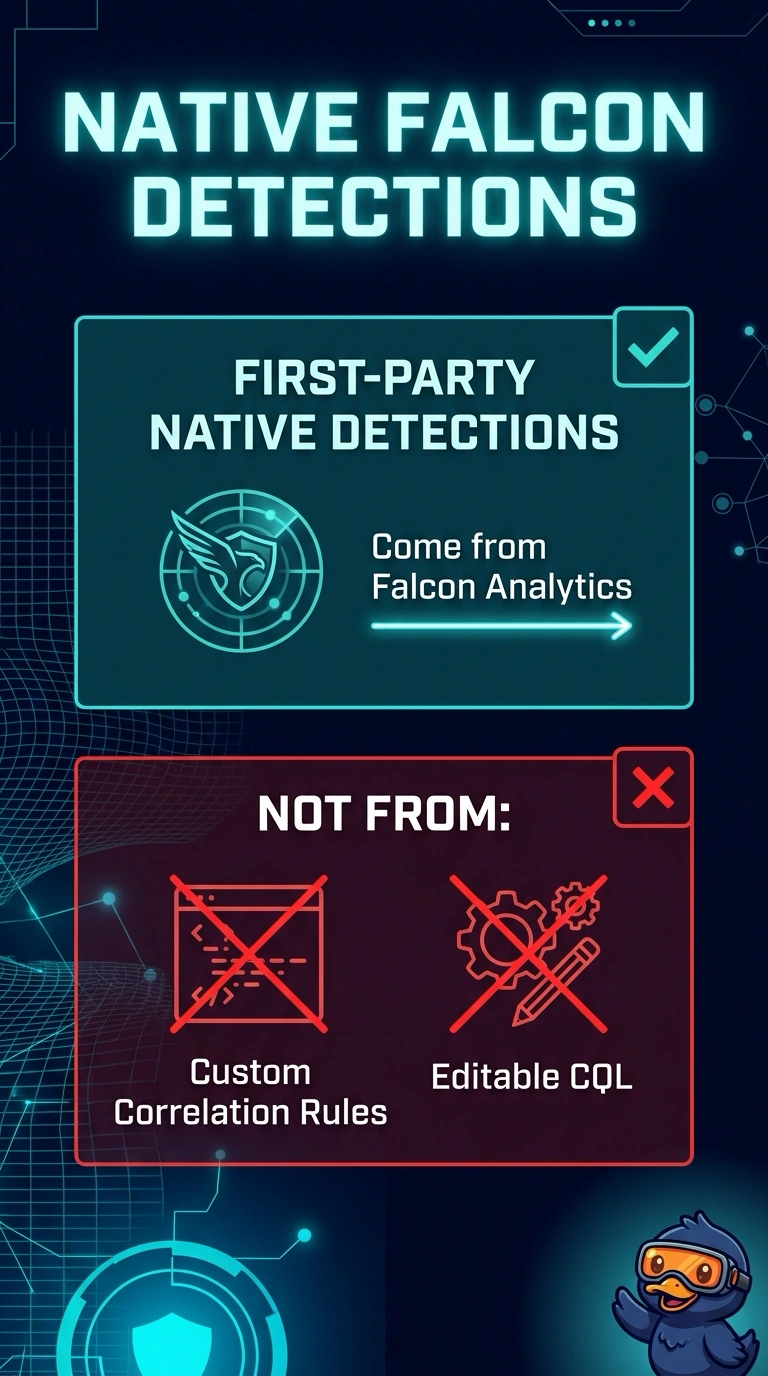
Looking for a native Falcon detection inside the custom correlation-rule editor is like checking your car's glovebox for the factory engine blueprint—it lives in a different system. Once you confirm the detection origin, you know to tune it through native exclusions or policies. The trap is assuming every SIEM alert is a CQL rule.
Full Explanation
Because First-party native detections come from Falcon analytics, not custom correlation rules with editable CQL, they will not appear as user-editable queries in the correlation-rule builder. Analysts handle verified benign noise on these detections through native prevention policies or detection exclusions rather than editing CQL logic. Claiming Native Falcon detections automatically delete themselves from the correlation-rule builder after twenty-four hours is false; native detections were never stored as custom correlation rules in the first place. Claiming Build servers only generate third-party passthrough alerts, which never appear in Falcon Next-Gen SIEM is incorrect because Falcon endpoint sensors produce first-party detections directly in the platform. Claiming Every correlation rule written in CQL is hidden from analysts unless the host is isolated via SOAR first invents a restriction that does not exist; SOAR isolation does not control rule visibility. Caveat: before adding any native exclusion for a build server, verify that the binary path, signer, and parent process match authorized build automation. As an operational check, inspect the alert's detection origin metadata first so you route tuning requests to the right workflow.
Prefer to study offline? Printable PDF study book + test engine ($7.50, unofficial). These questions stay free here.