
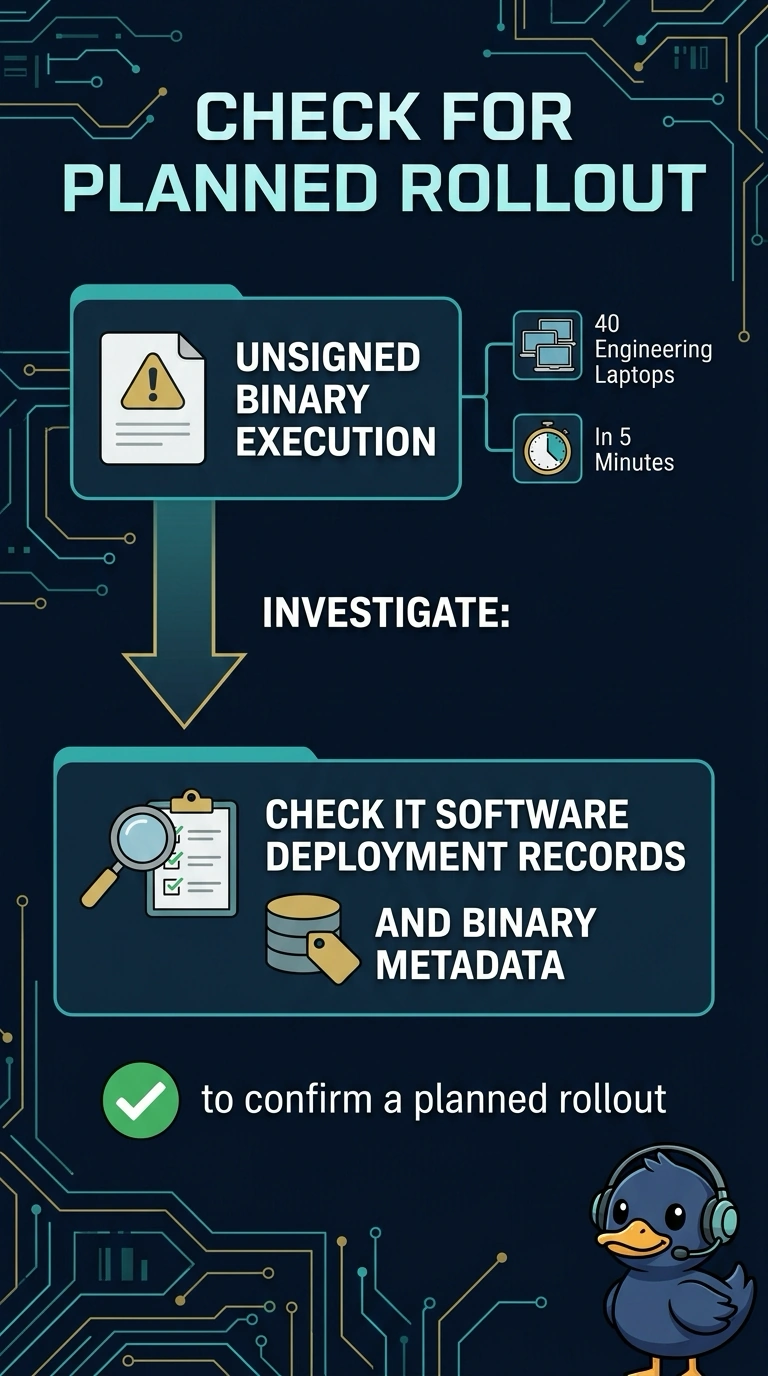
A SaaS company SOC sees the same correlation-rule alert for unsigned binary execution fire across forty engineering laptops within five minutes. What should the analyst check first?
Select an answer to reveal the explanation.
Short Explanation
When forty developer laptops trigger the exact same alert in five minutes, it often looks more like a fleet software push than a stealthy intruder—you should check the change calendar before pulling the fire alarm. The trap is isolating an entire engineering team before verifying whether IT pushed an update.
Full Explanation
Simultaneous identical alerts across a large cohort of homogeneous hosts are a classic indicator of an authorized administrative rollout, script push, or developer tool update, though malicious software distribution must still be ruled out. You should Check IT software deployment records and binary metadata for a planned rollout to confirm whether the binary path, hash, parent process, and timing match an approved change. Choosing to Isolate all forty engineering laptops immediately using an automated SOAR workflow risks severe business disruption across the engineering organization based on unverified correlation alerts. Choosing to Delete the correlation rule because it triggered on more than one host at once removes legitimate detection coverage instead of validating or tuning the behavior. Choosing to Reclassify every alert as confirmed ransomware before inspecting process details jumps to an unsupported conclusion without behavioral or impact evidence. As a caveat, do not rely on a change ticket alone—confirm that the observed file hash and parent installer match what IT actually deployed. For an operational check, inspect the parent process and command-line metadata across a sample of the affected laptops in CQL.
Prefer to study offline? Printable PDF study book + test engine ($7.50, unofficial). These questions stay free here.