
A school district analyst reviews an alert tagged with a MITRE ATT&CK Discovery tactic on a district IT laptop. What should the analyst inspect in the alert metadata before escalating it as unauthorized reconnaissance?
Select an answer to reveal the explanation.
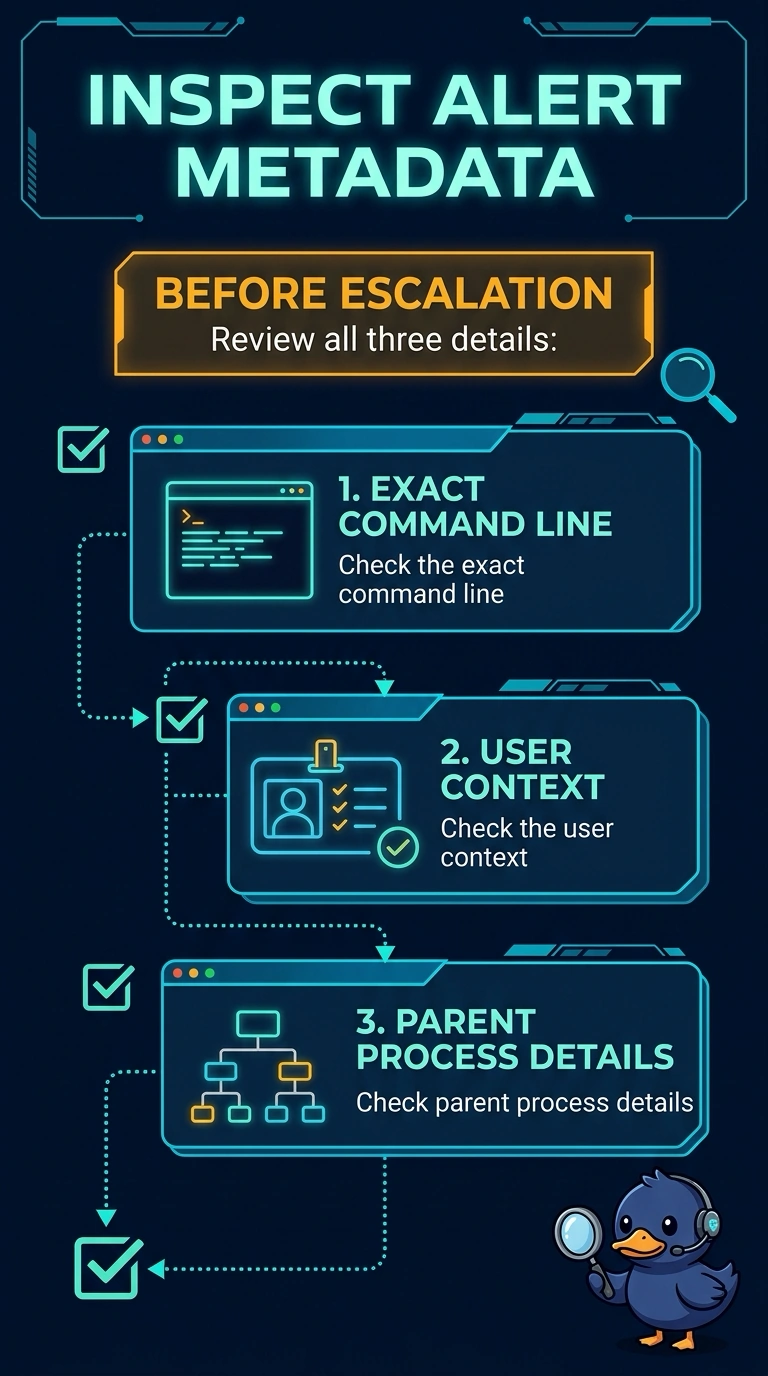
Short Explanation
Seeing a Discovery tag on an IT laptop is like spotting a wrench in a mechanic's hand: the tool itself does not tell you whether a repair or a break-in is happening. The trap is escalating based on the ATT&CK label or severity color alone. Inspect the command line, user context, and parent process in your alert metadata to tell routine admin work from intrusion.
Full Explanation
MITRE ATT&CK mappings describe what category of behavior occurred, not whether that behavior was authorized. Inspecting The exact command line, user context, and parent process details in the alert metadata reveals whether an IT staff member ran a legitimate diagnostic script from an expected administrative session or an unusual parent process launched reconnaissance commands. Relying on The vendor marketing brochure describing the ATT&CK framework provides high-level definitions rather than telemetry from the laptop in question. Relying on Only the alert severity color shown on the overview dashboard ignores the behavioral evidence needed to separate benign IT administration from real attacker activity. Checking The total number of third-party passthrough alerts from last quarter adds historical volume noise without explaining what happened on this specific endpoint. Caveat: attackers frequently use built-in administrative tools, so an authorized username alone does not guarantee benign intent if the parent process or timing is anomalous. As an operational check, correlate the alert metadata with recent IT change tickets and the user's normal session history before deciding whether to escalate or close.
Prefer to study offline? Printable PDF study book + test engine ($7.50, unofficial). These questions stay free here.