
A newly disclosed critical vulnerability affects a widely used open-source compression library. How can a software security team quickly identify which container images already stored in its integrated registries contain the affected package?
Select an answer to reveal the explanation.
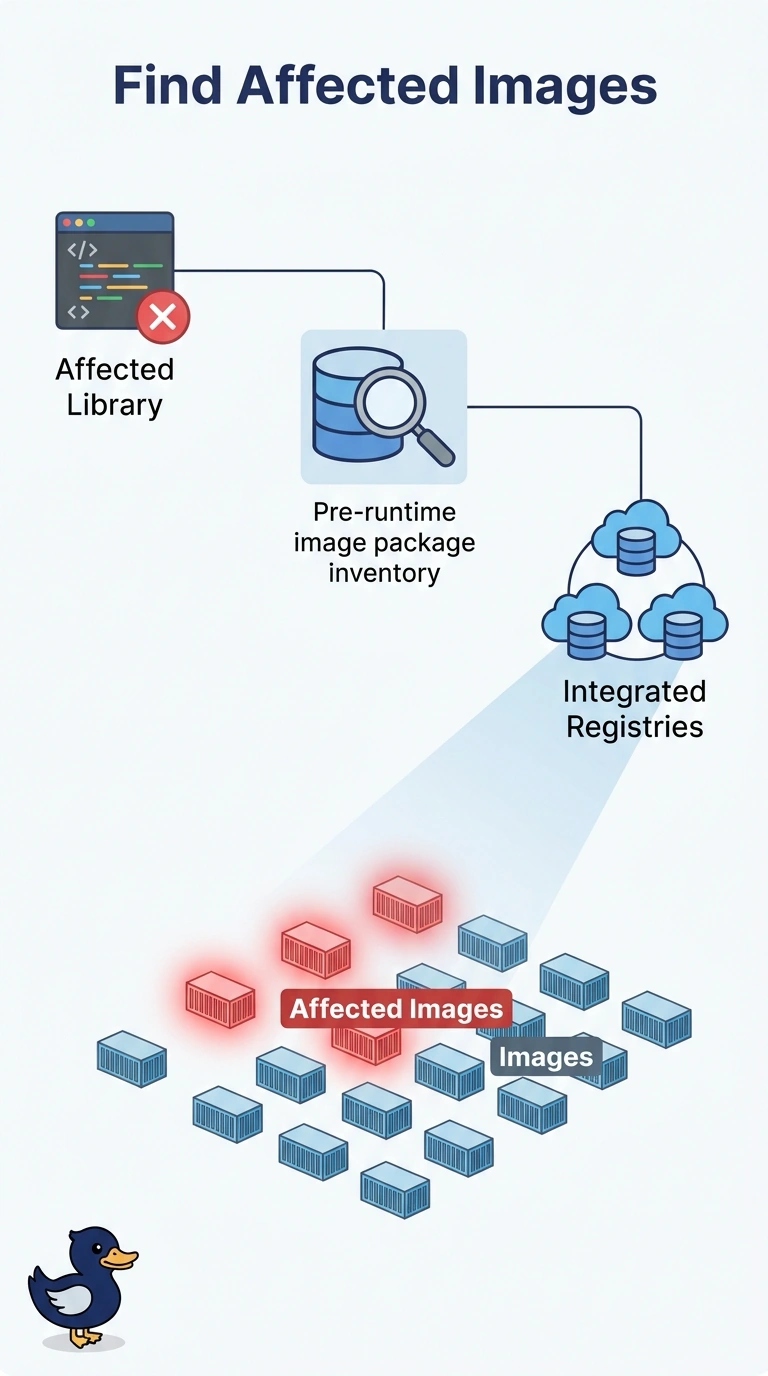
Short Explanation
When a newly disclosed library flaw puts you on the clock, you can quickly check stored images without deploying them or reading every Dockerfile. The pre-runtime image package inventory lets you find images containing the affected library; runtime alerts detect active behavior, not dormant package presence.
Full Explanation
The fastest way to scope exposure is to query the pre-runtime image package inventory for the affected library across images. Registry integration continuously catalogs OS packages and application libraries inside stored images, so you can search quickly when a new advisory emerges. Deploying every stored container image into a staging cluster and waiting for runtime alerts is slow and ineffective: runtime sensors detect active malicious execution, not dormant vulnerable libraries. Reviewing cloud account posture findings for unencrypted storage buckets and IAM roles examines cloud control-plane configurations, not container image contents. Forcing developers to manually inspect every Dockerfile in source control is error-prone and can miss transitive dependencies pulled in during builds. One exam caveat is that an image needs assessment through a supported path; CI or local CLI assessment can provide results even when its source registry is not integrated. For a practical check, filter image assessment findings by the specific package or CVE identifier, then verify which active deployments still reference the affected image digests.
Prefer to study offline? Printable PDF study book + test engine ($7.50, unofficial). These questions stay free here.