
A manufacturing DevSecOps team adds a Falcon Cloud Security image assessment step to its CI/CD pipeline, but builds fail with an authorization error when uploading scan results to the Falcon platform. What should the engineer verify first?
Select an answer to reveal the explanation.
Short Explanation
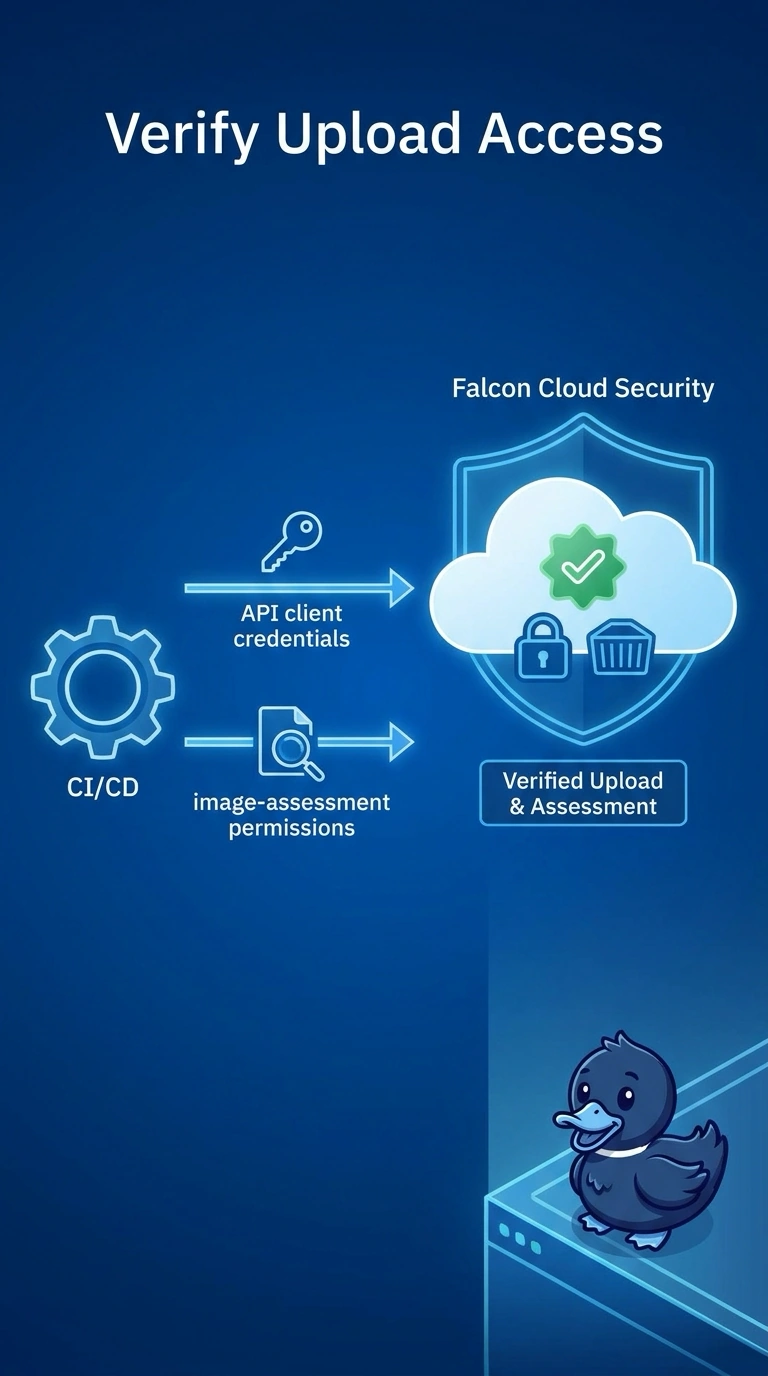
When your CI/CD scanner gets bounced at the door with an authorization error, check its badge first. Don't waste time debugging Kubernetes nodes or cloud posture roles—verify the pipeline's API client credentials and image-assessment permissions.
Full Explanation
The CI/CD API client credentials and image-assessment permissions should be verified first because pipeline image scanning authenticates to Falcon Cloud Security using an API client ID, secret, and scoped permissions; expired secrets, mismatched cloud regions, or missing image-assessment scopes immediately trigger authorization failures. The Kubernetes DaemonSet tolerations on production cluster worker nodes fails because DaemonSet scheduling governs runtime node sensors in a cluster and has no role in CI/CD pipeline API authentication. The cloud organization cross-account IAM trust policy for posture scans is incorrect because cross-account IAM roles authorize agentless cloud posture discovery against cloud provider APIs, not CI/CD image assessment uploads. The Fusion SOAR webhook URL configured for Slack incident notifications is also wrong because SOAR webhooks handle outbound alert delivery after findings exist rather than pipeline scan authentication. As a caveat, follow least-privilege principles by granting the CI/CD API client only the scopes required for image assessment rather than broad administrative access. As an operational check, validate the API client secret and scopes in the pipeline secrets manager and re-run a test build.
Prefer to study offline? Printable PDF study book + test engine ($7.50, unofficial). These questions stay free here.