
A software team's private container registry previously reported image assessment findings in Falcon Cloud Security, but newly pushed images suddenly stop showing any scan results. What should the engineer check first?
Select an answer to reveal the explanation.
Short Explanation
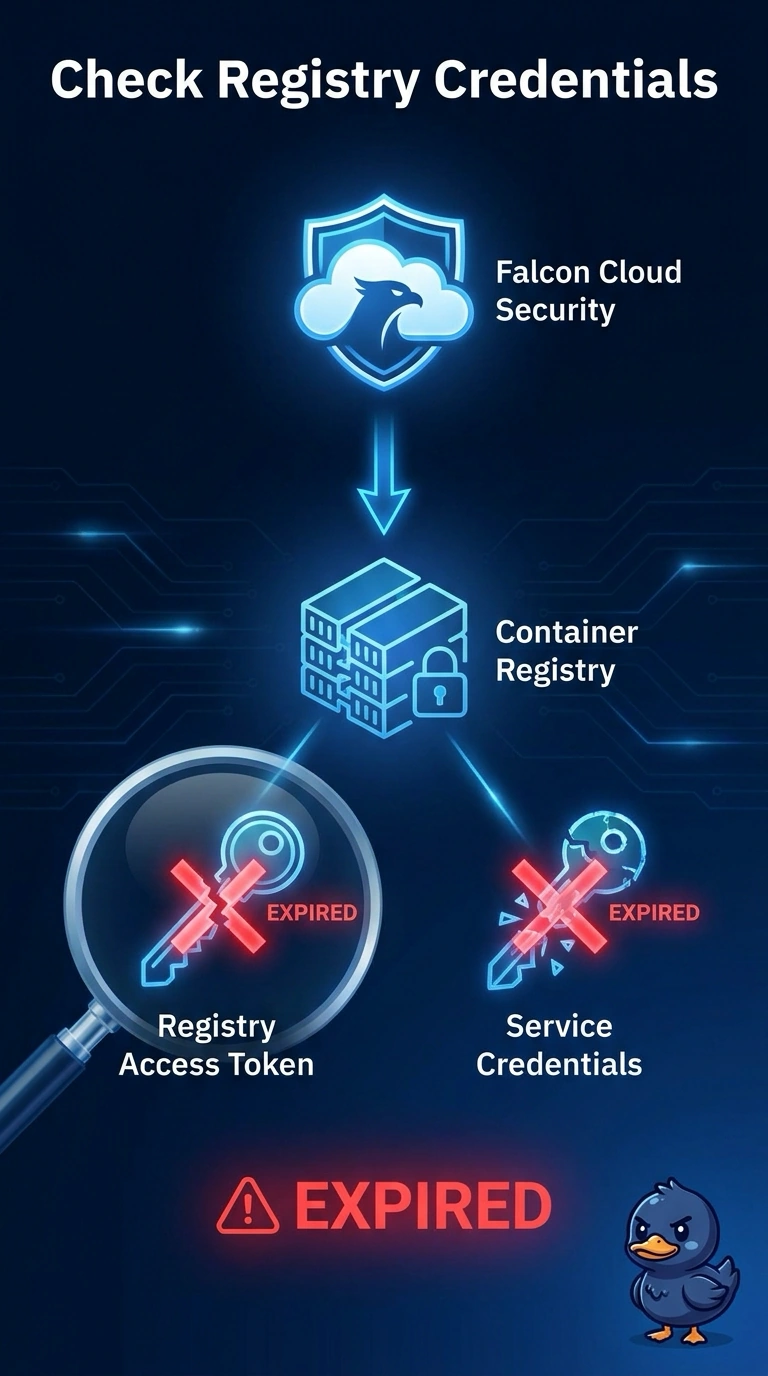
When a registry integration that worked yesterday suddenly stops scanning new images today, check the keys to the warehouse first. Expired registry credentials will quietly block image pulls for assessment while your runtime sensors keep humming along.
Full Explanation
Falcon Cloud Security relies on valid registry authentication credentials or tokens to pull and inspect newly pushed container images for vulnerabilities and embedded secrets. Checking Whether the container registry access token or service credentials expired targets a plausible authentication cause to check using the registry integration error/status of an abrupt stop in registry-based image assessment after an integration was previously working. Checking Whether Kubernetes runtime sensors on worker nodes were upgraded to a newer release focuses on runtime cluster agents, which do not perform pre-runtime registry pulls. Checking Whether Fusion SOAR workflows were configured to send weekly PDF compliance reports confuses automated response and reporting with image assessment ingestion. Checking Whether cloud posture scan exclusions were added to an unrelated sandbox VPC affects cloud control-plane posture scanning for that VPC, not private container registry authentication. Keep in mind that registry tokens often have fixed rotation schedules that break integrations if not updated in Falcon Cloud Security. Verify the registry integration connection status, rotate or update the credential if needed, and push a test image to confirm assessment resumes.
Prefer to study offline? Printable PDF study book + test engine ($7.50, unofficial). These questions stay free here.