
A hospital DevSecOps team onboarded a new private container registry and enabled a custom image assessment policy, but images pushed to the new registry are not evaluated against that policy. What should the team check first?
Select an answer to reveal the explanation.
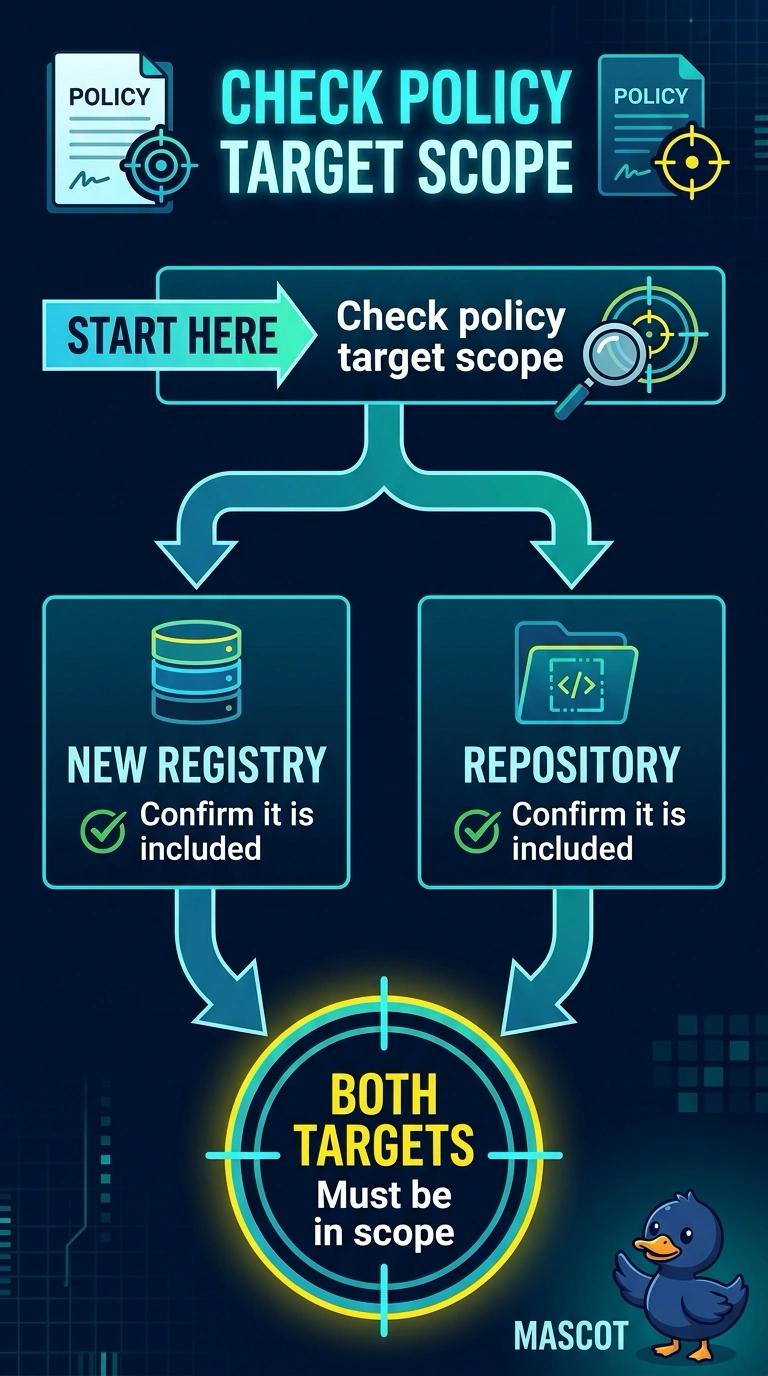
Short Explanation
Enabling a policy without checking its target scope is like writing a strict dress code and forgetting to post it at the new entrance! The trap is troubleshooting runtime sensors or cluster admission when your new registry simply is not included in the policy scope.
Full Explanation
Whether the new registry and repository are included in the image assessment policy's target scope directly addresses why images in the newly onboarded registry are skipped. Even when a custom image assessment policy is enabled, it only evaluates artifacts matching its assigned policy groups, registries, or repository patterns. Whether the Kubernetes admission policy is blocking pods in the cluster checks deployment-time cluster gating rather than whether pre-runtime image assessment evaluates pushed images in a registry. Whether the virtual machine Falcon sensors have been updated to the latest kernel build relates to runtime host protection and has no bearing on pre-runtime registry image evaluation. Whether the weekly scheduled compliance report includes CSV attachments affects how posture summaries are delivered to stakeholders rather than which registries an image policy scans. Caveat: if multiple image assessment policies apply to overlapping repositories, check policy precedence as well as target scope. Operational check: inspect the custom image assessment policy's group and registry scope in Falcon Cloud Security, add the new registry if missing, and push a test image to confirm evaluation.
Prefer to study offline? Printable PDF study book + test engine ($7.50, unofficial). These questions stay free here.