
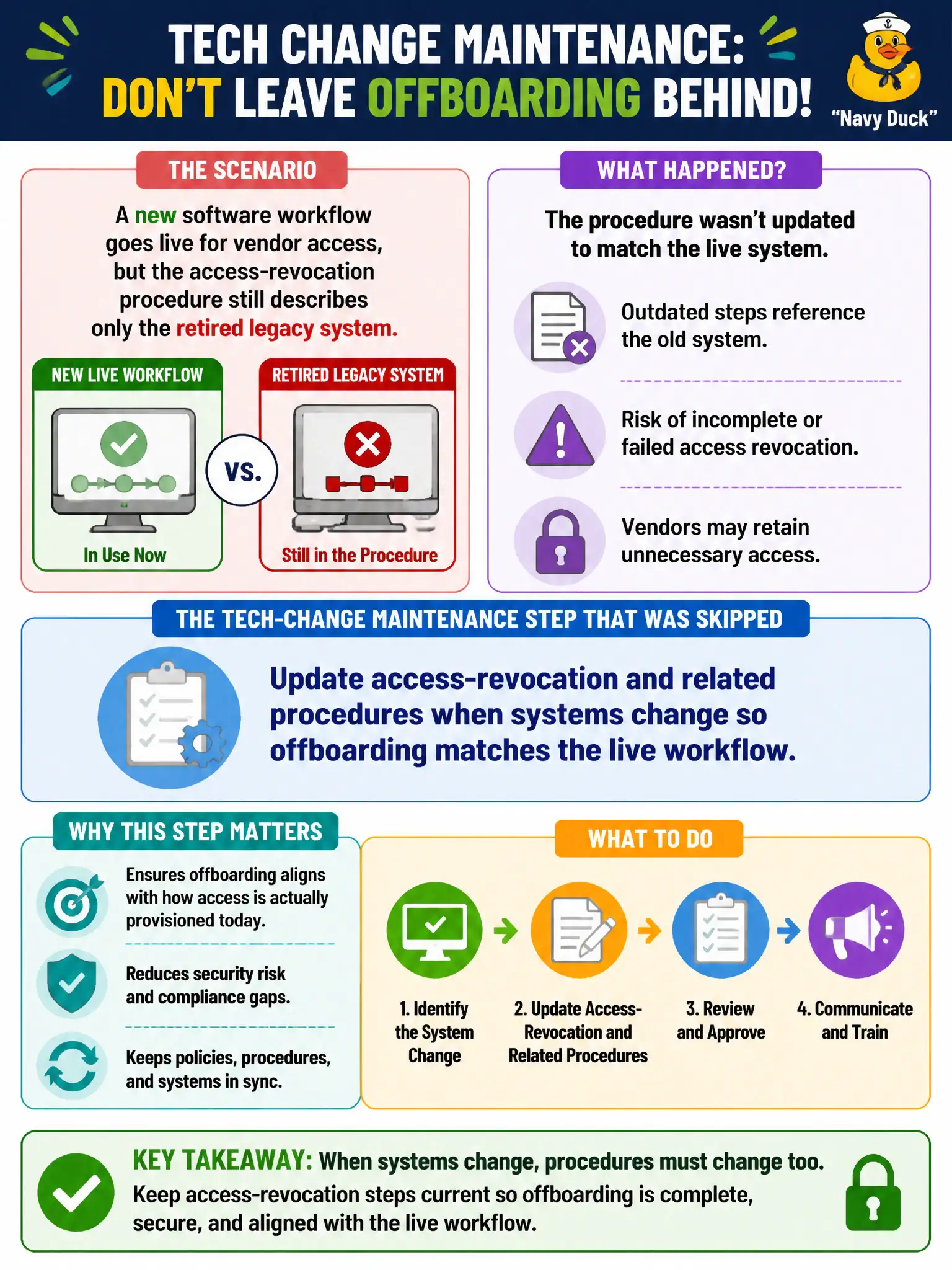
A new software workflow goes live for vendor access, but the access-revocation procedure still describes only the retired legacy system. What tech-change maintenance step was skipped?
Select an answer to reveal the explanation.
Short Explanation
New software with an old kill-switch recipe leaves orphan accounts hanging around. When the workflow changes, the revocation procedure has to change with it. Tech go-lives are procedure maintenance events—not just IT parties.
Full Explanation
Updating access-revocation and related procedures when systems change so offboarding matches the live workflow is correct because a go-live for new vendor-access software retires the legacy path those procedures still describe. Stale revocation steps leave accounts active, create orphan access, and break segregation of duties after contractor or vendor exit. Civic IT and facilities access governance must treat system change as a mandatory procedure-maintenance trigger.
Assuming identity workflows never need procedure updates after go-live fails by concept because the control environment changed with the system; procedures that describe dead screens cannot guide help desk action. Documenting the new system in marketing slides only while leaving operational revocation steps untouched fails because slides are not controlled operating procedures for offboarding. Training help desk verbally once and forbidding written procedure changes for security reasons fails because verbal-only fragile knowledge and a ban on written updates undermine both security and continuity.
Exam caveat: CRMC tech-change maintenance expects access, shutdown, and related procedures to track the live systems. Marketing or one-time verbal briefings do not replace controlled procedure updates.
Operational check: At each access-system cutover for county vendors, revise revocation/offboarding procedures before or at go-live, test a sample revocation on the new workflow, retire legacy steps, and confirm HR/IT checklists point to the new controlled document.