
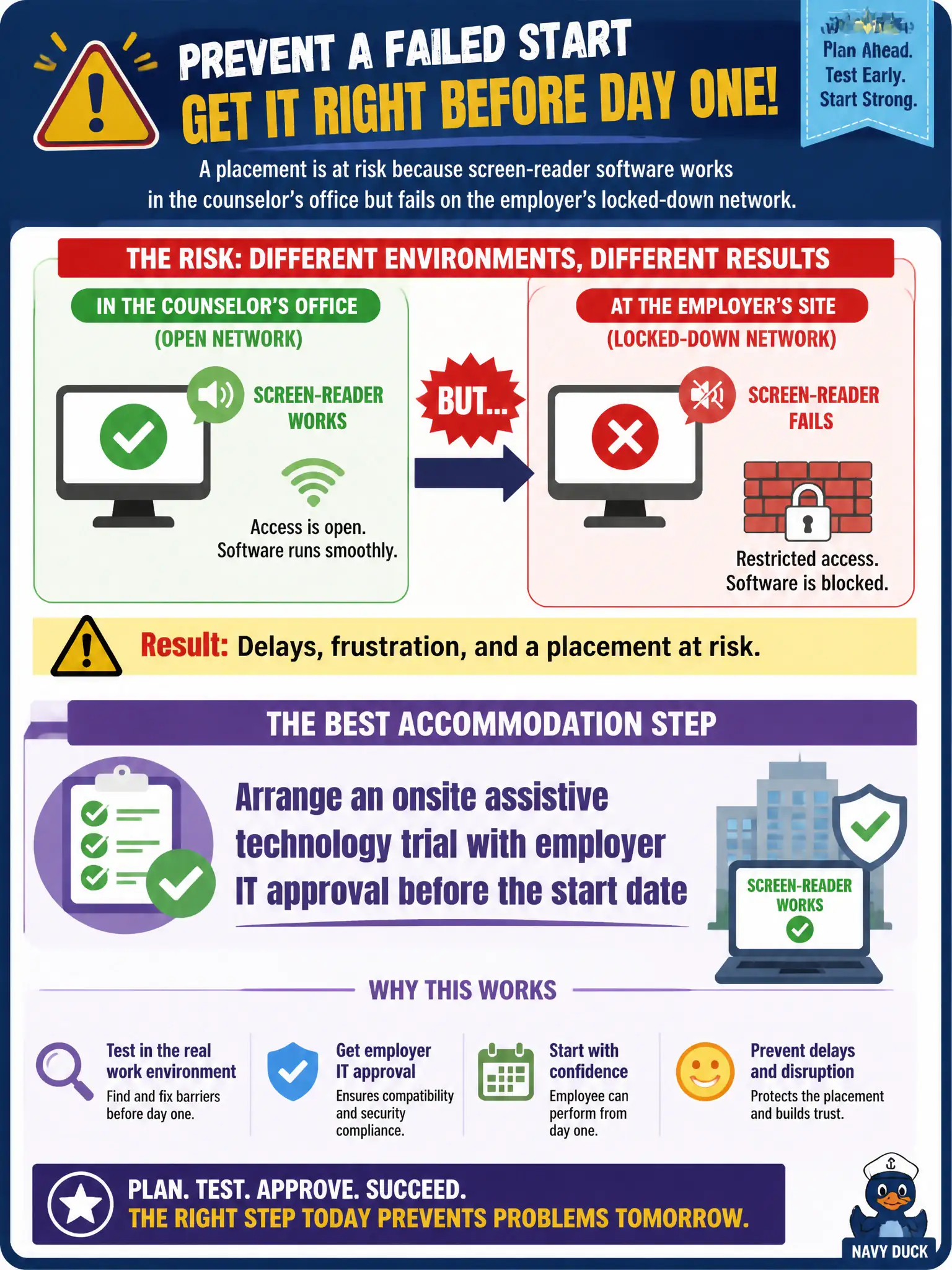
A placement is at risk because screen-reader software works in the counselor's office but fails on the employer's locked-down network. What accommodation step best prevents a failed start?
Select an answer to reveal the explanation.
Short Explanation
Office demos and real networks are different animals. If the screen reader dies behind the employer's firewall, day one turns into a disaster. Trial the AT on their system with IT's blessing before the start date so the fix—not the crisis—shows up first.
Full Explanation
When screen-reader software works in the counselor’s office but fails on the employer’s locked-down network, arranging an onsite assistive technology trial with employer IT approval before the start date best prevents a failed start. Early IT partnership turns accommodation from a day-one crisis into a planned install. Shipping the client’s personal laptop and skipping employer IT review fails because security policies often block unmanaged devices and create conflict on day one. Telling the employer the ADA requires unrestricted network admin rights for every new hire fails because accommodation is individualized and does not automatically mean full admin privileges. Delaying disclosure of any technology need until after probation fails because surprise access failures look like performance problems and waste the probationary period. Exam caveat: counselors facilitate trials and explain functional needs; IT security constraints are real and may require alternate AT configurations rather than policy violations. Operational check: schedule a pre-start AT trial on the production network with IT present, document success criteria, and confirm a support contact before the employee’s first paid shift.