
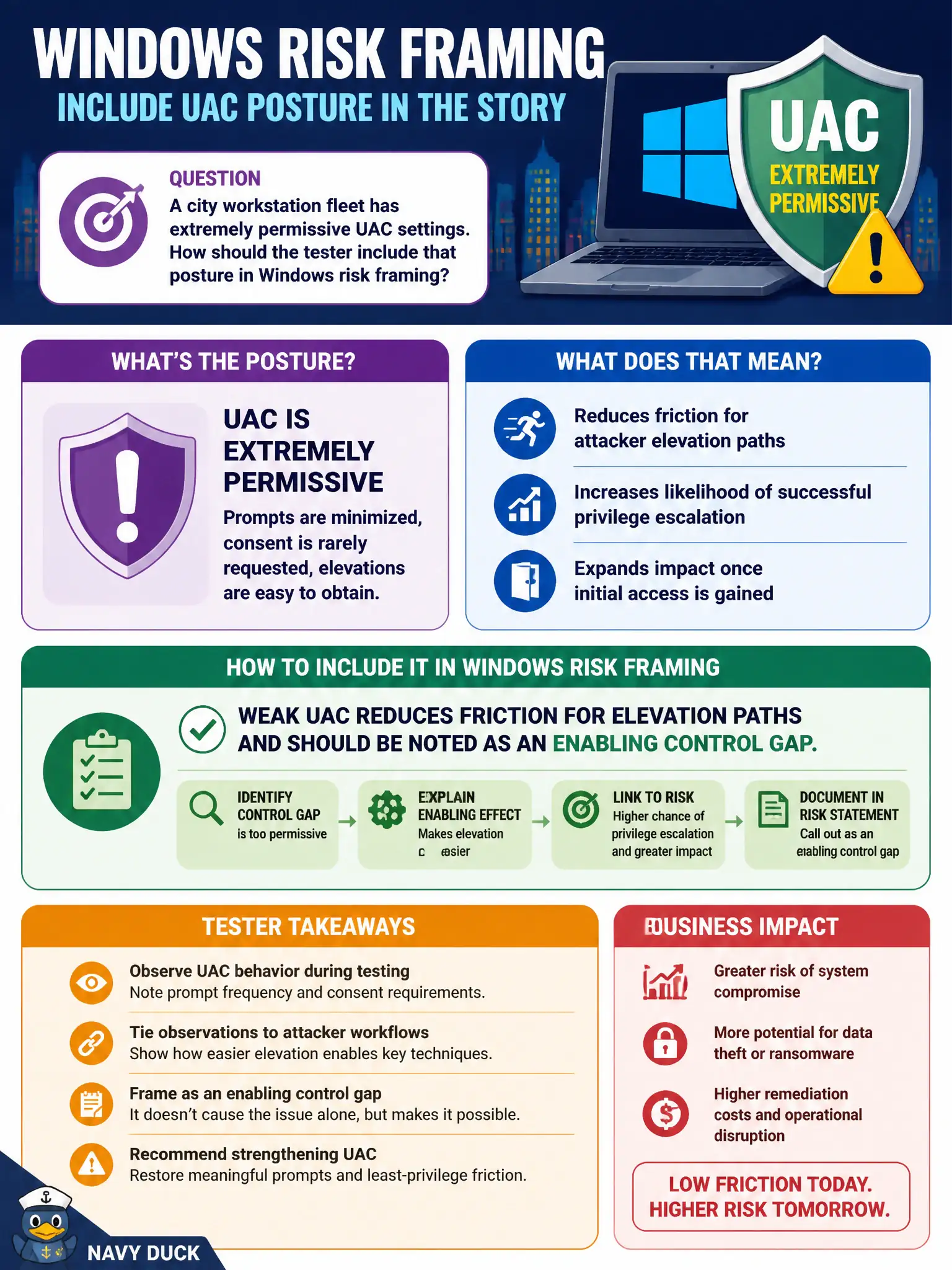
A city workstation fleet has extremely permissive UAC settings. How should the tester include that posture in Windows risk framing?
Select an answer to reveal the explanation.
Short Explanation
UAC is the "are you sure?" prompt before climbing the privilege ladder. Crank it down too far and elevation gets easier for whoever already has a foothold. Call weak UAC an enabling gap, not a free Domain Admin card.
Full Explanation
Extremely permissive UAC settings on a city workstation fleet reduce friction for elevation paths and should be noted as an enabling control gap in Windows risk framing. UAC is not a complete security boundary, but weakening it makes privilege escalation and malware elevation easier in practice.
Permissive UAC does not replace the need for local administrator password hygiene. UAC posture is relevant to Windows, not only macOS Gatekeeper. Strong versus weak UAC does influence privilege-escalation difficulty and user-prompt behavior.
Exam caveat: combine UAC posture with whether users already hold local admin—admin-heavy fleets plus weak UAC compound risk.
Operational check: sample UAC policy on representative civic workstations, document permissive settings, and recommend baselines that restore consent prompts and limit silent elevation for municipal endpoints. In municipal operations, record the rationale in the engagement notes so future assessors know which control was chosen and which failure modes the rejected options would create for city services. Re-validate after the next maintenance window that the same finding class still applies under the estate's current patch and configuration baseline.