
A water utility Windows host stores autologon credentials in the registry. Why does privilege-escalation enumeration care about that?
Select an answer to reveal the explanation.
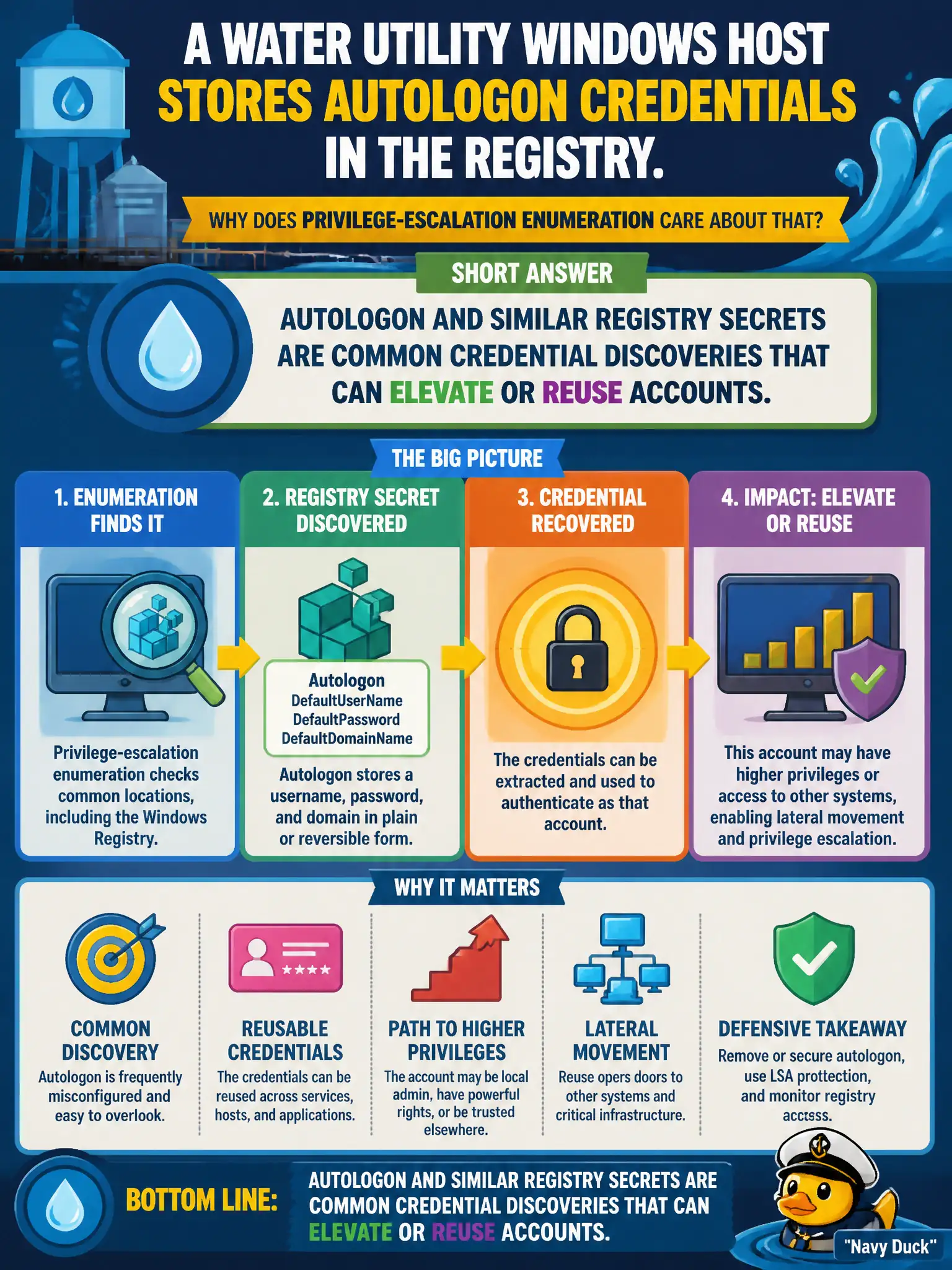
Short Explanation
Autologon in the registry is the sticky note on the monitor—credentials parked for convenience. Enumerators dig there because clear or recoverable secrets often fall out. It is about stored passwords, not screensaver timers or RDP being off.
Full Explanation
Autologon credentials stored in the registry on a water utility Windows host matter during privilege-escalation enumeration because they are common cleartext or recoverable secret discoveries that can elevate or reuse accounts on that host or elsewhere if passwords are repeated.
Registry autologon values are not always encrypted beyond local reach. Autologon is not merely a screensaver timeout control. The finding does not solely indicate that RDP is disabled.
Exam caveat: handle recovered autologon secrets per RoE and rotate them; consider why autologon exists on a utility host at all.
Operational check: review Winlogon autologon-related registry values under authorization, capture evidence of stored credentials, and recommend disabling autologon or using managed alternatives with monitoring for utility systems. In municipal operations, record the rationale in the engagement notes so future assessors know which control was chosen and which failure modes the rejected options would create for city services. Re-validate after the next maintenance window that the same finding class still applies under the estate's current patch and configuration baseline. In municipal operations, record the rationale in the engagement notes so future assessors know which control was chosen and which failure modes the rejected options would create for city services.