
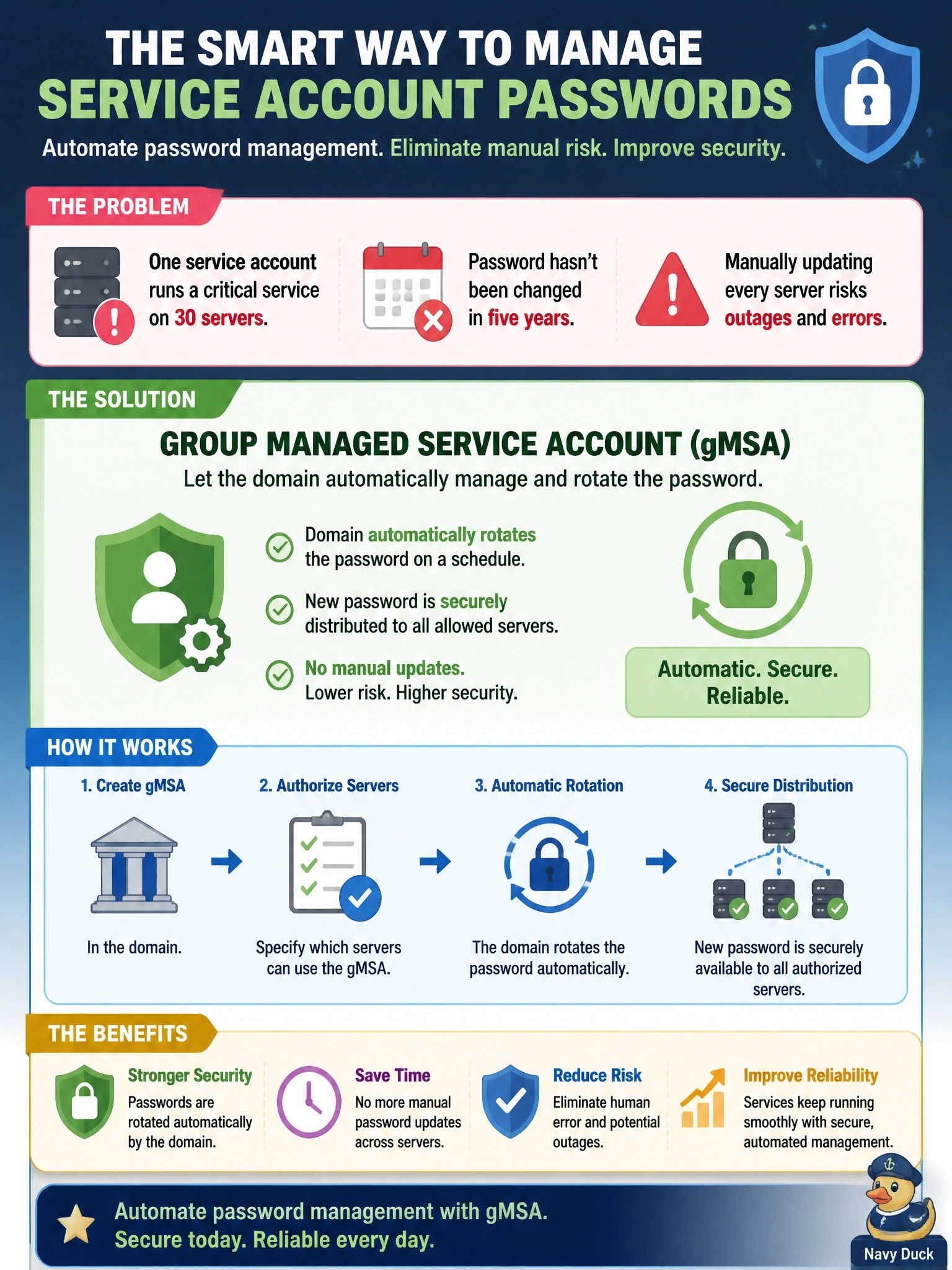
A Windows domain uses one service account to run a line-of-business service on 30 servers. Its password has not been changed in five years because updating it on every server manually risks an outage. Which solution BEST resolves this while removing the manual password handling?
Select an answer to reveal the explanation.
Short Explanation
Picture a lock that changes its own combination and quietly tells only the right doors. That's a gMSA: the domain rotates the password and hands it to the authorized servers, so you never touch it. The never-expiring account is the trap; it's the very problem you're trying to fix.
Full Explanation
A group Managed Service Account is a domain account type designed for services that run on multiple servers. The domain generates a complex password, rotates it automatically on a schedule, and allows only the servers authorized to use the account to retrieve the current password, so no administrator needs to know or manually update it. This eliminates both the stale credential and the outage risk of coordinating manual changes across 30 servers. Local administrator accounts with unique static passwords grant far more privilege than a service needs, and static passwords still never rotate; they also prevent the service from presenting a single domain identity across servers. A standard domain user account whose password never expires preserves the core problem, a long-lived credential that is never changed, and still requires manual updates whenever someone does change it. A shared domain administrator account vastly exceeds least privilege, so any compromise of one server exposes the entire domain, and storing it in a vault does not make the password rotate. Exam caveat: managed service accounts work only with services and applications that support them, so compatibility should be confirmed before migration. Operational check: create the group managed account, authorize only the 30 servers to retrieve its password, reconfigure the service to use it, verify the service starts on each server, and disable the old account.