
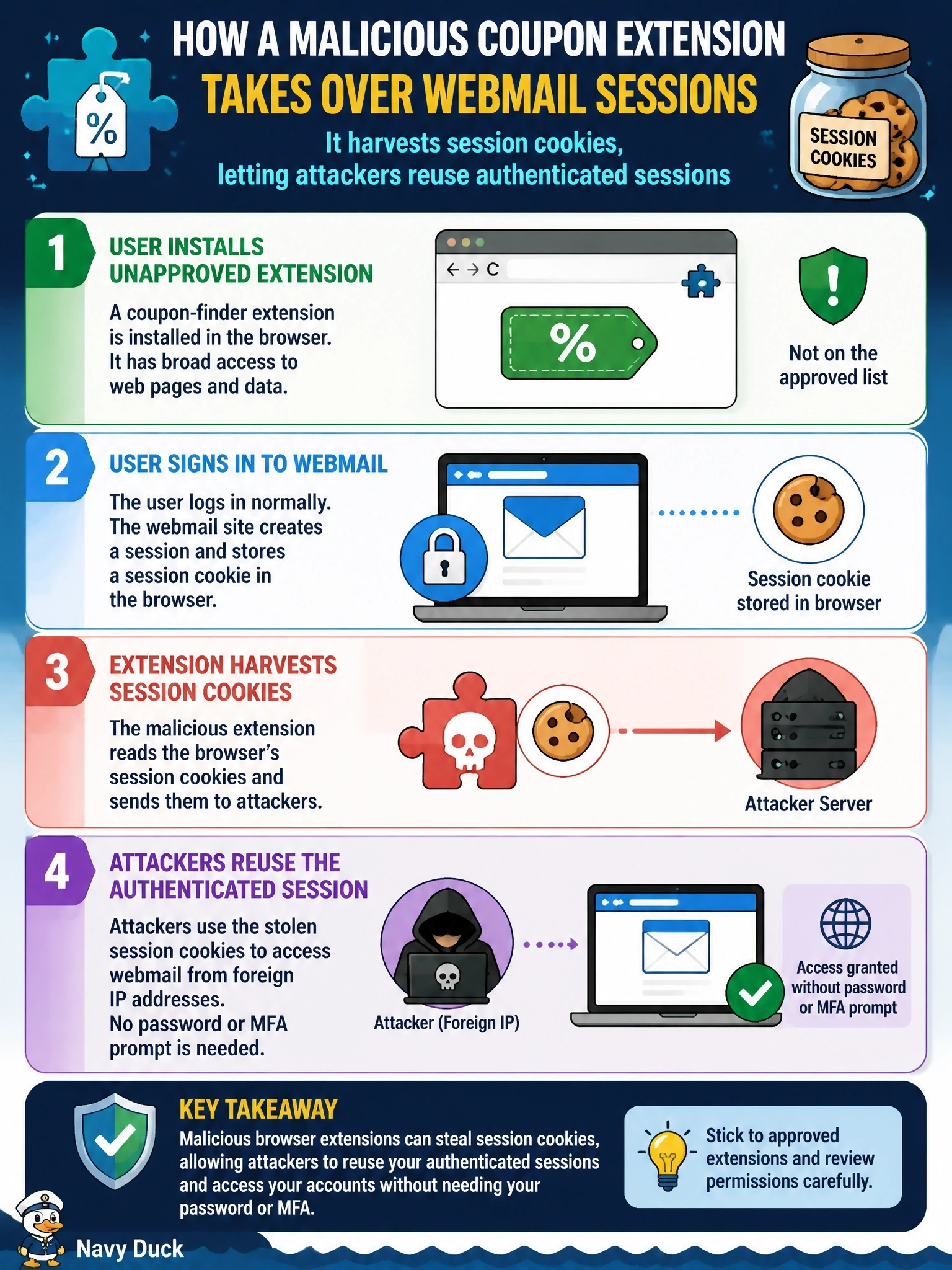
After several users install a coupon-finder browser extension that is not on the approved list, their webmail sessions are accessed from foreign IP addresses without any password or MFA prompt. What best explains the compromise?
Select an answer to reveal the explanation.
Short Explanation
Here's the clue that cracks it: no password prompt, no MFA prompt. That means nobody logged in -- they just walked in wearing a stolen session cookie. Browser extensions can read a lot more than you'd think, which is why only approved ones belong on your browser.
Full Explanation
Browser-based threat vectors include extensions, JavaScript, password managers, cookies and session tokens. After a user authenticates, the web application issues a session token, usually stored as a cookie, that proves the session is already authenticated. An extension with broad permissions can read those cookies and send them to an attacker, who then presents them from another location and is treated as the logged-in user without facing any password or multifactor challenge. Brute-forcing passwords would produce failed logins and, if successful, would still require an MFA step, yet no prompt appeared. Capturing typed one-time codes does not explain the result either, because using them requires a fresh login that would trigger the password and MFA prompts the users never saw. Redirecting users to a cloned login page through DNS changes would steal credentials, but the attackers would still need to complete a login, and an extension does not normally alter system DNS settings. Exam caveat: session hijacking bypasses MFA because MFA protects the login event, not tokens issued afterward. Operational check: remove the extension through browser management, revoke active sessions and tokens for affected users, enforce an extension allow list, and review sign-in logs for other sessions from the same addresses.