
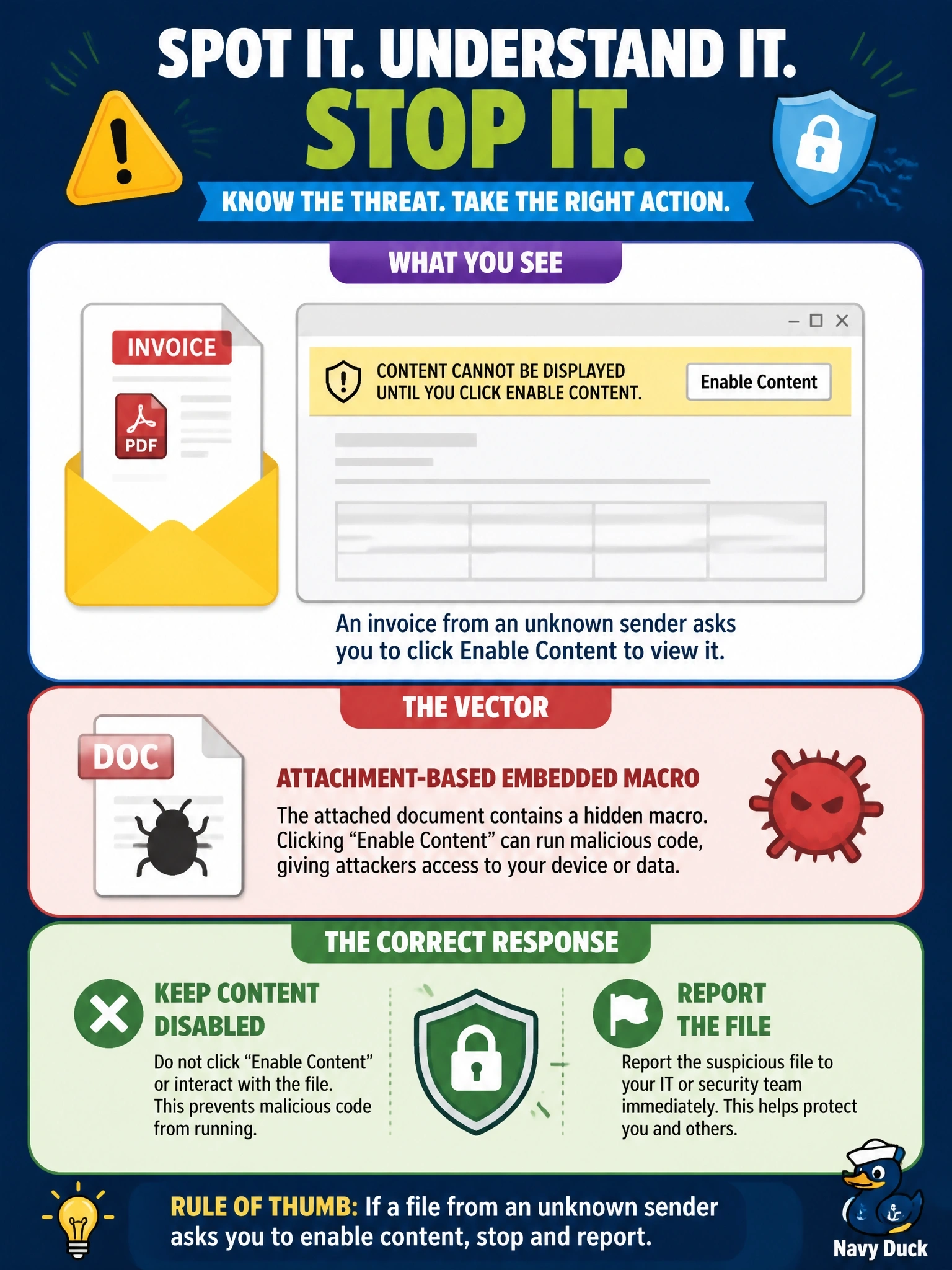
A user receives an invoice document from an unknown sender. When opened, it shows a banner saying the content cannot be displayed until the user clicks Enable Content. What is the vector, and what is the correct user response?
Select an answer to reveal the explanation.
Short Explanation
That "Enable Content" button is basically the attacker asking you to unlock the door for them. Macros run code, and a fake invoice that won't show itself until you enable them is the classic macro attachment trick. You leave it disabled and report it -- every time.
Full Explanation
Attachment-based vectors include embedded macros, Rich Text Format documents and Portable Document Format files. Office documents can contain macros, which are scripts that run when the user enables active content, so attackers send lures such as invoices that hide their text behind a prompt to enable editing or content. Clicking that button lets the macro download or launch malware. The safe response is to leave the content disabled, avoid interacting further and report the file so the security team can analyze and block it. Treating this as cookie theft misidentifies the mechanism; no browser is involved, and enabling the content after clearing cookies would still run the macro. Treating it as a QR lure is wrong because the document presents a request to enable content, not an image to scan, and moving any lure to a personal device only shifts the risk to an unmanaged endpoint. Calling it a PDF exploit misidentifies the file type and the trigger, and printing the document still requires opening it in a viewer. Exam caveat: block macros from internet-sourced files by policy so users are not the last line of defense. Operational check: confirm macro policy blocks content from untrusted sources, submit the file for sandbox analysis, and search mail logs for other recipients.