
A library PC cannot reach the catalog. The technician needs the address, mask, and gateway that PC is actually using. Which display answers that?
Select an answer to reveal the explanation.
Short Explanation
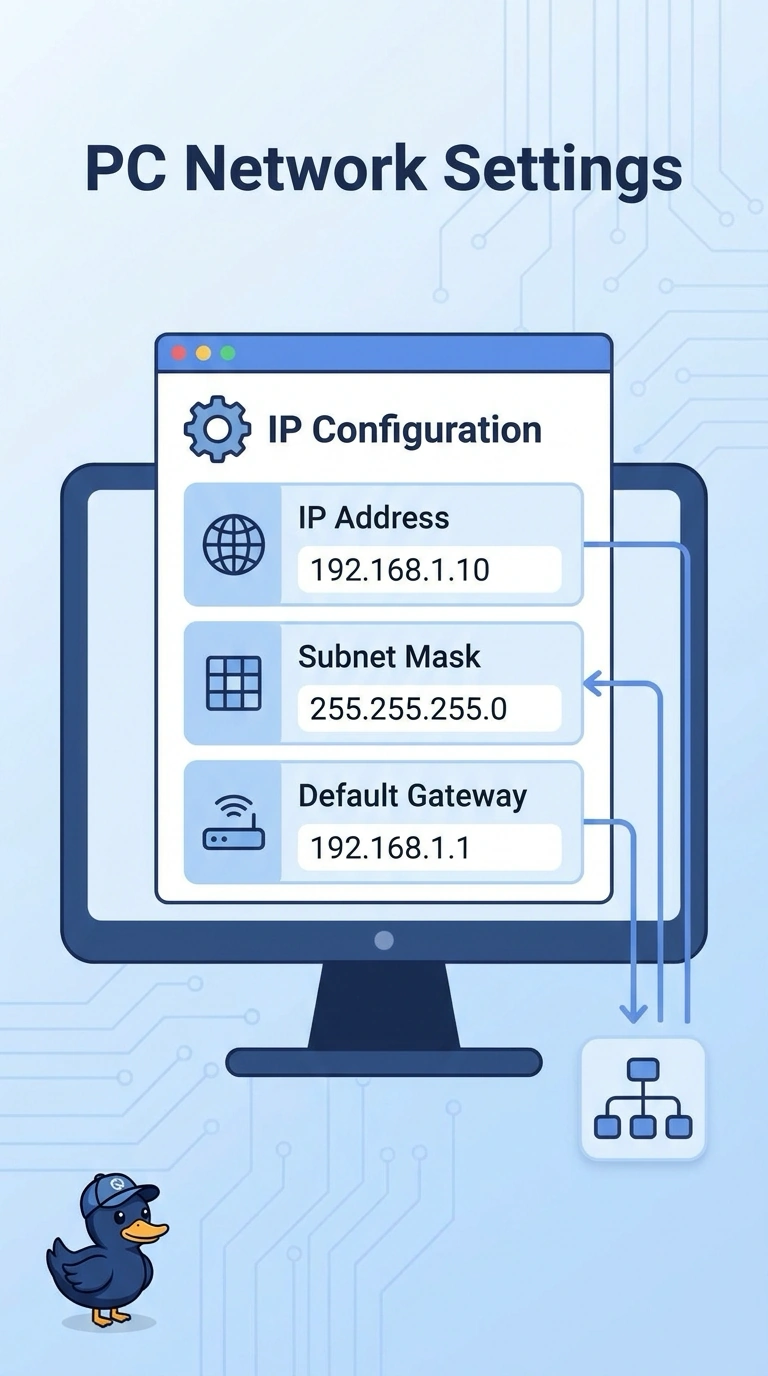
You need the numbers written on this PC, not the phone book, not the tone on a copper pair, and not a picture of the radio signal. The local IP configuration display is where you read the address, the mask, and the gateway the PC is actually using. Start there before you blame the catalog server.
Full Explanation
The local IP configuration display, shown by ipconfig on Windows and by ip addr or a similar command on other hosts, lists the address, prefix or mask, and default gateway the host is using right now. That is what the technician needs on the library PC. Dig queries DNS for a name. It does not print the PC's mask or gateway. A tone generator locates a copper pair at the patch panel. It does not read an IP configuration. A wireless heat map records signal from a survey. It does not list each PC's current gateway. Exam caveat: the display shows what the PC is using, which may be a leftover static address or an automatic private address. It does not by itself prove the gateway is the right one for the VLAN. Operational check: read the address and gateway, confirm they sit in the library subnet, and only then ping the gateway and test the catalog by name. If the display shows 169.254, stop looking at the catalog server and fix DHCP or the VLAN before you test the application. Write down the gateway you found before you change it, so you can put it back.