
A library application fails, and the technician is logged in on the server. The technician needs to see whether the application is listening on its TCP port. Which display answers that?
Select an answer to reveal the explanation.
Short Explanation
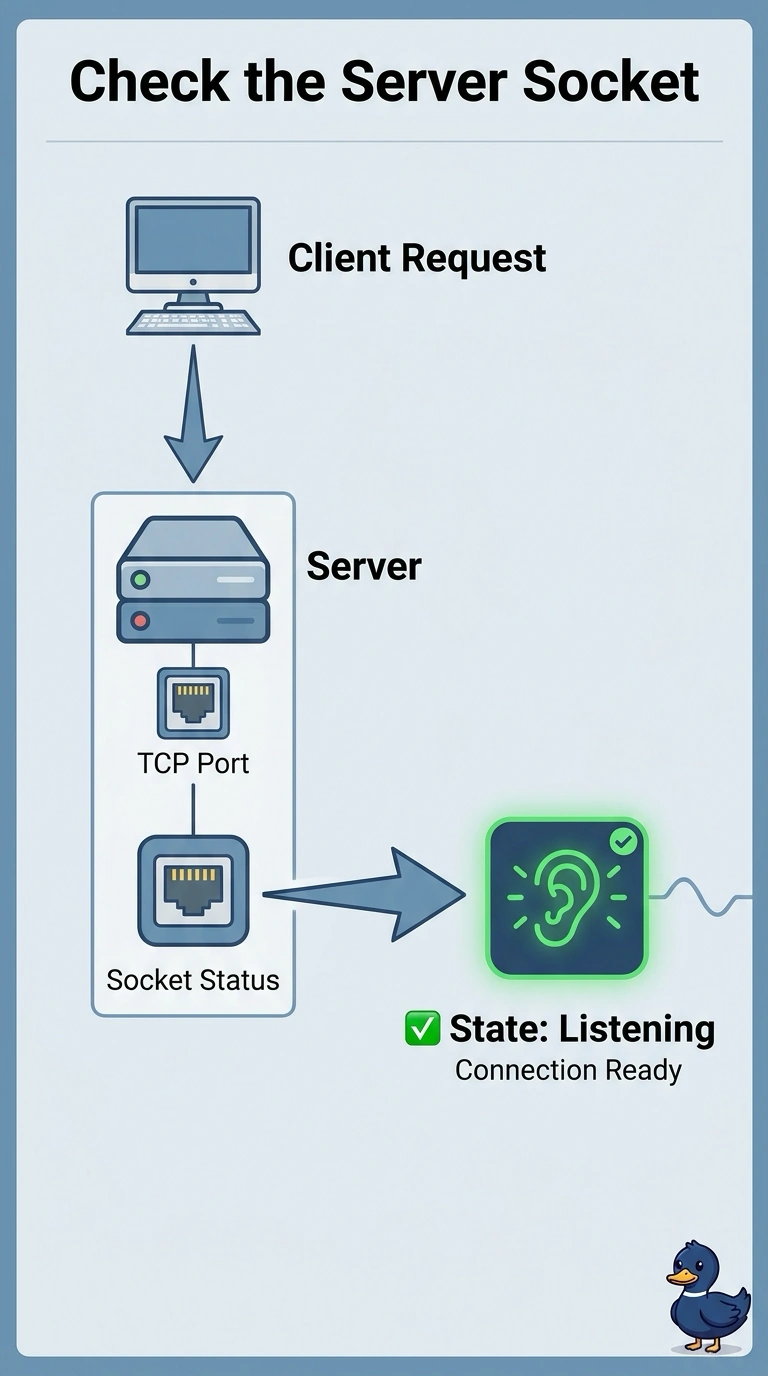
You are standing at the server and you want to know if anyone is home on that port. The local socket display is the list of listeners. A toner, a name lookup, and a radio map do not tell you whether the application has opened its port.
Full Explanation
The local socket display, often reached with netstat or ss, lists listening ports and the processes that own them. The technician is on the library server and needs to know whether the application is listening, so that display is the one that answers. A tone generator traces a copper pair. It does not list TCP ports. A DNS query resolves a name. It does not report which applications are listening. A wireless heat map records signal. It does not record a server's open ports. Exam caveat: a listening port means the process accepted the bind. It does not prove a firewall in front of the server allows the port. Operational check: confirm the port is listening, then test from a library PC, and if the PC fails while the server is listening, look at the firewall next. If the port is listening and the PC still fails, look at the firewall in front of the server. Match the listening port to the application process, not merely to a socket left behind by a crashed service.