
A help desk technician at a school needs the access VLAN assigned to one switch port. Which display answers that?
Select an answer to reveal the explanation.
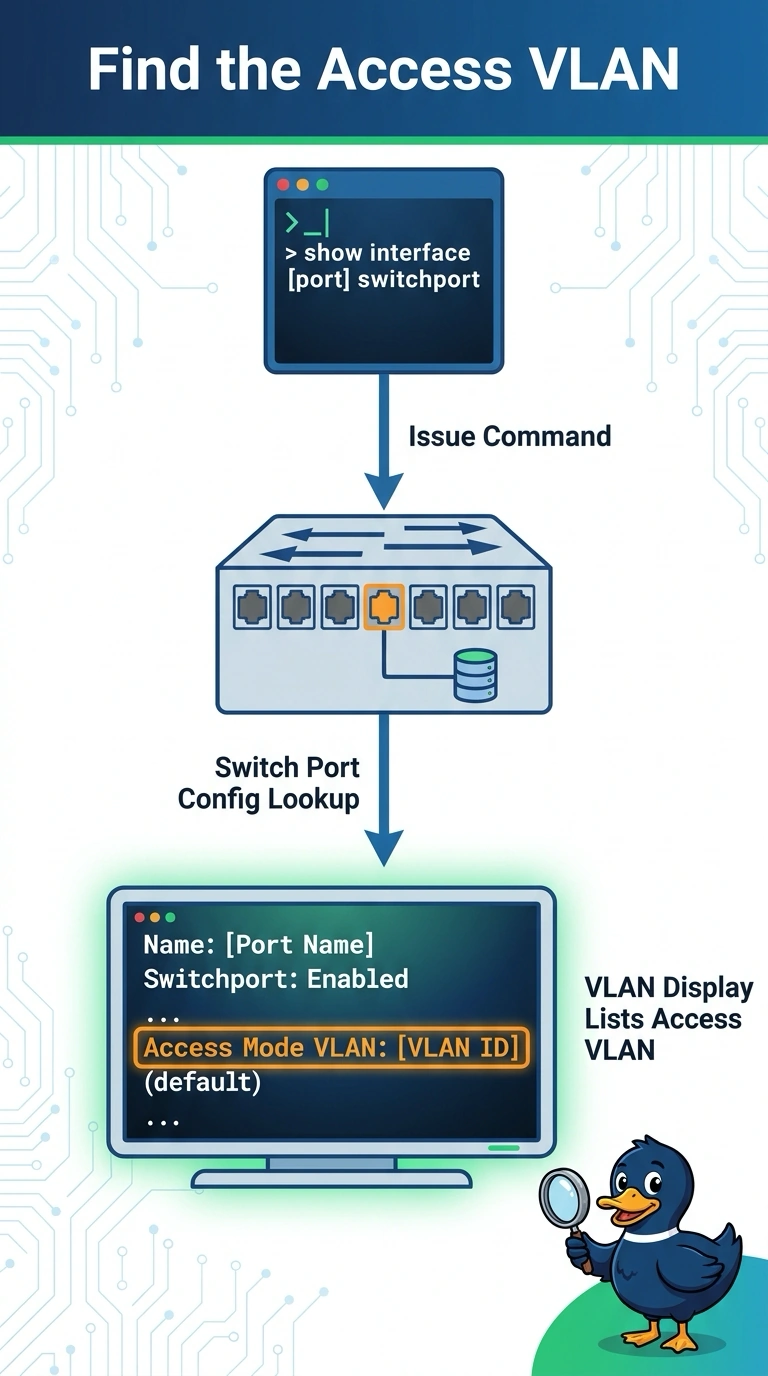
Short Explanation
You want the switch’s list of which port belongs to which VLAN, not a route list, a DNS lookup, or an old wireless heat map. The VLAN display shows the access VLAN assigned to that port. For a Layer 2 membership question, check the VLAN display rather than the routing table.
Full Explanation
The VLAN display on a switch, often reached with a VLAN show command, lists each VLAN and the access ports that belong to it. It tells you which access VLAN is assigned to the school port in question. A routing table lists Layer 3 prefixes and next hops, not access-port VLAN membership. A DNS lookup with dig queries DNS; a switch port’s VLAN is not a DNS record. A wireless heat map records signal from a survey, and last year’s map does not show how a switch port is configured today. Exam caveat: a trunk port carries multiple VLANs, so read the display as a trunk rather than expecting one access VLAN; the question asks about an access port. For a practical check, find the port in the VLAN display and confirm it is in the user VLAN the jack should serve. Compare the display with the jack’s labeled VLAN, and correct the access VLAN if the port was left in the default VLAN. If the port is a trunk, check its allowed VLAN list instead of expecting a single access VLAN.